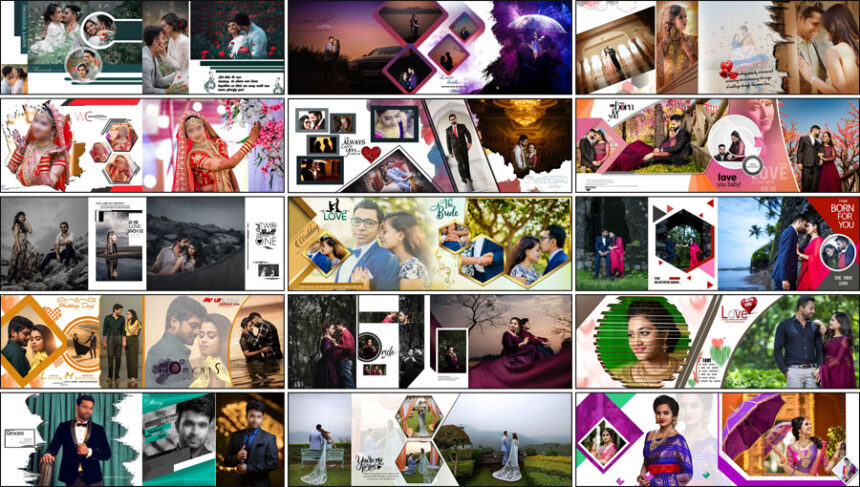
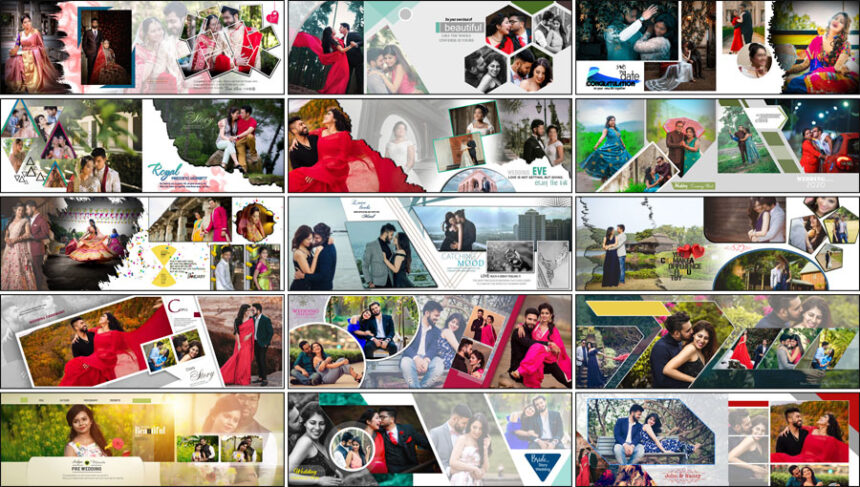
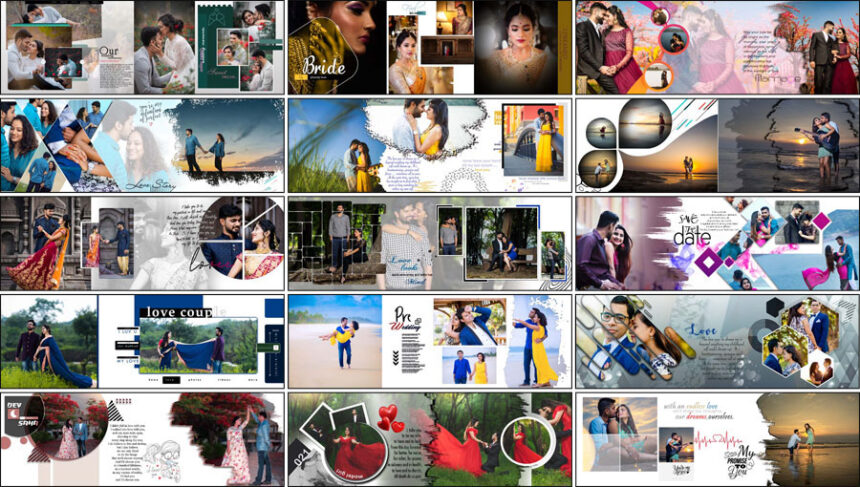
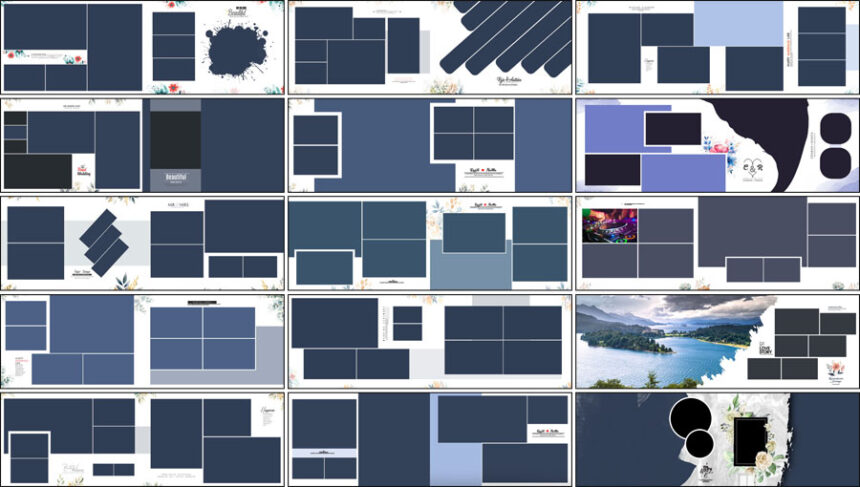
Wedding Album Design
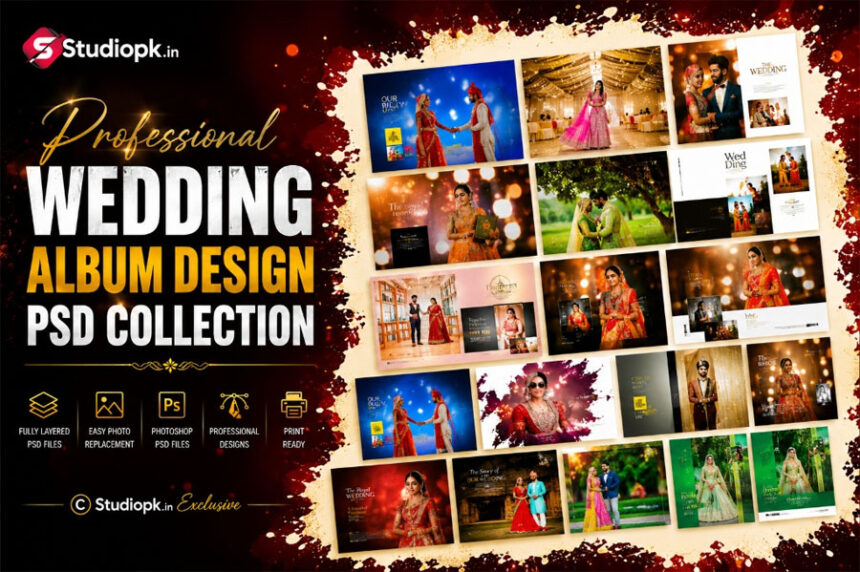
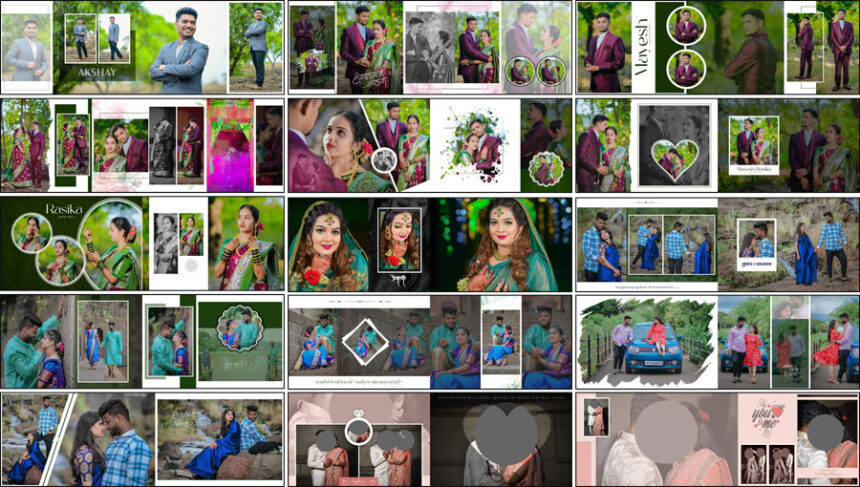
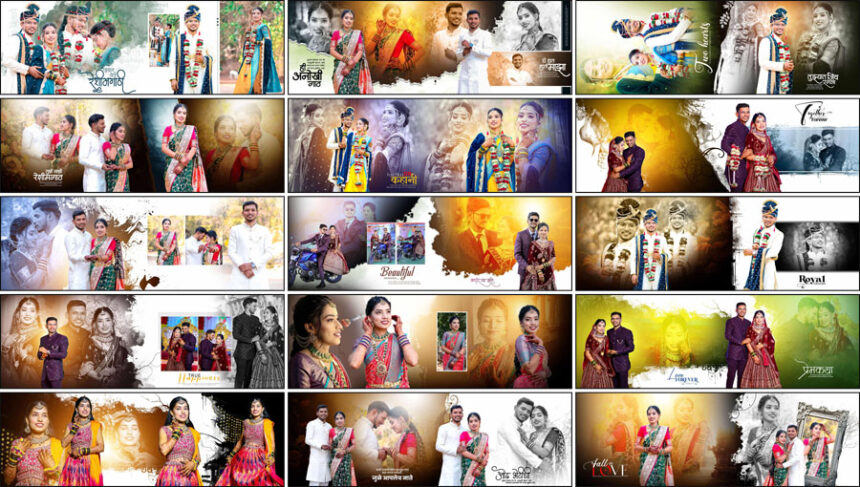
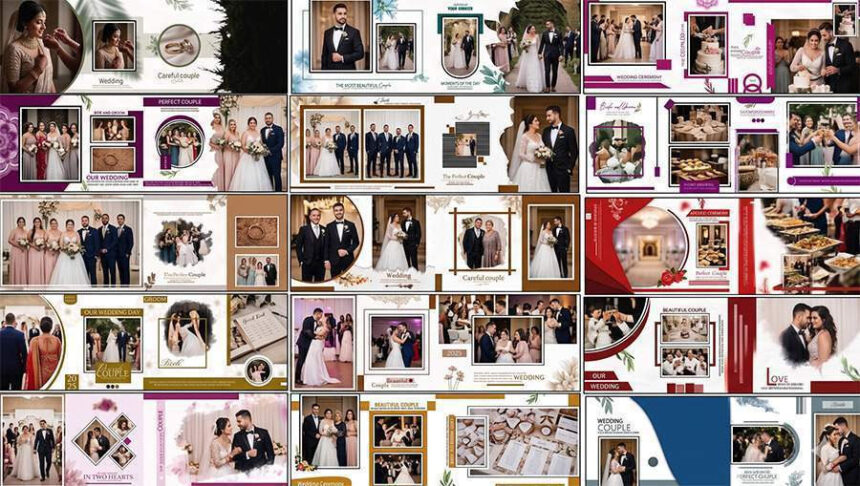
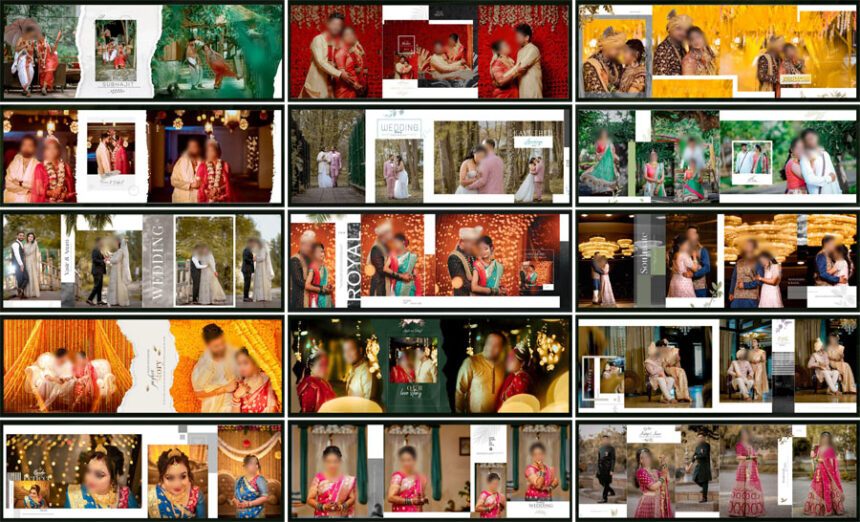
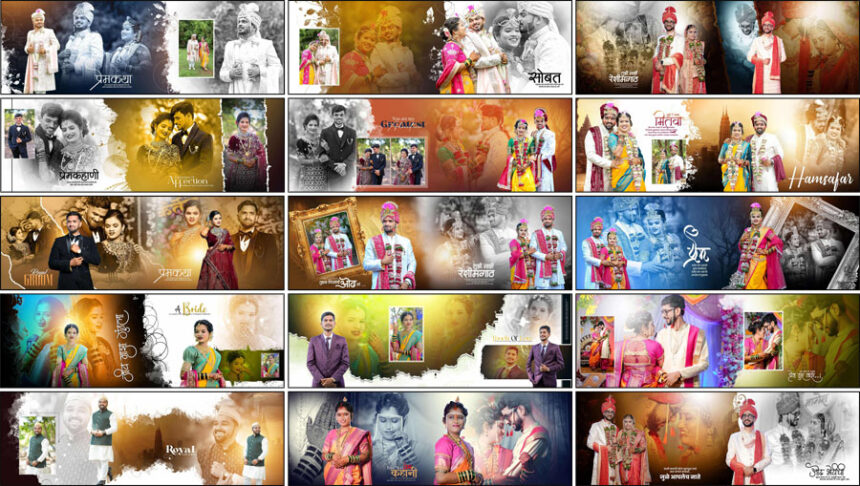
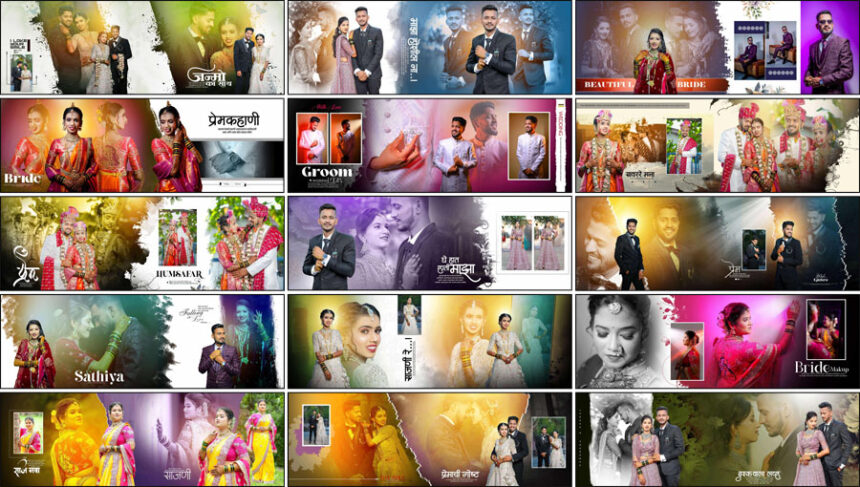
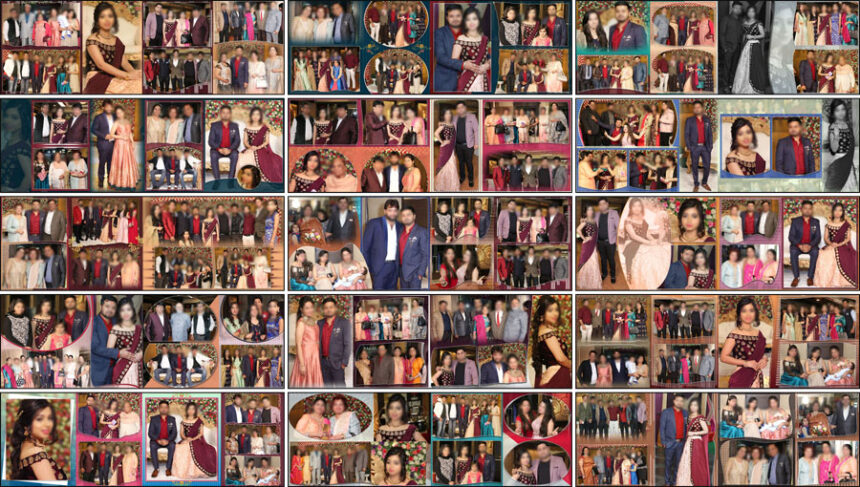
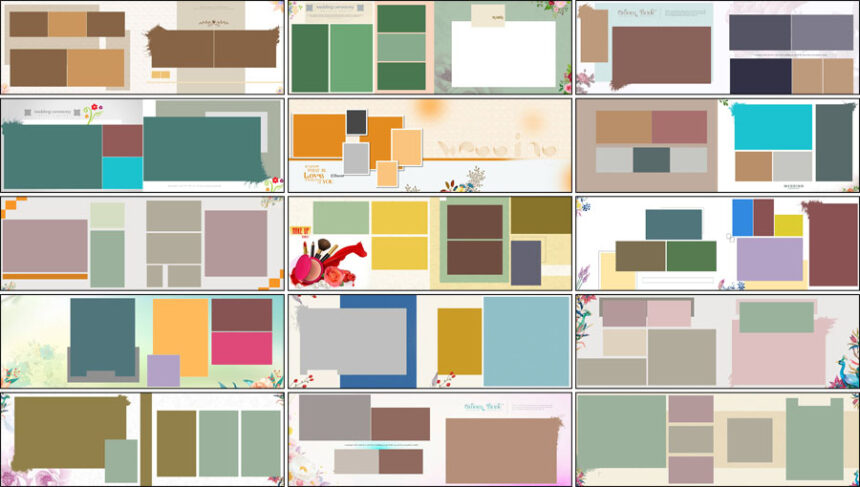
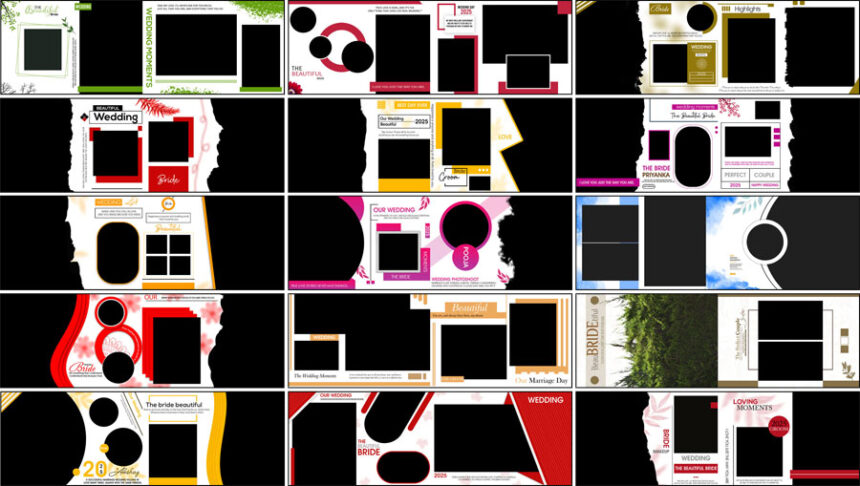
Every wedding album we design here starts the same way a real studio order does: with the photos a couple actually picked, not a stock layout dropped in from nowhere. If you’re looking for wedding album design PSD free download resources, this category holds our full collection — right now, that’s close to 290 individual template posts. Since most posts bundle 15 to 25 layout variations each, the working library runs past 10,000 individual wedding album PSD templates. That’s a lot to work from, so we’ve split it by size instead of leaving it as one long scroll.
The 12×36 wedding album PSD sets are requested most, mainly because the wide aspect ratio gives couple portraits and group shots room to sit side by side without anyone getting cropped out of frame. Alongside those, you’ll find 12×18 wedding album PSD and 12×30 wedding album PSD layouts for smaller print runs, plus 17×24 wedding album PSD and 24×18 wedding album PSD designs for studios printing larger coffee-table albums. We also keep 18×24 and 14×40 sheets in rotation for clients who want something between the standard formats.
Which Size Should You Actually Pick?
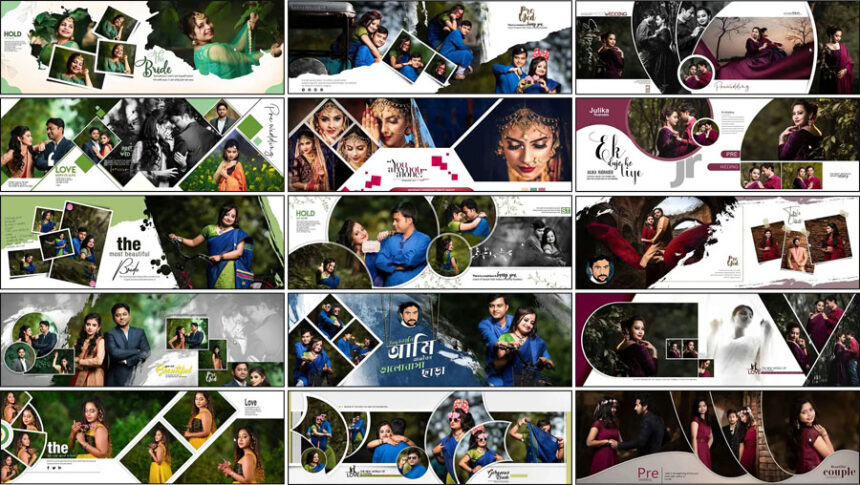
If you’re printing on a tighter budget, or the couple wants a slim keepsake book rather than a full coffee-table album, 12×18 or 12×30 wedding album layouts will hold together better than forcing a wide layout onto a smaller sheet. 12×36 tends to be the safer call once you’re working with 25+ photo spreads or destination-wedding coverage, where the extra width stops candid shots from feeling cramped next to each other. For portrait-style deliverables — bridal solo shoots, pre-wedding sets printed as a standalone book — 17×24 gives cleaner margins than a landscape sheet would. And if a client specifically wants a panoramic, gallery-style album, 24×18 is built for exactly that. None of this is a strict rule, just what tends to hold up once the album is actually printed and sitting on someone’s shelf.
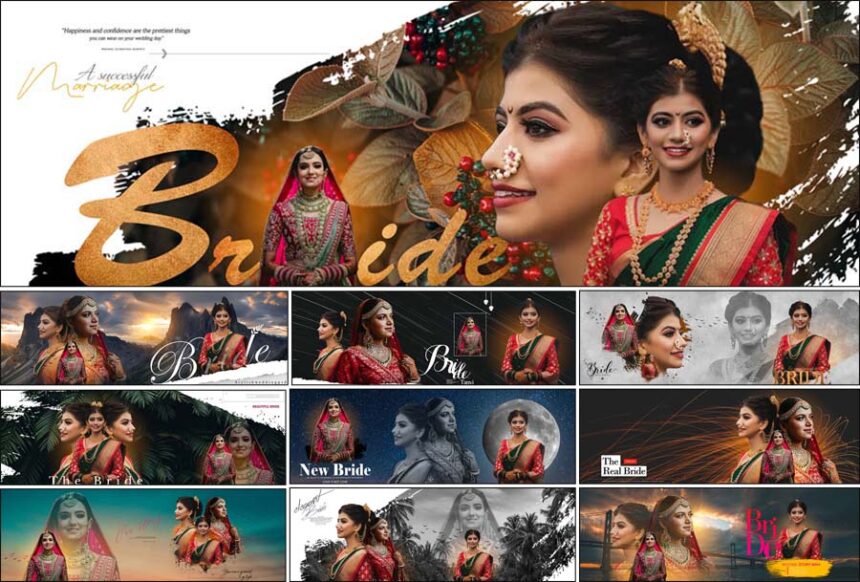
Whatever size you land on, pair it with a matching wedding album cover design — a mismatched cover is one of the fastest ways to make an otherwise solid wedding photo album design look unfinished — and if you’re sending a full delivery package, the wedding album DM designs cover the marketing material studios usually send out alongside the printed book.
Compatible with Photoshop CS3 to CC 2026
Every PSD in this category is layered and organized the same way, no matter which version of Photoshop opens it. Most PSD files are designed to work with Photoshop CS3 and newer versions, including recent Creative Cloud releases. Since plenty of studios are still running an older licensed copy rather than the newest subscription version. Photos drop in through smart objects, so swapping a placeholder doesn’t distort the frame or blur the crop, and text layers stay editable for names, dates, and studio branding.
Files range between 200 and 300 DPI. Most layouts are 300 DPI for sharp prints, while larger sheets (like 14×40) use 200 DPI to keep file sizes manageable without affecting print quality on standard album stock.
Free Templates and a Few Premium Packs If You Want More
Most templates in this category are available as free downloads, with a small selection of premium resources for users who need additional features. These take real hours to build — laying out spreads, cutting masks, checking how an album design PSD actually holds up once real wedding photos, not placeholders, are dropped in. We keep the core collection free because it’s genuinely useful for studios just starting or anyone who needs one more template for this week’s order. For designers who want a faster workflow, we also sell a small set of premium packs and tools — including our own album design software — priced to stay affordable rather than locked behind a subscription.
Personal and Commercial Use — One Rule We Do Enforce
You’re free to use everything here for personal projects or paid client work — edit the files, print them, deliver the finished album to a couple, charge for your editing time. What isn’t allowed is re-uploading the PSD files themselves to another website, a template marketplace, or a resale bundle. The design work is free for you to use on finished projects; it isn’t free to redistribute or resell as-is.
How to Customize These Templates
- Open the PSD in Adobe Photoshop (CS3 or newer).
- Double-click each smart object to swap in the client’s photos without warping the frame.
- Update the text layers — names, dates, studio logo — and check for font substitution. If you see a warning about missing fonts, you can either install them from your usual source or replace them with a font already on your system.
- Switch the color mode to CMYK before sending to print; most labs reject an RGB file.
- Add a minimum of 3mm bleed on all outer edges, and keep critical content at least 5mm away from the inner gutter to prevent cropping during binding.
- Export a JPG proof for client approval before anything goes to print.
Common Questions
What size wedding album PSD is most popular?
12×36 gets downloaded the most from this category — it’s become the default size most Indian and Pakistani studios quote to clients.
Can I use these for paying clients, or personal work only?
Both. Personal and commercial use are allowed. You just can’t resell or re-upload the raw PSD files themselves.
Do these work with Karizma, or only plain Photoshop?
These are standard layered PSDs built for Adobe Photoshop. Some layouts follow a Karizma-style spread structure, but you’ll need Photoshop or Karizma software that can import a PSD to actually open and edit them.
What resolution are the files?
Between 200 and 300 DPI depending on the sheet size — 300 DPI for most standard layouts, 200 DPI for larger sheets like 14×40, both well within the print-safe range for standard album paper stock.
Do I need the latest Photoshop version to open these?
No — every file is built to open correctly anywhere from CS3 to CC 2026.
If you’re looking for something to sit behind or around the photos rather than a full album layout, the wedding album background collection is worth a look too.