
If you have been working in the wedding industry for a while, you know that the “design phase” is often where the most time is lost. You’ve captured beautiful shots, but sitting down to arrange them into a story can feel like a mountain of work, especially when the deadlines are piling up. To help you reclaim your schedule, I am sharing this exclusive collection of 24 Wedding Album Design 12×36 PSD Templates 2024. Honestly, once you start using high-quality ready-made layouts, going back to manual alignment feels like a waste of energy. These templates are part of our premium wedding album design resources, specifically built for photographers who want that high-end editorial look without the headache of starting from a blank white canvas every single time.

What Makes These 2024 Creative Wedding Album PSDs Actually Worth It?
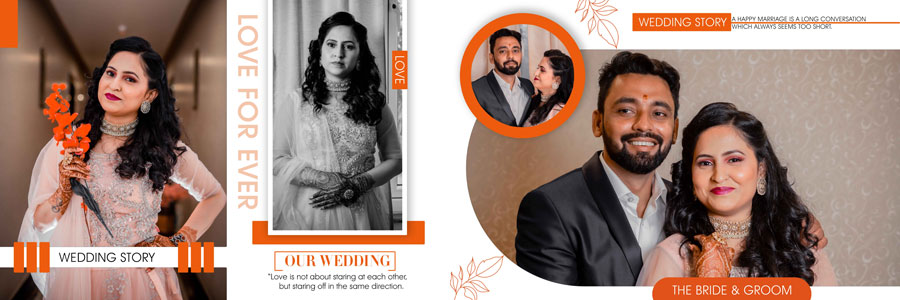
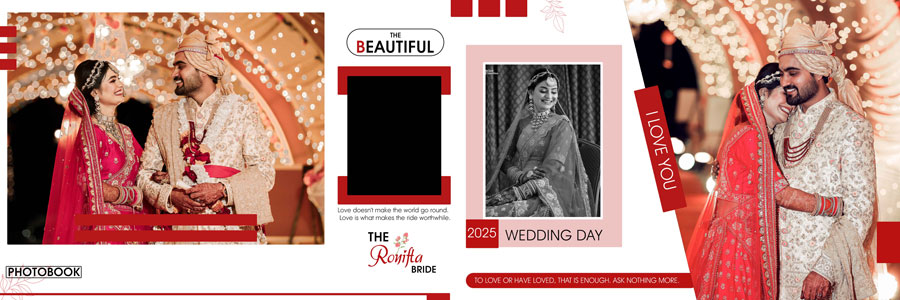
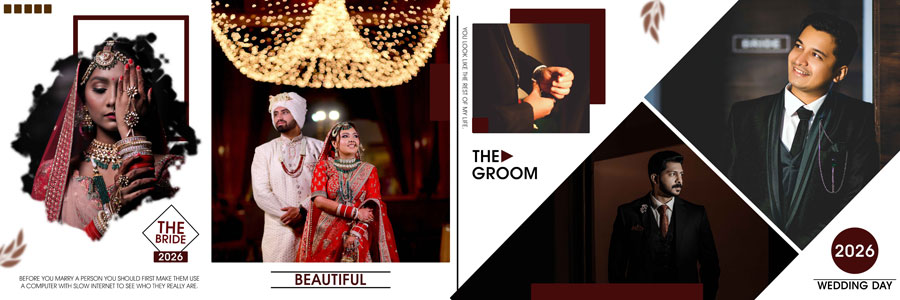
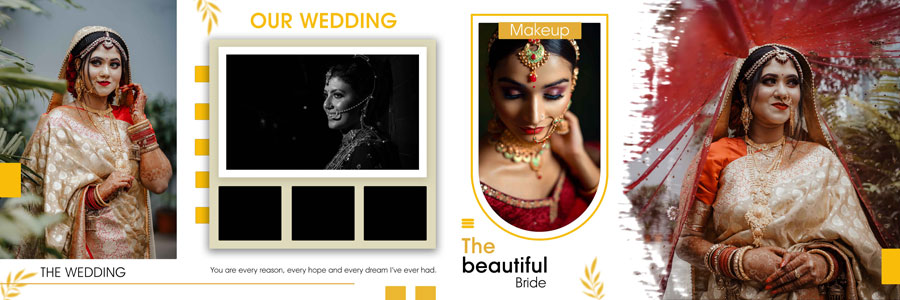
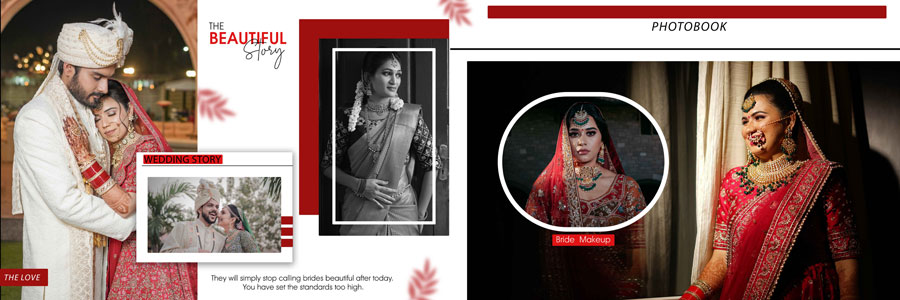
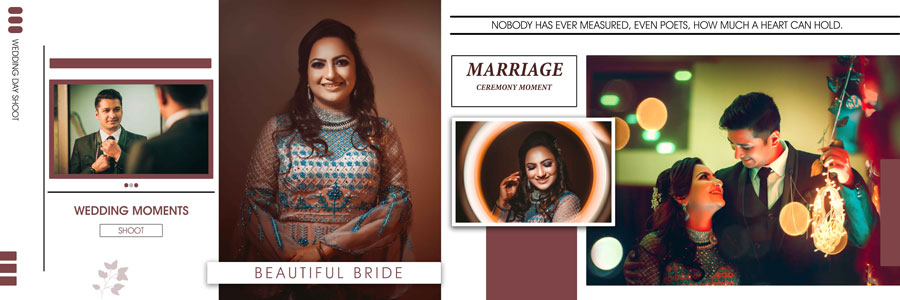
Let’s be real: modern couples are getting way pickier. They aren’t looking for those old-school, cluttered frames anymore; they want their wedding story to look like a high-end cinematic experience. That is exactly where this 12×36 wedding album psd 2024 collection comes in. Every spread is built to give your photos room to breathe, using that wide panoramic format that makes a simple candid look like a movie poster. These are professional, 300 DPI high-resolution files, so you won’t have to deal with those nightmare moments where the print lab rejects your work. If you are looking to expand your library even further, you should check out our other 12×36 album design psd options to keep your style fresh for every client.
One thing I’ve noticed over the years is that consistency is what separates a pro studio from a hobbyist. By using these Photoshop album templates, you ensure that the margins, font pairings, and overall vibe remain consistent from the first page to the last. It gives your work a “boutique” feel that clients are actually willing to pay a premium for. Plus, they are fully compatible with Photoshop CS3 through the latest CC 2026 versions. Honestly, once you’ve experienced a creative wedding album design workflow where everything just “clicks,” trying to align layers manually feels like a total waste of a Sunday afternoon.
Preview the 2024 Creative Wedding Album DM Designs
I always find it’s better to see the actual layouts before you decide to purchase. Below are the 24 demo images for this creative album design set. These spreads are curated to handle everything from traditional couple portraits to the high-energy moments of the wedding reception.
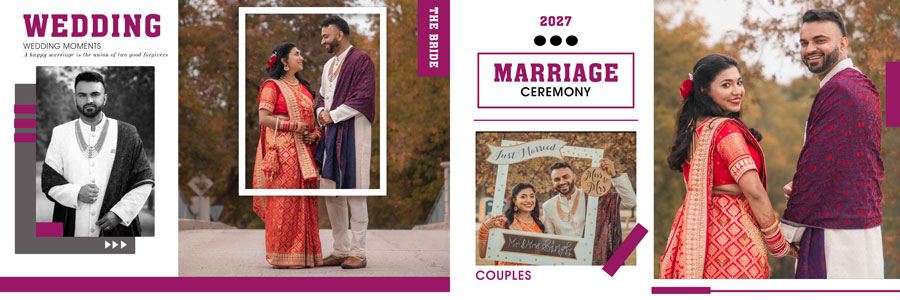

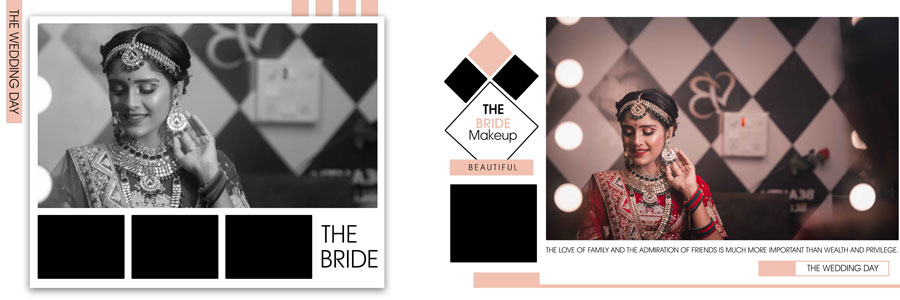
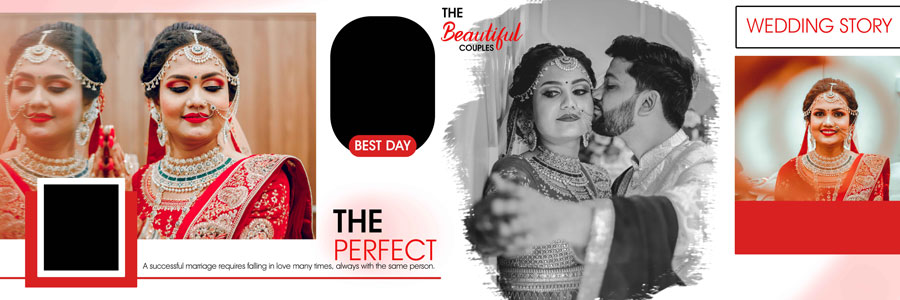



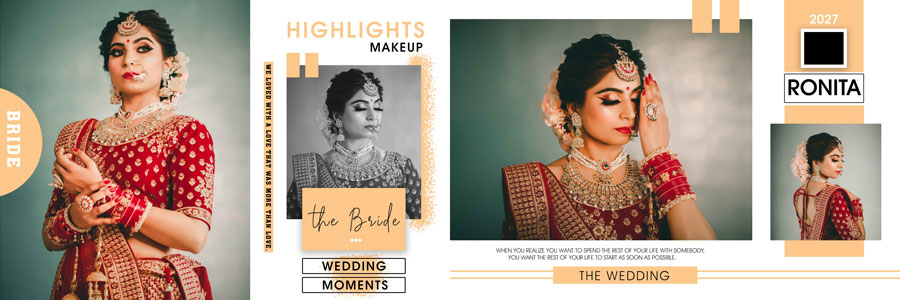










How to Customize These 12×36 Wedding Album PSD Templates
Editing these files is honestly very straightforward, even if you are still getting comfortable with Photoshop. Here is the workflow I usually recommend to keep your efficiency high:
- Open & Layer Check: Load your chosen 12×36 PSD in Photoshop and check the organized layers.
- Smart Object Replacement: Simply double-click the photo placeholder, paste your retouched image, and save to update the main layout instantly.
- Tweak the Backgrounds: Since these are fully layered, you can change the background colors to match the bride’s outfit or the wedding theme.
- Adjust Typography: Update the names, dates, and locations. I recommend sticking to the minimalist fonts already in the template to keep the look clean.
- Export for Print: Save your final work as a high-quality JPEG for the print lab. I also suggest making a wedding album cover to match the interior style.
Conclusion
At the end of the day, your job as a photographer is to preserve memories in the most beautiful way possible. These 24 Wedding Album Design 12×36 PSD Templates 2024 are designed to help you do exactly that while saving you from the burnout of manual designing. Life is too short to spend it all fighting with margins and alignment boxes. Grab this pack, level up your workflow, and spend more time doing what you actually love—capturing those unforgettable moments.
Note:
If you’re facing issues with downloading the file such as "it may take up to 24 hours to be able to view or download the file" So please ensure you are logged into your Google account before attempting to download. This usually resolves the issue and allows you to download the file without any waiting time.
















