Indian wedding photography includes beautiful couple portraits, traditional ceremonies, family moments, and carefully styled bridal photographs. Presenting these images in an attractive layout helps create a memorable wedding album. This collection of 25 Free Indian Wedding DM Album Design PSD Templates 12×36 offers a variety of layouts for photographers, album designers, and Photoshop users. The designs feature classic wedding styling, decorative backgrounds, and creative photo arrangements suited to different wedding photography projects. Designers exploring more wedding album design PSD templates can also find additional collections for creating complete wedding albums. These free PSD templates are fully editable and include editable layers, making it possible to replace photographs, modify text, adjust colors, and personalize individual design elements. Each template is designed in a 12×36-inch format at 300 DPI resolution, providing a high-resolution starting point for album layout and print preparation.
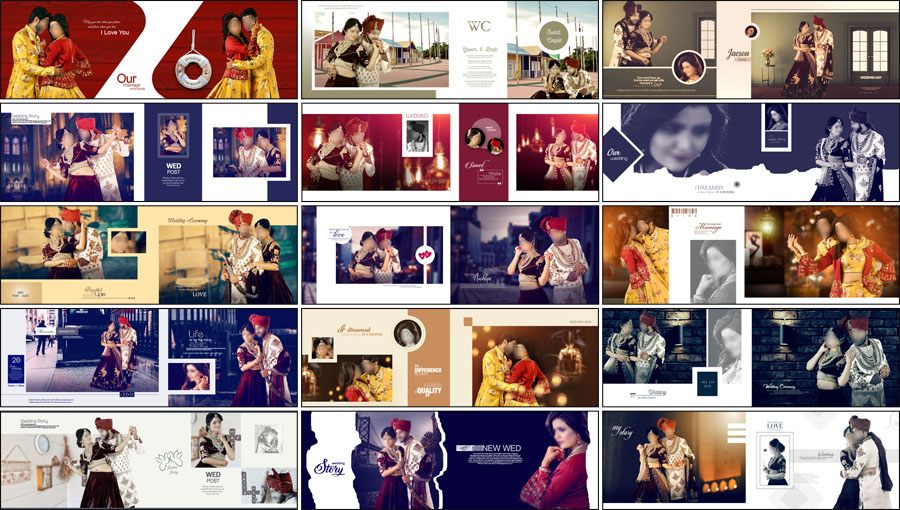
PSD Template Details
- Total Designs: 25 Indian wedding DM album designs
- File Format: Photoshop PSD
- Album Size: 12×36 inches
- Resolution: 300 DPI
- Layers: Fully editable PSD layers
- Design Style: Classic Indian wedding
- Price: Free download
Free Indian Wedding DM Album Design PSD 12×36
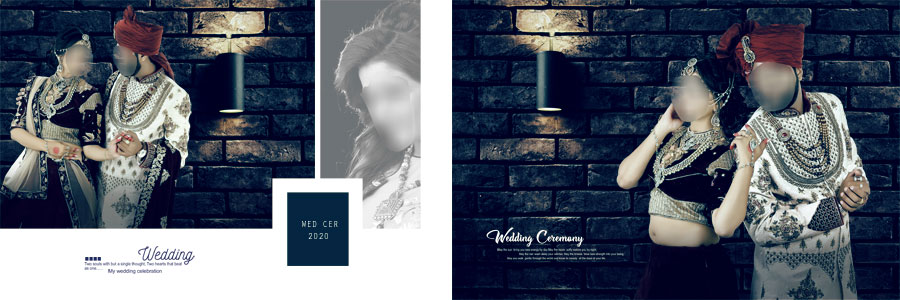
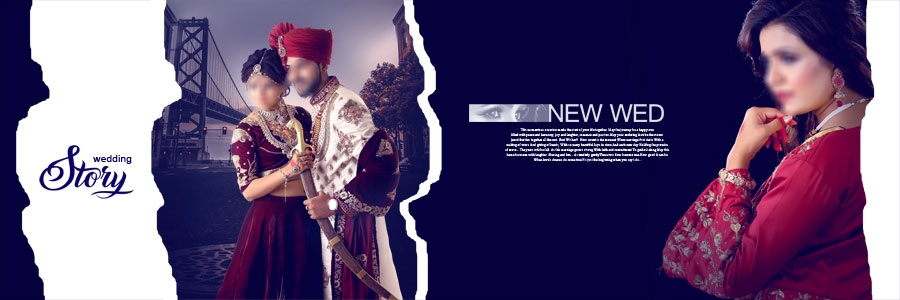
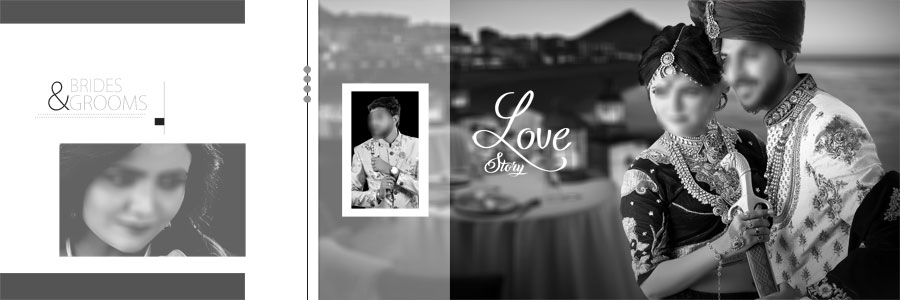
The collection brings together several design styles for traditional wedding album projects. Bridal portraits, groom photographs, romantic couple images, and wedding moments can be arranged in layouts that balance the main photographs with decorative details. The wide 12×36-inch format is suitable for double-page album spreads, allowing the designer to combine larger portraits with smaller supporting images where the composition permits. More designs are available in the 12×36 album PSD collection, which is useful when additional page layouts are needed for a wedding project.
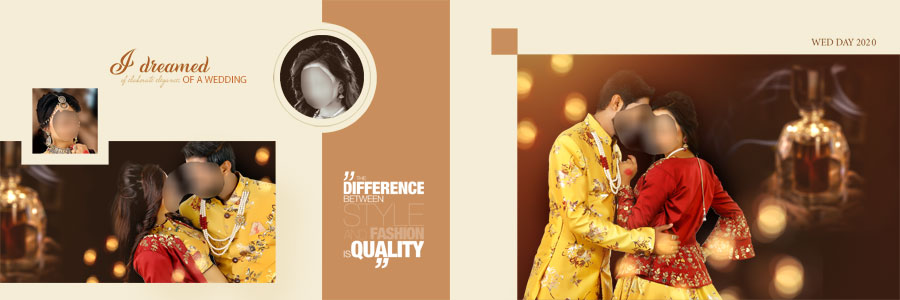
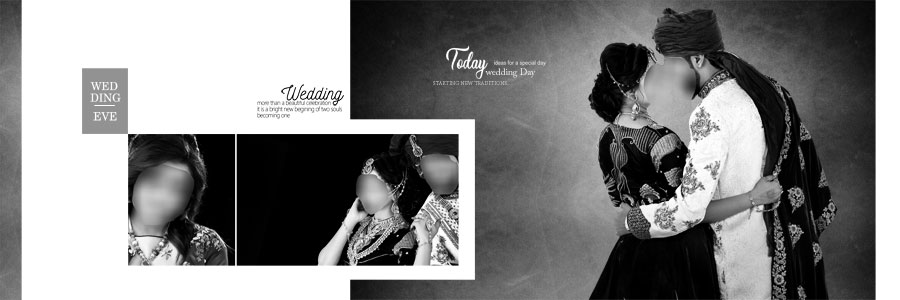
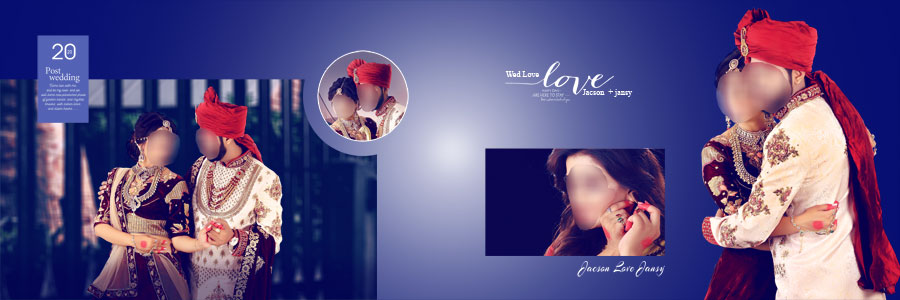
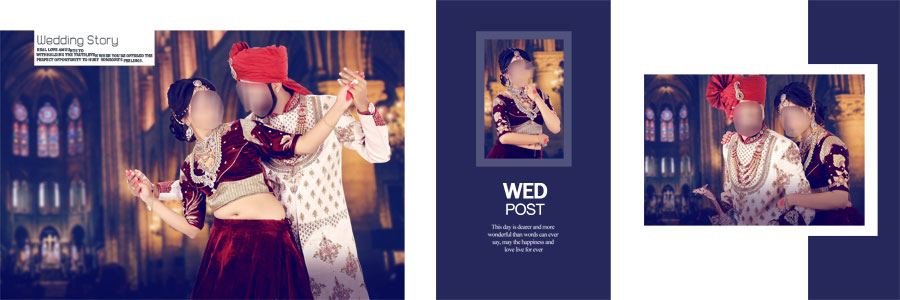
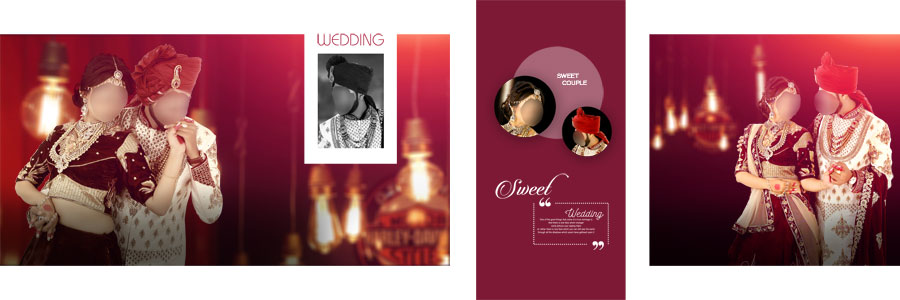
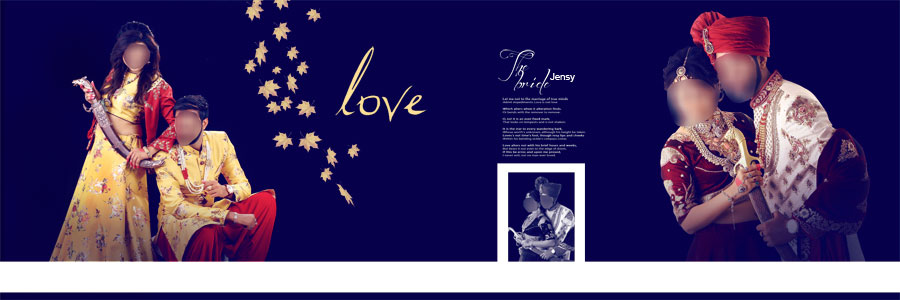
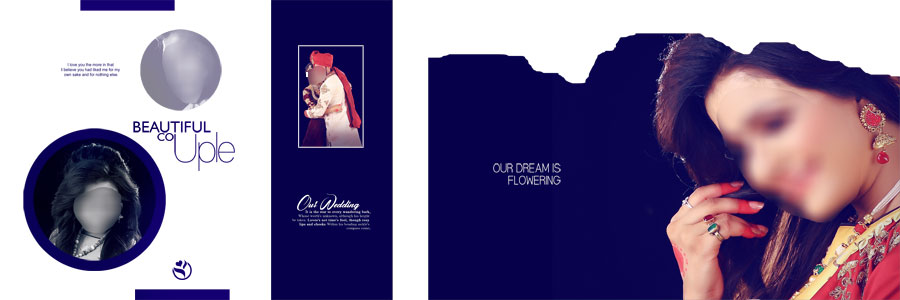
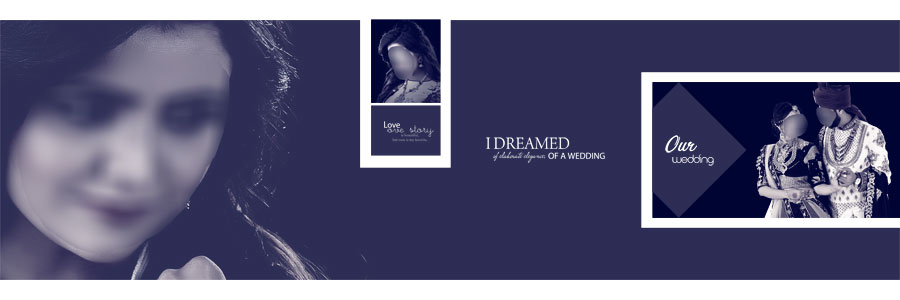
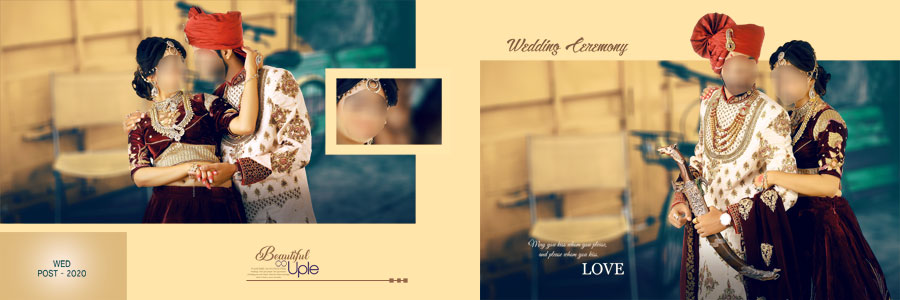
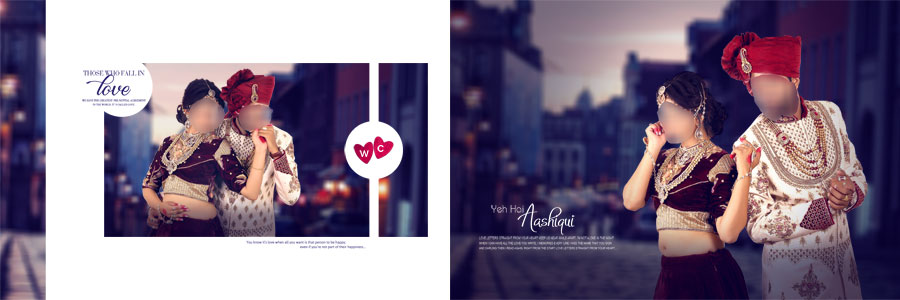
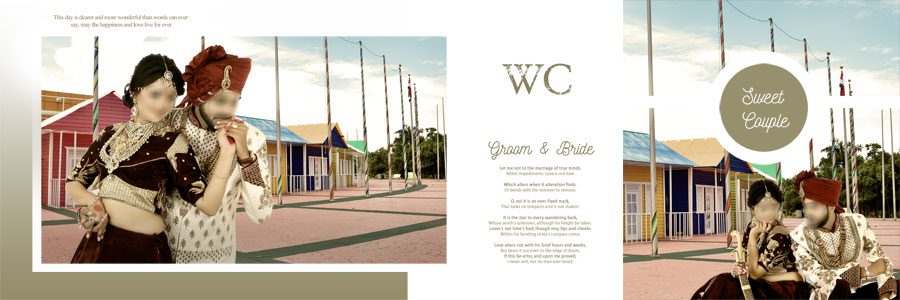
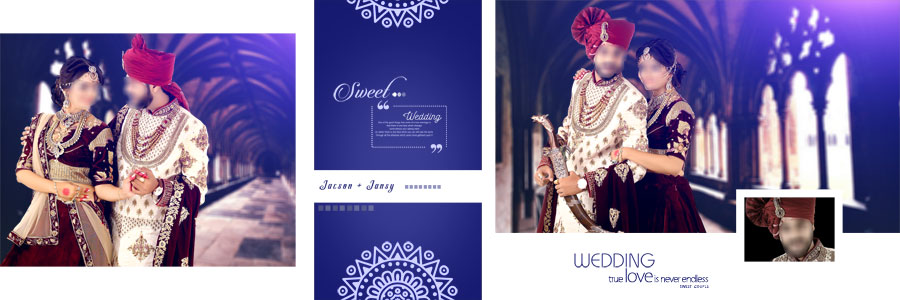
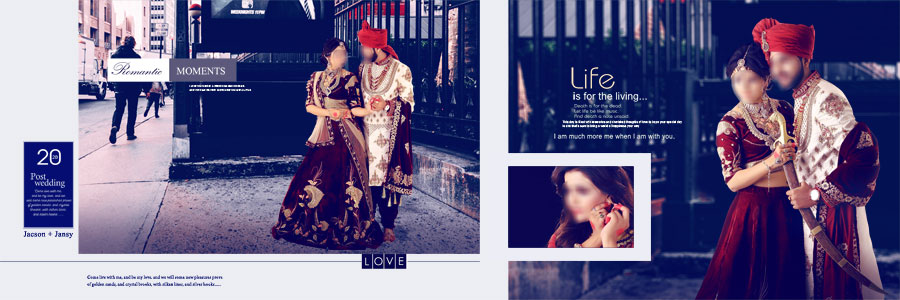
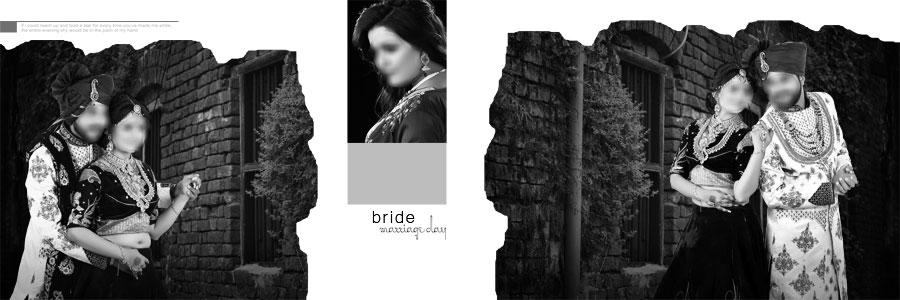
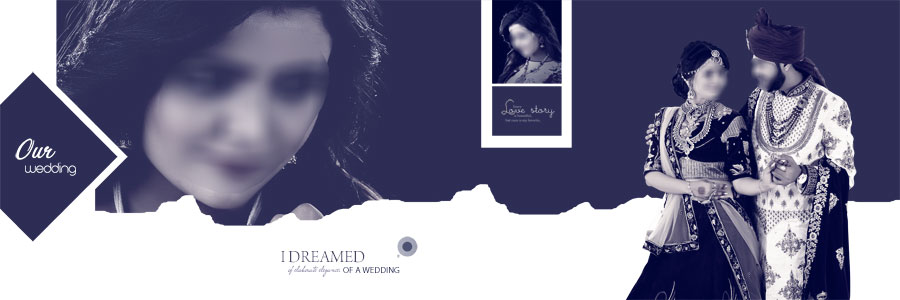
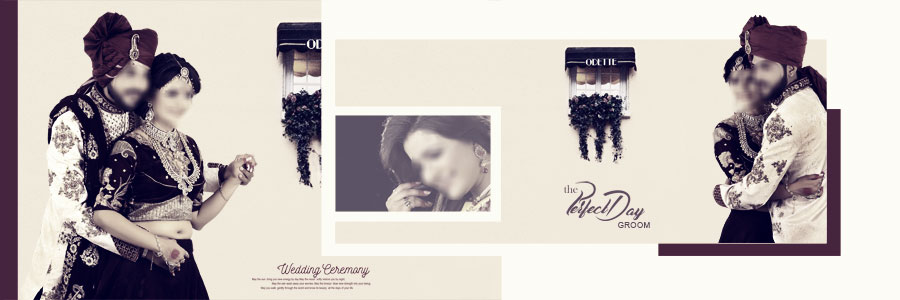
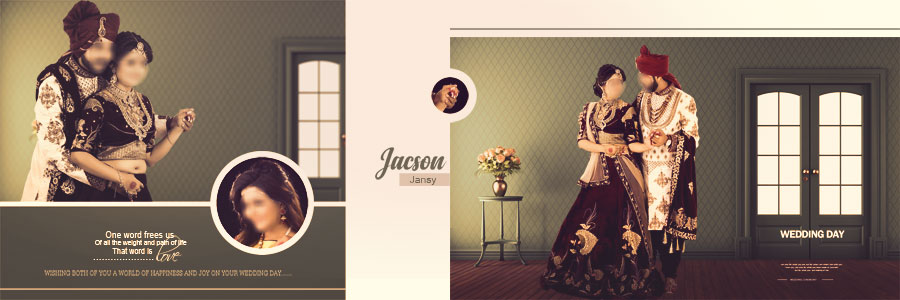
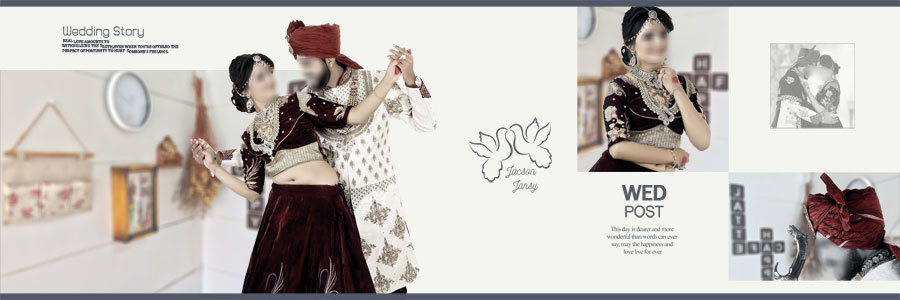
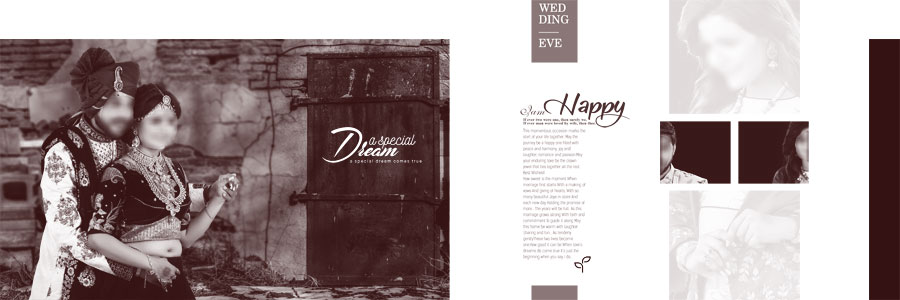
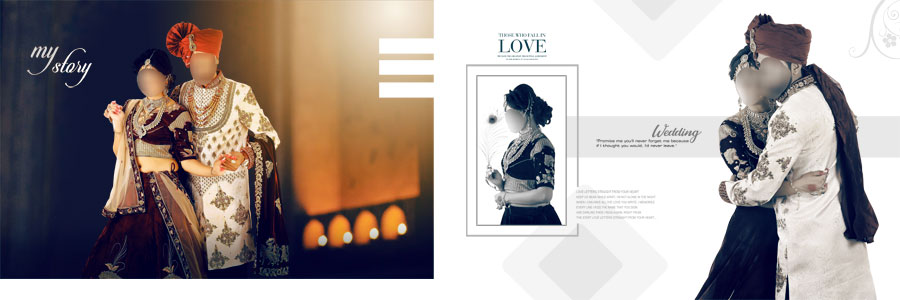
The visual styles include dark blue and purple backgrounds, maroon and golden combinations, cream tones, and elegant black-and-white layouts. This variety gives album designers options for photographs captured in different locations and lighting conditions. The editable PSD layers also make it easier to adapt the layout to a particular client’s photographs rather than using every design exactly as shown. The preview images provide a closer look at the available page styles, color combinations, and photo arrangements before the templates are customized.
Design Styles Included in the Collection
A wedding album often includes photographs with different moods and visual characteristics. A strong layout should complement those photographs while keeping the most important moments easy to notice. These 25 Indian wedding DM album designs provide several styles that can be considered for different sections of an album.
Dark Blue and Purple Backgrounds
Dark blue and purple backgrounds can create a rich appearance for formal couple portraits and evening wedding photography. They can also provide contrast around lighter clothing and bright photographic details. When using these layouts, the photograph should remain the main focus, with decorative elements supporting rather than overpowering the subject.
Maroon and Golden Wedding Designs
Maroon and golden color combinations are commonly associated with traditional wedding themes. They work well with bridal portraits, traditional outfits, and photos with warm decorative details. Careful photo placement helps prevent the background from competing with the bride and groom.
Cream and Black-and-White Layouts
Cream backgrounds offer a lighter appearance for portraits and family photographs, while black-and-white styling can create a more restrained visual mood. These options provide variety across different album pages and can help separate one section of the wedding story from another.
Designers preparing a complete album may also need a matching cover. The wedding album cover design collection offers more resources for creating a coordinated presentation. The additional preview images make it easier to compare layouts and choose the designs that best suit the album’s selected photographs.
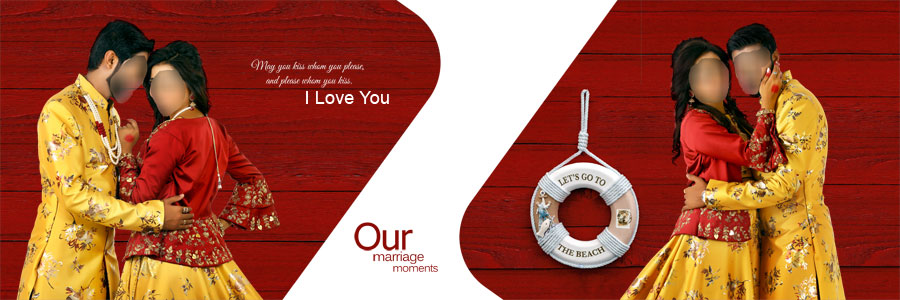
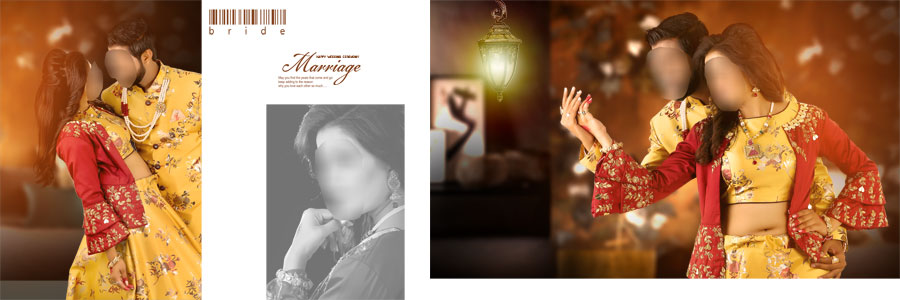
Why Choose Editable 12×36 Wedding Album PSD Templates?
Creating every album spread from an empty document can take considerable time, particularly when several wedding projects need to be completed. Ready-made PSD templates provide a starting layout that can be adapted to the photographs available for each project.
The 12×36-inch format provides a wide canvas for placing couple portraits, ceremony photographs, and family images across a double-page spread. Larger photographs can be used as focal points, while smaller images can add supporting details without making the page feel crowded.
Editable layers are another practical benefit. Designers can replace photographs, update text, adjust background colors, and move individual elements as needed. The ability to customize the design makes each template more flexible than a flat image that cannot be edited properly.
The supplied 300 DPI resolution is suitable for high-resolution album design workflows. However, final print quality also depends on the quality of the original photographs, the document dimensions, and the printing laboratory’s specifications. Reviewing the final spread before export helps catch cropping, alignment, and text-placement problems.
How to Customize Indian Wedding Album PSD Templates
These templates can be personalized in Photoshop using a straightforward workflow. Keeping the original file editable makes future revisions easier and helps maintain the design structure during customization.
- Open the PSD file: Open the selected template in a compatible version of Photoshop and review the entire 12×36 spread.
- Inspect the layers: Identify the photo areas, text, backgrounds, and decorative elements in the Layers panel before making changes.
- Replace the photographs: Insert the required bridal, groom, couple, or ceremony images into the appropriate areas.
- Adjust photo positioning: Crop and resize images carefully so faces, clothing, and important details remain visible.
- Edit the text: Replace sample names or other text with the details required for the album.
- Modify colors and backgrounds: Adjust editable elements to complement the photographs and the preferred wedding theme.
- Keep layers organized: Avoid merging important layers until the design is finalized, so individual elements remain editable.
- Save an editable copy: Save the customized document as a PSD to preserve the working layers for future changes.
- Prepare the final output: Check the dimensions, image quality, text alignment, and edges before exporting according to the printing laboratory’s requirements.
More Wedding Album Design PSD Resources
Using a mix of layouts can help an album feel more varied from the opening spread to the final pages. These related collections offer additional styles for different photography themes:
- 20 Elegant Wedding Album Design PSD 12×36 Templates
- 20 Romantic Pre-Wedding Couple Album Design PSD
- Creative Pre-Wedding Photo Album Designs
- Unique Creative Album Design
- 15 Free Floral 12×36 Wedding Album Design PSD
For projects outside wedding photography, the birthday album design collection provides additional album layout resources.
Conclusion
The 25 Free Indian Wedding DM Album Design PSD Templates 12×36 collection provides a practical starting point for photographers and album designers who need varied layouts for traditional wedding photography. With 25 designs, editable PSD layers, a 12×36-inch canvas, and 300 DPI resolution, the collection offers flexibility for arranging bridal portraits, groom photographs, couple images, and wedding moments. The different background styles, including dark blue, purple, maroon, golden, cream, and black-and-white designs, give designers several visual options. Each template can be customized to suit the photographs and requirements of an individual wedding album.
Note:
If you’re facing issues with downloading the file such as "it may take up to 24 hours to be able to view or download the file" So please ensure you are logged into your Google account before attempting to download. This usually resolves the issue and allows you to download the file without any waiting time.