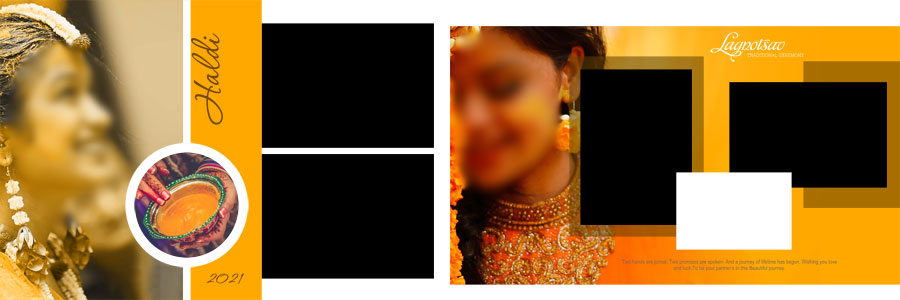
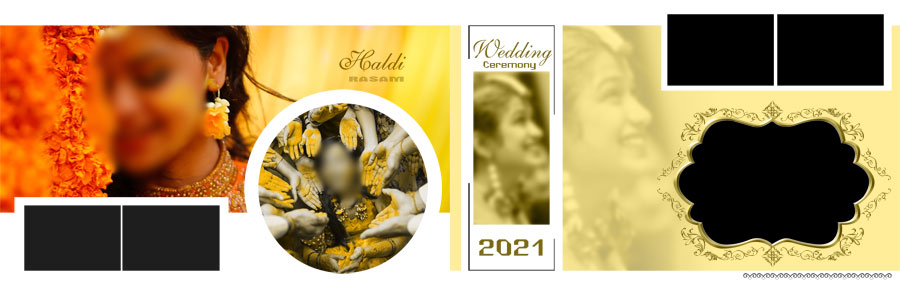
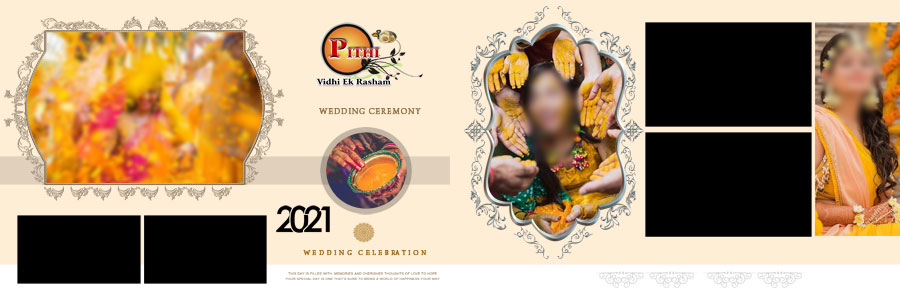
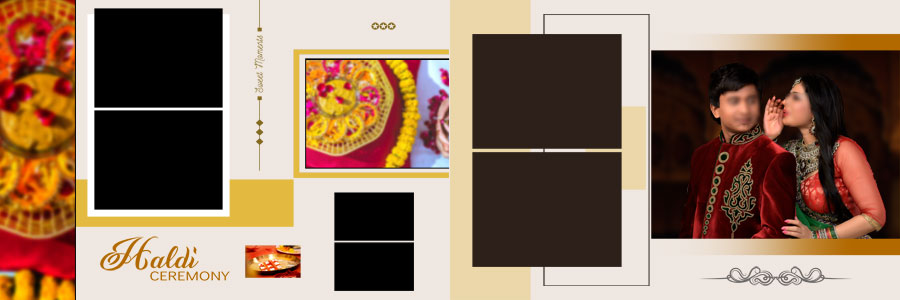
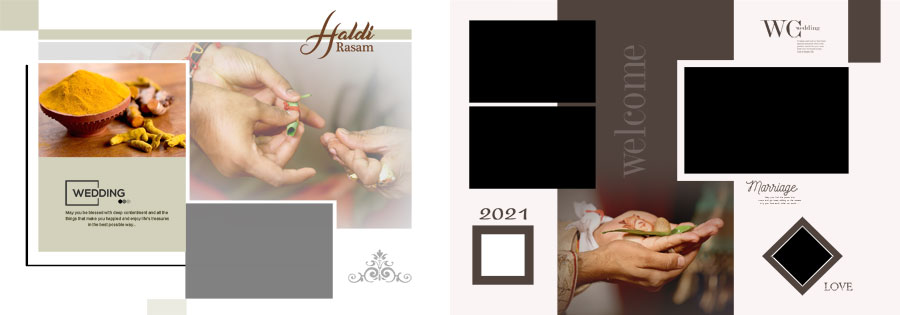
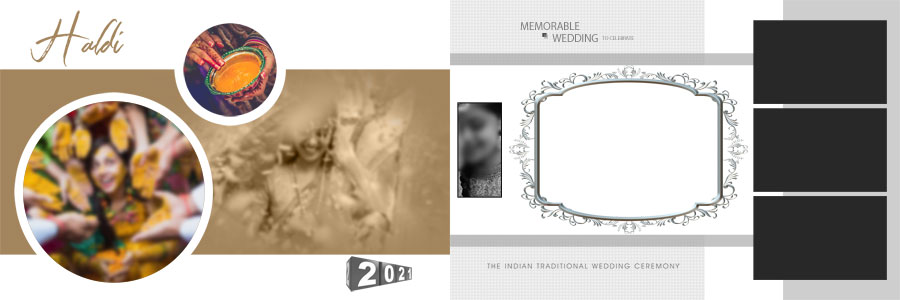
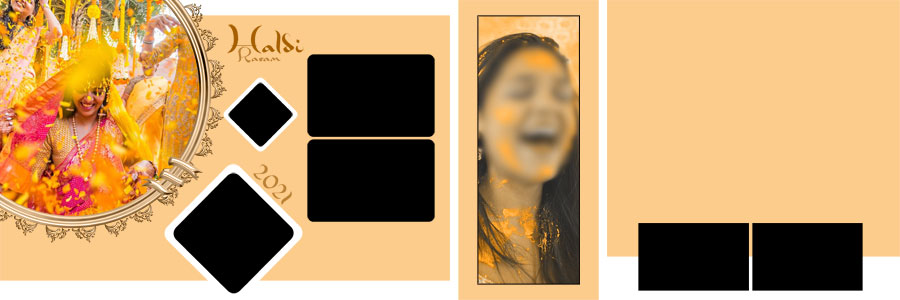
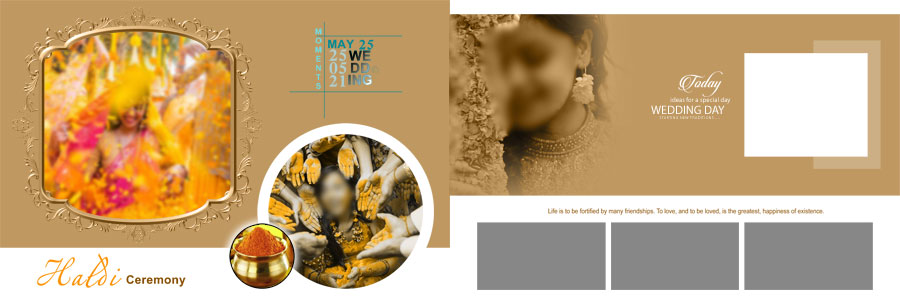
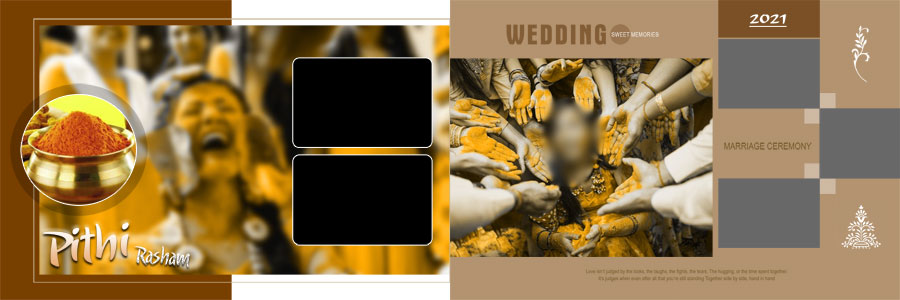
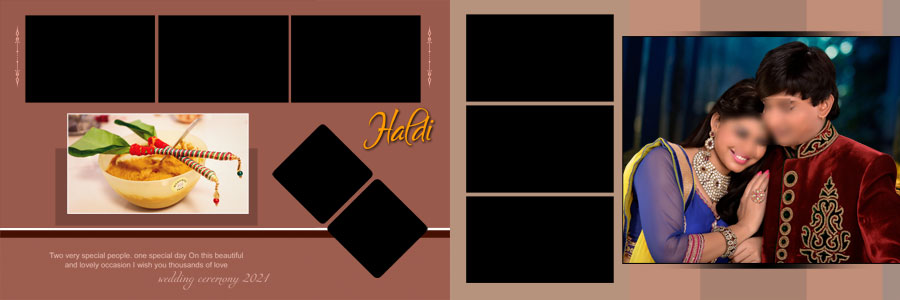
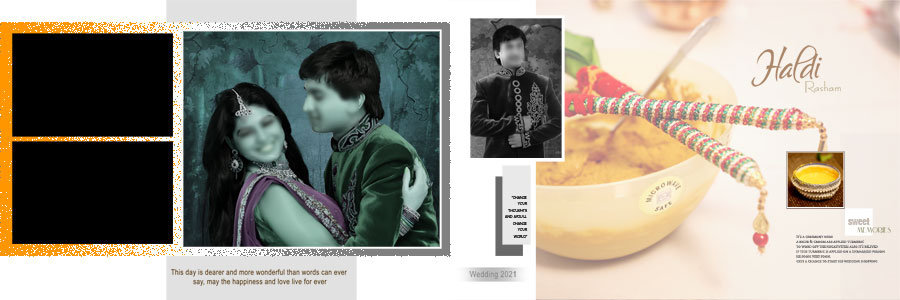
The Haldi function is full of colour, laughter, family moments, and beautiful wedding traditions. From the bride’s Haldi ceremony portraits to candid pictures of family members and friends, every photograph can become part of a memorable album. This collection of 15 Indian Haldi Ceremony Album Designs PSD Free Download offers ready-made layouts for photographers, album designers, and Photoshop users who want to present these moments in an attractive way. The designs use yellow, golden, orange, and cream colour themes, with decorative frames and creative photo arrangements. More ideas for wedding photography projects are available in the wedding album design PSD collection on LuckyStudio4U. These Haldi album PSD templates are intended for the 12×36 album format and provide a useful starting point for arranging bridal portraits, turmeric ceremony photographs, family pictures, and other details from an Indian wedding celebration.
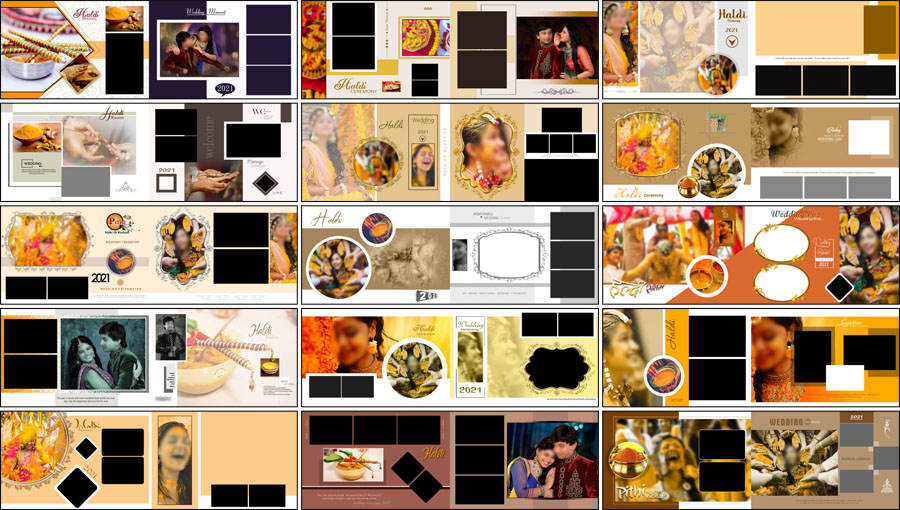
Indian Haldi Ceremony Album PSD Details
- Total Designs: 15 Indian Haldi ceremony album designs
- Album Size: 12×36
- File Format: Adobe Photoshop PSD
- Design Style: Traditional and modern Indian Haldi ceremony
- Colour Themes: Yellow, golden, orange, cream, and earthy tones
- Customization: Photographs, available text, colours, and supported design elements
- Price: Free download
15 Free Indian Haldi Ceremony Album Designs
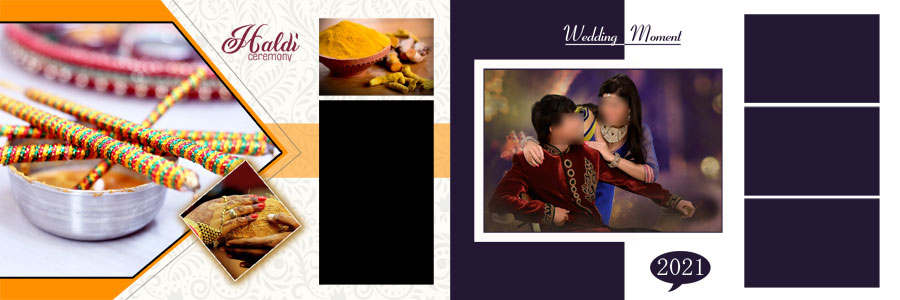
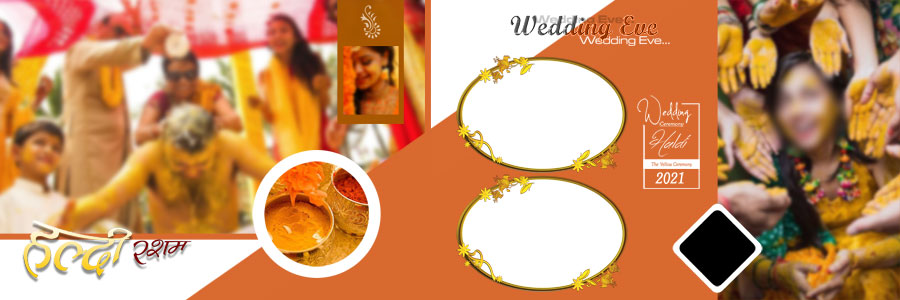
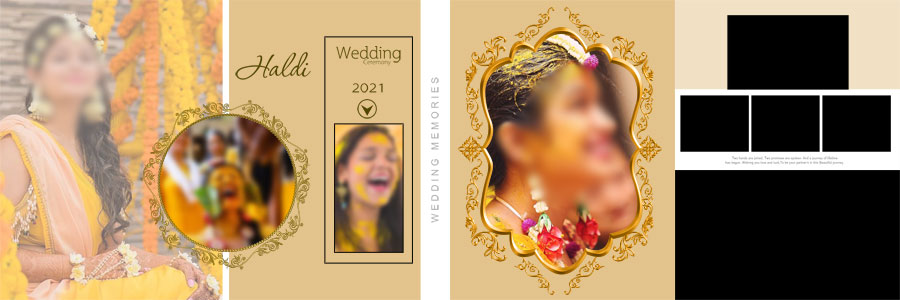
A good Haldi album should show the feeling of the celebration, not just place photographs into empty frames. Bridal portraits can show the outfit and jewellery, while candid pictures capture laughter, turmeric rituals, and interactions with family members. These Haldi ceremony album design PSD templates provide different ways to arrange those photographs across a wide 12×36 spread.
The collection combines traditional colours with modern layouts. Yellow and golden shades suit the theme of the Haldi function, while orange, cream, and earthy tones provide other options for balancing the page. Decorative elements, photo frames, and stylish typography help connect the images without making every spread look the same.
Designers can also browse the 12×36 wedding album PSD collection when they need additional page styles for other events in the same wedding album.

How to Present Haldi Ceremony Photographs
Every photograph has a different role in telling the story of a Haldi function. Some pictures deserve a full area of the page, while others work better in a group of smaller images. Selecting the right layout for each type of photograph helps create a more natural flow throughout the album.
Bridal Haldi Portraits
Portraits of the bride are often among the main highlights of a Haldi album. These photographs may show the bridal outfit, flower jewellery, makeup, expressions, and the Haldi applied during the ceremony. A layout with a clear photo area can keep these details visible without allowing decorations to take over the page.
Turmeric Ceremony and Family Moments
Photographs of the Haldi ritual, family members applying turmeric, and friends enjoying the celebration help show what happened during the event. A collage layout can bring several related moments together on one spread. The pictures should still be large enough to recognise faces and understand the action in each image.
Food, Flowers, and Decoration Details
Some wedding albums also include pictures of ceremony decorations, flowers, food arrangements, and other event details. These photographs can add context between the main portraits and ritual pictures. They usually work best as supporting images rather than competing with the bride’s main portrait.
Choosing the Right Haldi Album Colour Theme
Colour is an important part of Indian Haldi album design because the photographs often include yellow outfits, turmeric, marigold flowers, and warm event decorations. The background should complement these colours and keep the subject easy to see.
- Yellow and golden: These shades suit the traditional Haldi theme and can give the album a warm appearance.
- Orange and earthy tones: These colours can work well with warm lighting, floral decorations, and traditional outfits.
- Cream backgrounds: Lighter shades provide visual space when the photographs already have strong colours.
- Mixed colour layouts: Different colours can be used across album pages to create variety while keeping the overall style connected.
Before choosing a background, it helps to check the colours in the original photographs. A bright yellow background may suit some pictures but become too strong behind a yellow outfit. A softer shade may create better contrast and keep the subject clear.
Make Better Use of the 12×36 Album Format
The 12×36 format gives designers a wide canvas for creating a double-page album spread. It can hold one large bridal portrait with smaller supporting images, or several photographs arranged in a balanced collage. The best arrangement depends on the number of usable pictures and the story that each page needs to tell.
For a spread focused on the bride, a large portrait can be placed as the main image, with flower details or ceremony photographs arranged nearby. A page showing the Haldi ritual may work better with several smaller photographs that show different moments from the event.
Keeping the middle fold in mind is also important. Faces, text, and important details should not sit directly in the binding area where possible. Leaving enough space around the main images can help the final album look cleaner after printing.
How to Customize Haldi Album PSD Templates in Photoshop
Ready-made PSD layouts make it easier to begin the design process, but the final result should still match the photographs and requirements of the project. The available editing options depend on the layers included in each file.
- Open the PSD template: Load the selected Haldi album design in Adobe Photoshop and review the full 12×36 spread.
- Check the layers: Identify photo areas, backgrounds, text, and decorative elements in the Layers panel.
- Replace the sample photos: Add the selected bridal portraits, Haldi ritual pictures, and family photographs.
- Adjust the crop: Keep faces, outfits, and important ceremony details visible within each photo area.
- Edit available text: Change sample names or wording where editable text layers are provided.
- Modify colours: Adjust supported colours and backgrounds to suit the photographs and album theme.
- Organise the design: Keep important layers separate where possible so further changes remain easy.
- Save the working file: Keep an editable PSD copy for future corrections.
- Review before export: Check photo alignment, text placement, colour balance, and the overall composition.
For a printed album, the final file should follow the printing laboratory’s requirements for document size, colour settings, and export format. The quality of the original photographs also affects the result, so it is worth checking the images at full size before finalising the design.
Related Haldi Ceremony and Wedding Album PSD Designs
Different wedding events often need different album styles. The collections below provide more options for Haldi photographs, traditional ceremonies, and creative wedding album layouts.
- 15 Free Haldi Album Design PSD Templates 12×36
- 16 Haldi Ceremony Album Design PSD Templates
- Creative Haldi Album Design 12×36 PSD Templates
- Haldi Ceremony 12×36 Album PSD Templates
For a matching outer design, the wedding album cover design collection provides additional ideas. Other celebration layouts can be found in the birthday album design collection.
Frequently Asked Questions
Q: How many Indian Haldi ceremony album designs are included?
A: This collection includes 15 Indian Haldi ceremony album designs in PSD format.
Q: What is the size of these Haldi album PSD templates?
A: The designs are intended for the 12×36 album format.
Q: Can the Haldi album templates be customised?
A: Yes. Photographs, available text, colours, and supported design elements can be changed using the editable layers provided in the PSD files.
Q: Are these Indian Haldi album designs free to download?
A: Yes. The collection is offered as a free download.
Conclusion
15 Indian Haldi Ceremony Album Designs PSD Free Download offers a useful selection of layouts for presenting bridal portraits, turmeric rituals, family photographs, and other moments from an Indian wedding celebration. The yellow, golden, orange, cream, and earthy colour themes suit the warm look of the Haldi function, while the different photo arrangements provide options for both portraits and multi-image spreads. The PSD format allows the available photographs, text, colours, and supported design elements to be customised for each project. These free 12×36 Haldi album designs give photographers and album designers a practical starting point for creating a personal and well-organised ceremony album.
Note:
If you’re facing issues with downloading the file such as "it may take up to 24 hours to be able to view or download the file" So please ensure you are logged into your Google account before attempting to download. This usually resolves the issue and allows you to download the file without any waiting time.