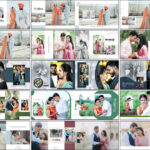
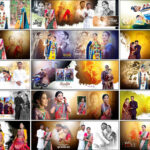
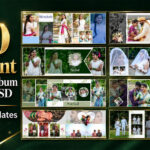
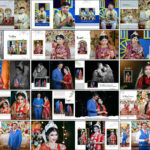
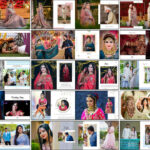
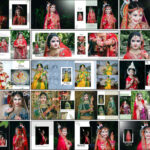
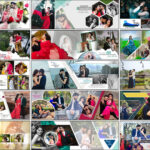
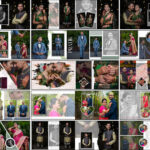
20 Bridal & Groom Portraits Wedding Album Design PSD Templates 12×36 is a premium collection created for photographers and wedding album designers who work with bridal portraits, groom portraits, couple photographs, and traditional wedding moments. The overall visual style has a strong Indian traditional wedding feel, making these layouts suitable for projects where cultural details, bridal photography, and couple portraits need a prominent place in the album. Each design is prepared in the popular 12×36 album size and is fully editable in Adobe Photoshop CS3 through CC 2026. This allows designers to replace photographs, adjust text, modify colors, and customize the layouts according to individual album requirements. The collection is especially useful for creating portrait-focused wedding spreads without building every page from an empty Photoshop document. Since this is a paid PSD collection, it is intended for designers looking for ready-made premium layouts with a polished starting structure.
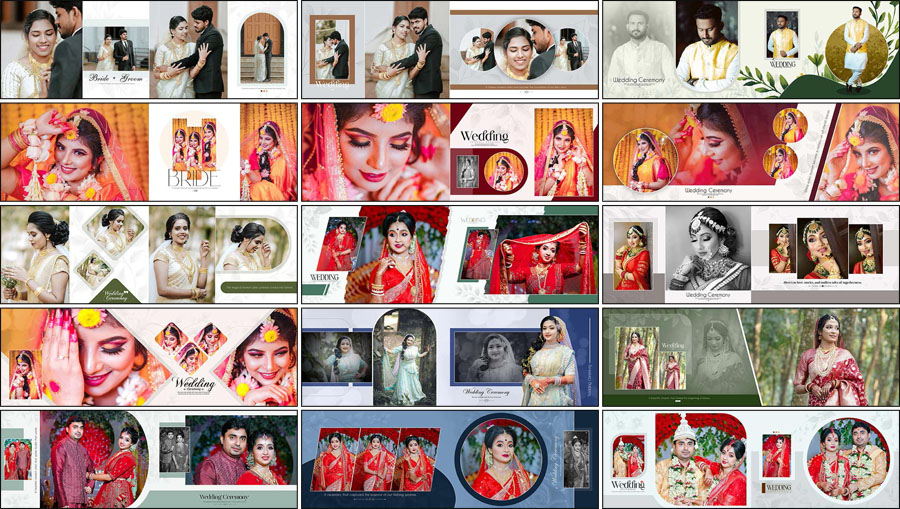
20 Bridal & Groom Portraits Wedding Album Design PSD Templates 12×36
Bridal and groom portraits often become some of the most important photographs in a wedding album. A carefully arranged 12×36 spread can give these images enough space to remain visually strong while still allowing supporting photographs and decorative elements to work around them. This collection focuses on that type of presentation, combining bridal portraits, groom portraits, wedding couple photography, and traditional wedding moments across wide album layouts. Designers searching for more wedding album design PSD templates can also explore the broader collection available on LuckyStudio4U.
The traditional Indian wedding appearance makes these layouts especially suitable for ceremonies where bridal clothing, groom styling, jewelry, decorations, and cultural details are an important part of the photography. Because the PSD files are fully editable, the layouts can be adjusted to match different photography styles instead of being limited to the exact preview arrangement. The complete 12×36 album PSD collection can also be useful when additional page styles are required for other sections of the same wedding album.
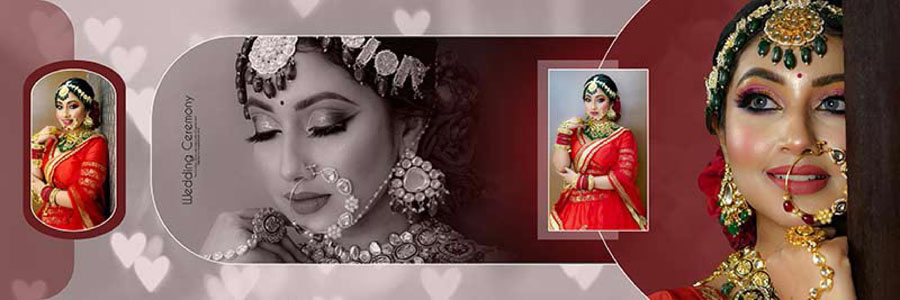
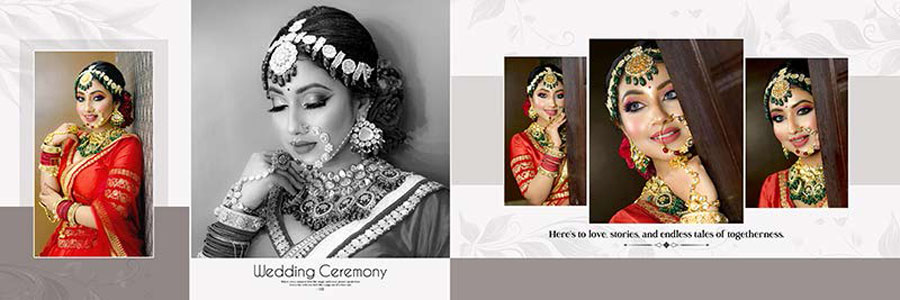
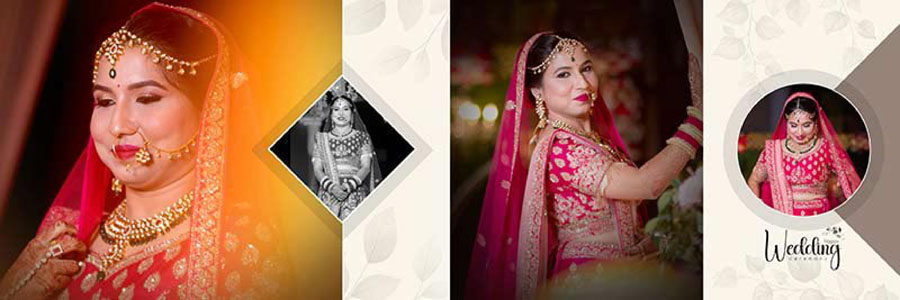
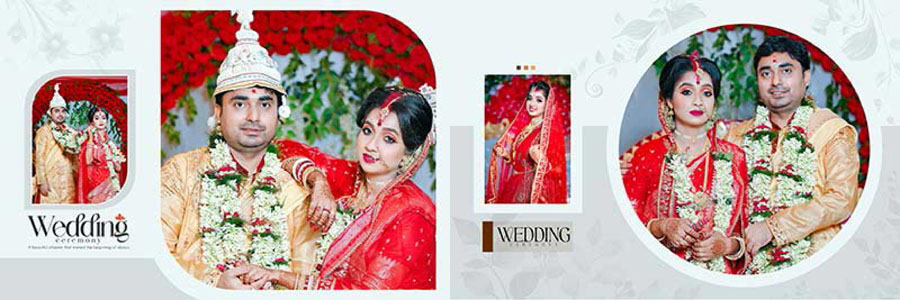
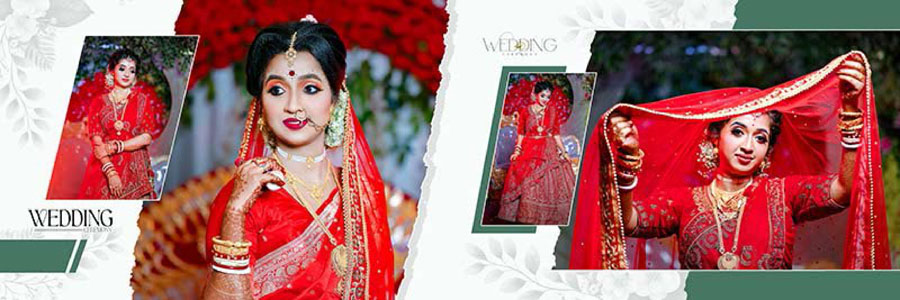
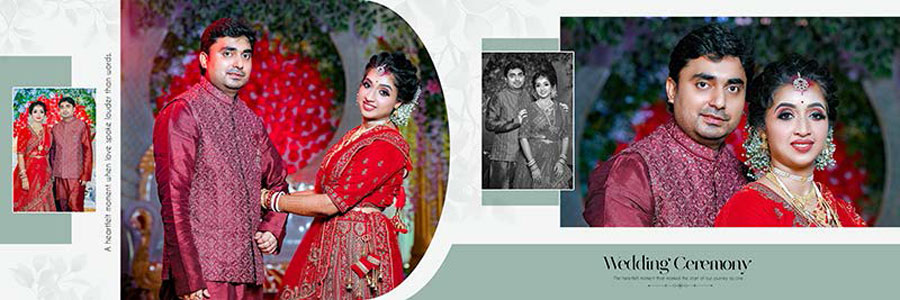
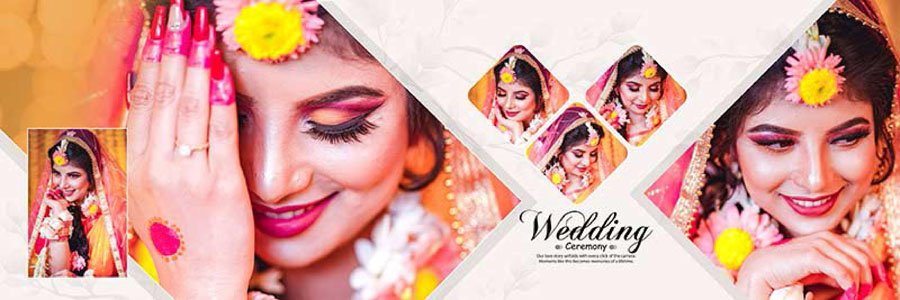
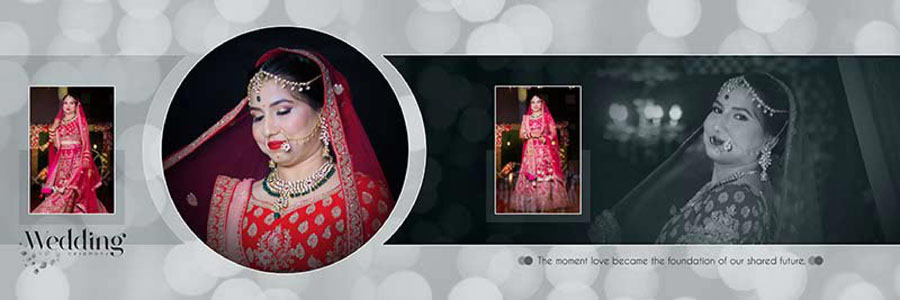
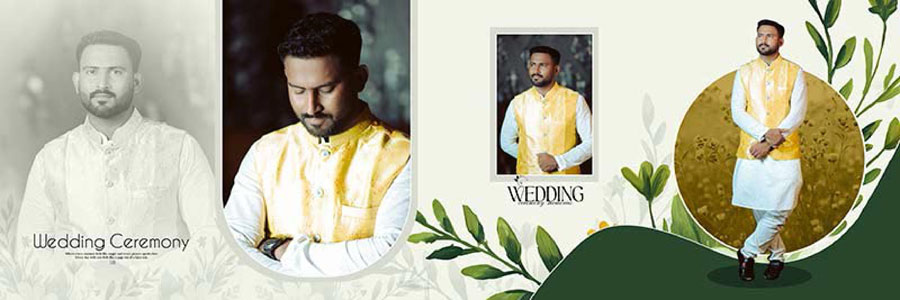
The preview images below provide a closer look at the portrait placement, decorative styling, and overall composition of these premium 12×36 wedding album layouts.
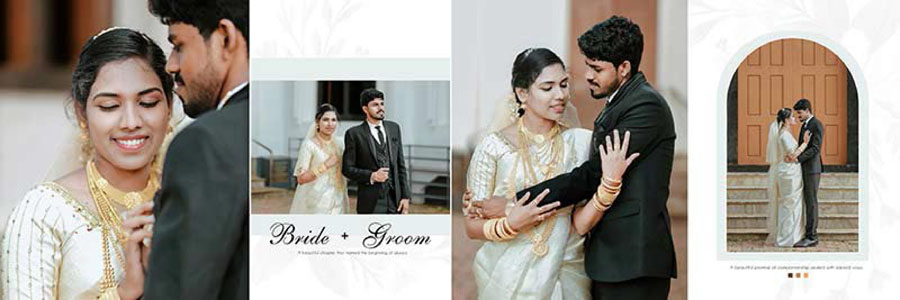
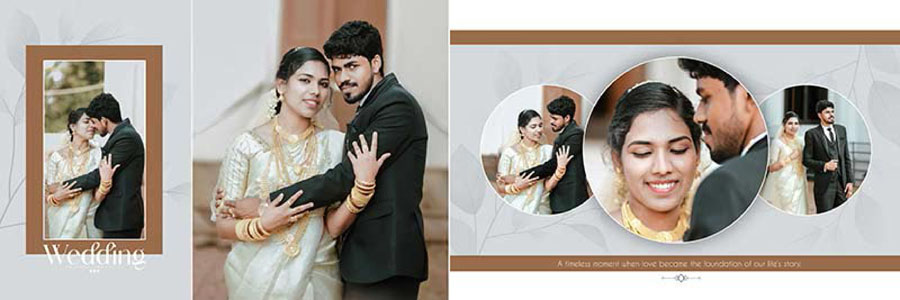
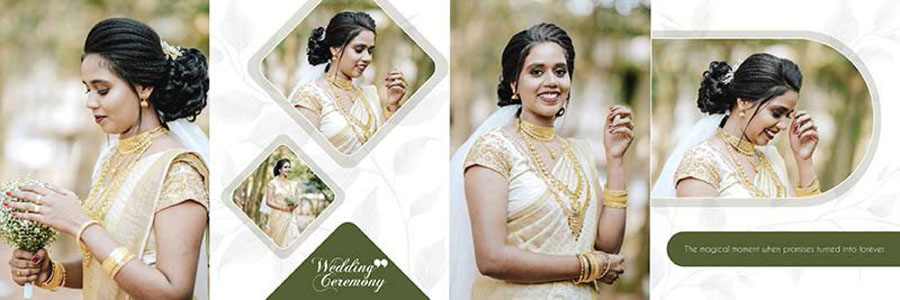
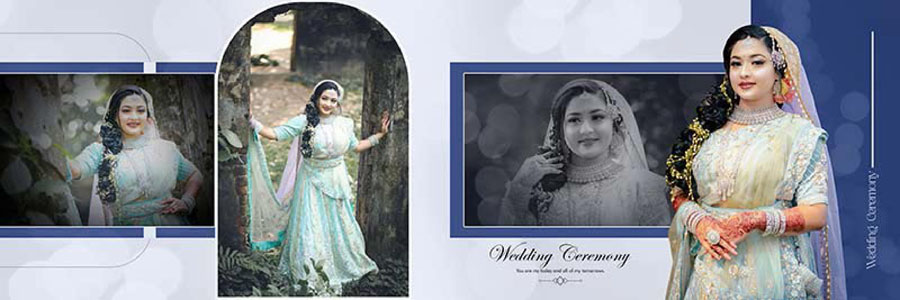
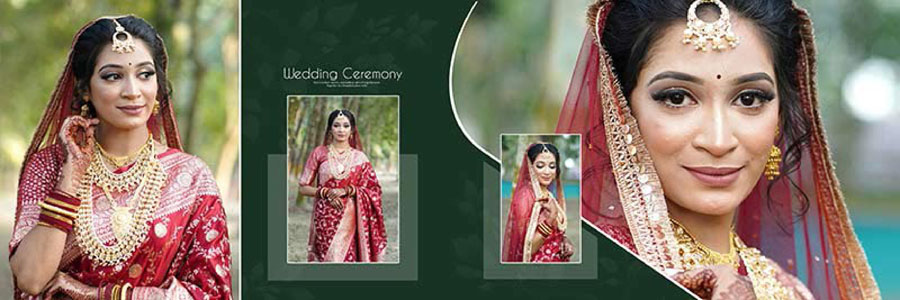
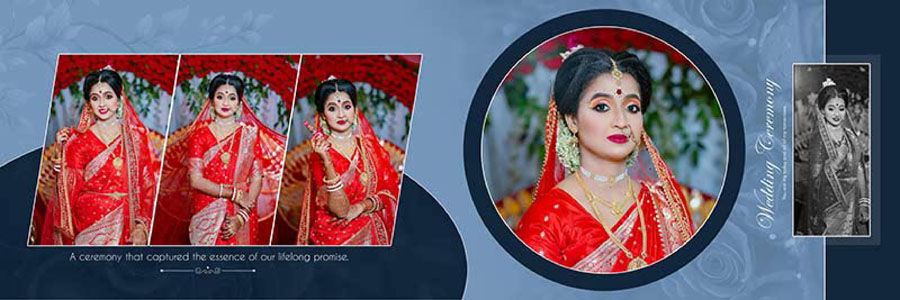
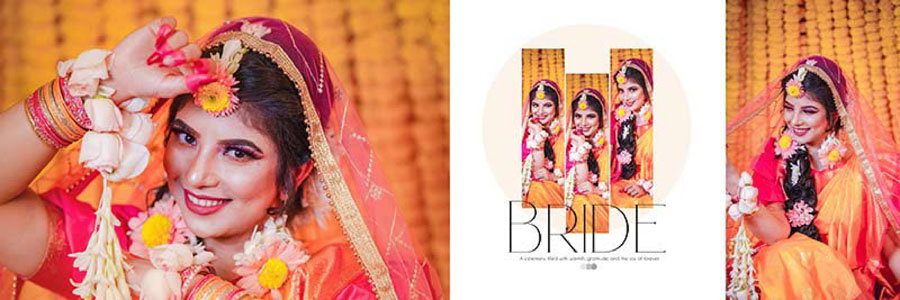
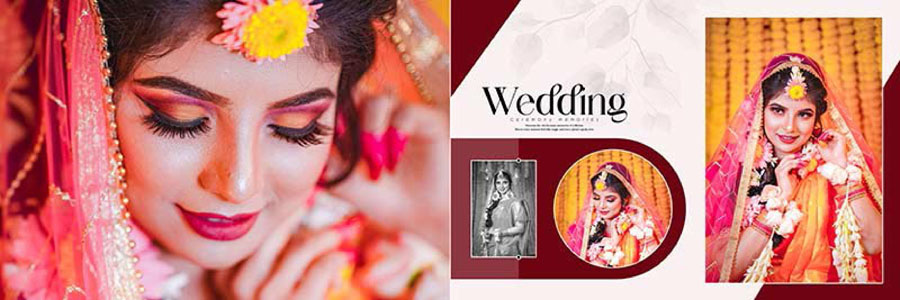
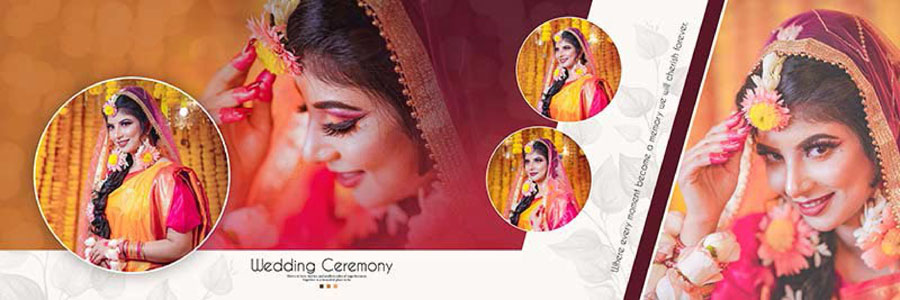
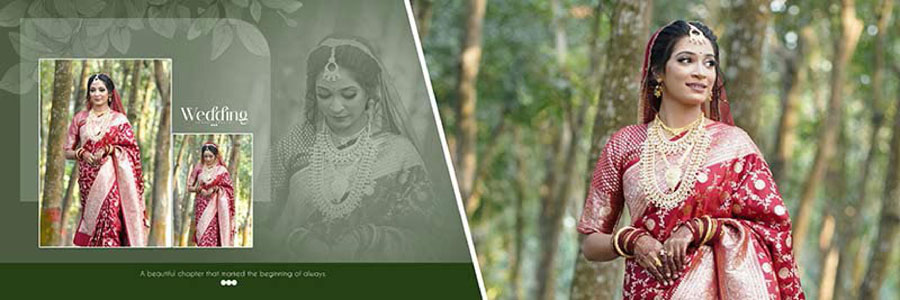
Traditional Indian Wedding Album Style for Bridal and Groom Photography
The overall appearance of this collection is centered around traditional Indian wedding photography rather than a minimal modern album style. That distinction matters when selecting a PSD template because the design should complement the photographs instead of competing with them. Bridal portraits with traditional clothing and jewelry can work particularly well with decorative layouts that provide enough visual framing around the subject.
Groom portraits also benefit from dedicated space, especially when formal photographs are combined with ceremony images. A balanced spread can place the groom and bride on the same page while using smaller supporting photographs to tell the story of the event. This makes the templates useful for photographers who want a combination of portrait presentation and storytelling within the same album.
The 12×36 format is also practical for wedding album production because a single spread provides a wide working area. Large portraits can be given more importance while smaller photographs can be positioned around them to complete the composition. Designers can also adapt the balance of photographs according to the available image selection for each wedding.
Features of These 12×36 Wedding Album PSD Templates
A premium wedding album PSD is most useful when the layout can be adapted easily to different photography projects. This collection provides a starting point for designers who need portrait-oriented wedding spreads without having to construct every visual element manually.
12×36 album size is suitable for wide wedding album spreads where a large bridal portrait, groom portrait, or couple photograph needs to act as the main focal point. Additional photographs can be arranged around the primary image to create a complete double-page composition.
The Indian traditional wedding styling also makes the templates suitable for ceremonies and portrait sessions where cultural details are prominent. Bridal jewelry, traditional outfits, wedding decorations, family portraits, and couple photography can all be incorporated into the layouts depending on the needs of the project.
Since the files are fully editable PSD templates, Photoshop users can customize the layouts instead of treating them as fixed designs. This flexibility can be useful when the number of photographs changes from one spread to another or when a client requests specific colors, text, or photo arrangements.
Photographers working on the complete album may also need a suitable cover design to match the interior pages. Additional resources are available in the wedding album cover design collection, which can help maintain a more consistent visual theme from the cover through the inside spreads.
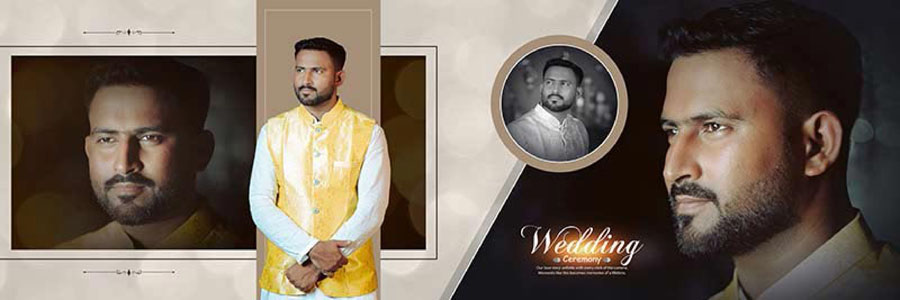
Why 12×36 Layouts Work Well for Bridal Portrait Albums
The wide 12×36 canvas gives photographers more freedom when presenting full-length bridal portraits and couple photographs. Instead of reducing every photograph to a small frame, the main portrait can occupy a larger portion of the spread while secondary photographs add context.
This is particularly helpful with bridal photography because details such as the dress, jewelry, makeup, hairstyle, and traditional accessories often need enough space to remain visible. A cramped layout can hide these details or force the photograph into an awkward crop.
Groom portraits can be handled in a similar way. A formal portrait may work as the primary image, while smaller ceremony or candid photographs can be placed nearby. For couple photography, a wide layout can also create a balanced composition by giving both subjects appropriate visual importance.
Another advantage is consistency. When several album spreads use a similar visual language, the completed wedding album can feel more connected. Different layouts can still be used for different events while maintaining an overall traditional appearance.
Suitable Uses for the Bridal and Groom PSD Collection
These templates are not limited to a single type of wedding photograph. The portrait-focused structure makes them flexible enough for several parts of a wedding album.
- Bridal portraits: Suitable for full-length, close-up, and traditional bridal photographs.
- Groom portraits: Useful for formal groom portraits and individual wedding-day photographs.
- Wedding couple portraits: The 12×36 spread can provide enough space for large couple photographs alongside supporting images.
- Traditional ceremony photography: Suitable for photographs showing rituals, cultural details, and important wedding moments.
- Family portraits: Smaller supporting photographs can be incorporated around the main portraits when the layout allows.
- Pre-wedding and wedding-day selections: Some layouts can be adapted for portrait sessions as well as ceremony coverage.
How to Customize Wedding Album Design PSD Templates in Photoshop
These PSD templates are compatible with Adobe Photoshop CS3 to CC 2026, allowing designers to work with a wide range of Photoshop versions. Customization is generally straightforward when the required photographs and text are ready before editing begins.
- Open the PSD file: Select the required 12×36 design and open it in the compatible Photoshop version.
- Review the layer structure: Before editing, inspect the Layers panel so the photo areas, backgrounds, text, and decorative elements can be identified properly.
- Replace the photographs: Add bridal, groom, or couple photographs to the appropriate areas and adjust their position and crop carefully.
- Edit text: Replace sample names, dates, headings, or other text with the details required for the actual wedding album.
- Adjust colors: Colors can be modified to match the photography, wedding theme, or printing requirements.
- Customize backgrounds: Background elements can be changed where necessary to create a closer match with the photographs.
- Maintain image quality: High-resolution original photographs should be used whenever possible so that portraits remain sharp in the final album.
- Keep the PSD editable: The working file should be saved as a PSD during the editing stage so further corrections can be made later.
- Check the final spread: Review faces, clothing, jewelry, edges, text alignment, and important photographic details before exporting the final file.
- Confirm print requirements: The final export should follow the specifications provided by the selected album printing laboratory.
More Wedding Album PSD Design Resources
A complete wedding album usually requires several different layout styles rather than repeating one type of page throughout the project. Additional PSD collections can help designers change the visual rhythm between portrait pages, ceremony pages, couple spreads, and reception photographs.
For designers looking for more options, the following related collections may be useful:
- 20 Elegant Wedding Album Design PSD 12×36 Templates
- Indian Wedding Album Design PSD 12×36 Premium Templates
- 20 Luxury Bridal Photo Album Design PSD
- 20 Modern Bridal Wedding Album Design PSD
- 12×36 Reception Photo Album Design PSD Templates
Designers working on other types of photo projects can also browse the birthday album design collection for additional Photoshop layout resources.
Conclusion
20 Bridal & Groom Portraits Wedding Album Design PSD Templates 12×36 is designed for photographers and album designers who need premium layouts with a traditional Indian wedding appearance. The collection focuses on bridal portraits, groom portraits, couple photography, and wedding moments, while the 12×36 format provides enough space for large and supporting photographs to work together. Full editability in Photoshop CS3 through CC 2026 also gives designers the flexibility to customize photographs, text, colors, and other layout elements for individual wedding projects. For albums where portrait photography and traditional wedding styling are central to the visual story, these PSD templates provide a practical starting point for creating polished 12×36 spreads.
Note:
If you’re facing issues with downloading the file such as "it may take up to 24 hours to be able to view or download the file" So please ensure you are logged into your Google account before attempting to download. This usually resolves the issue and allows you to download the file without any waiting time.