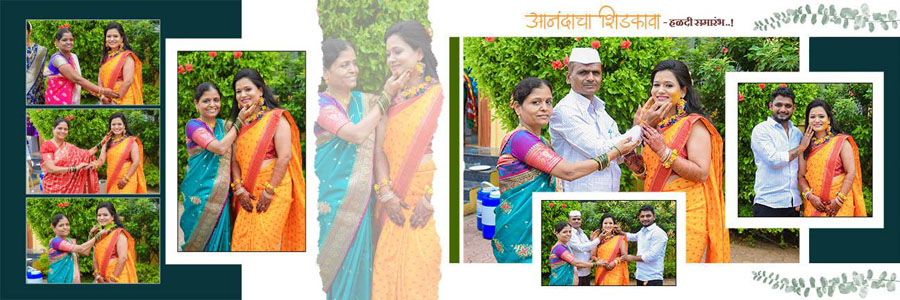
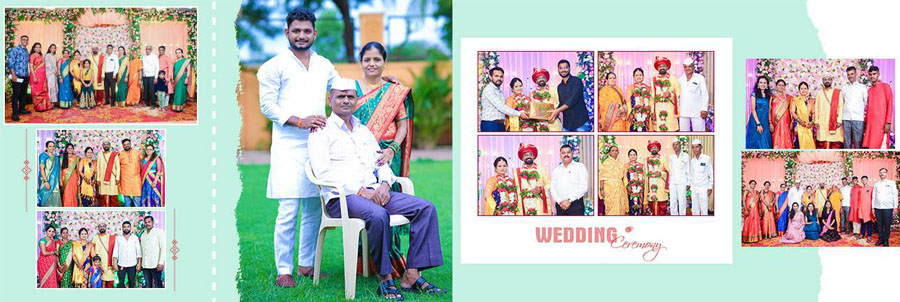
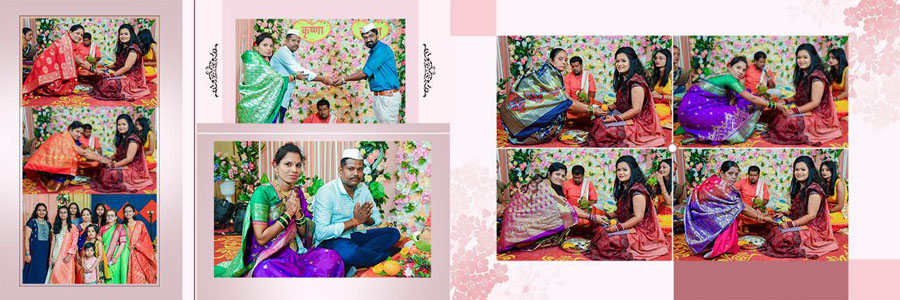
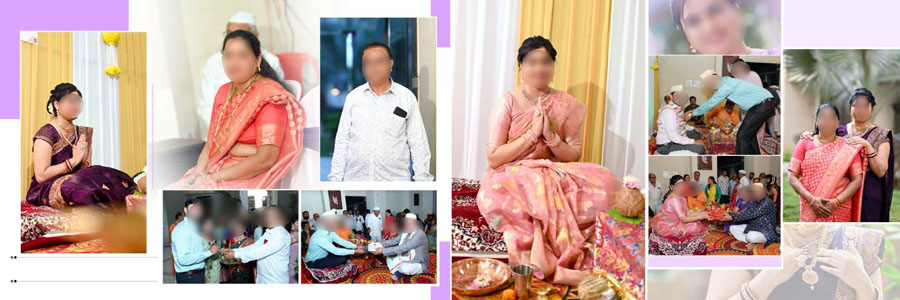
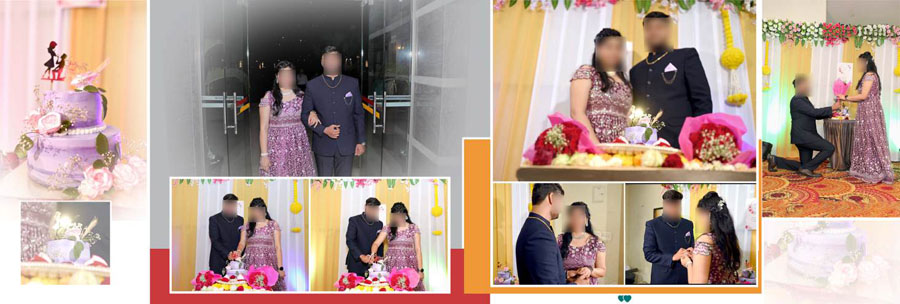
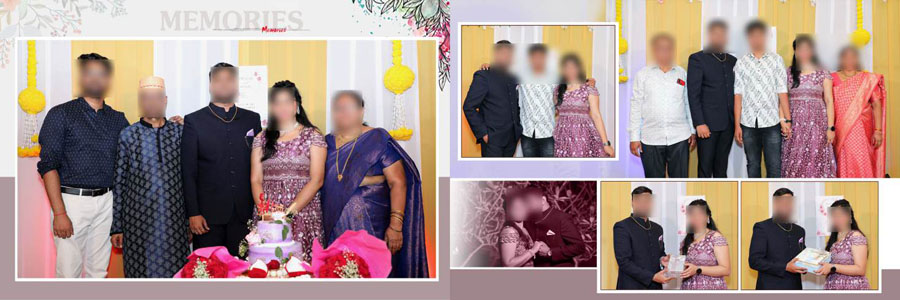
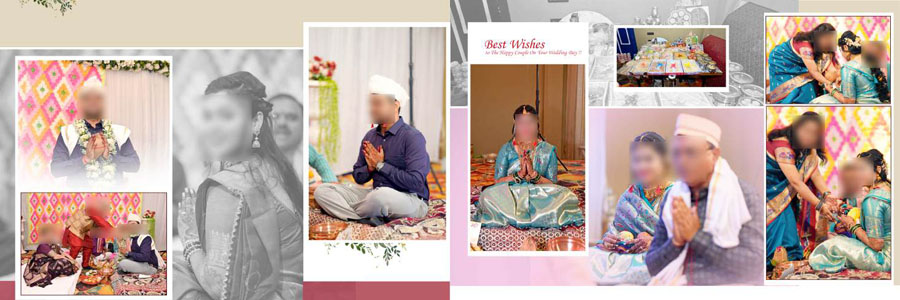
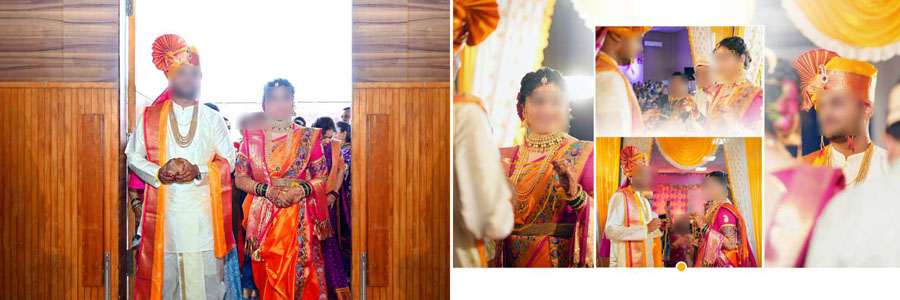
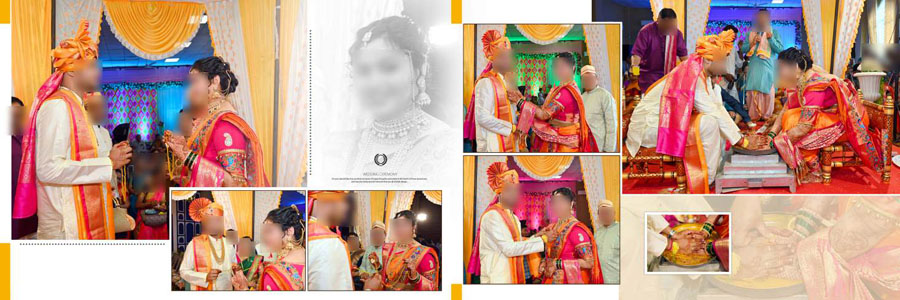
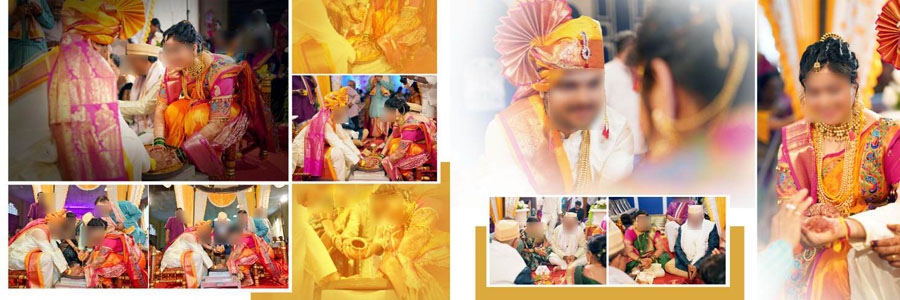
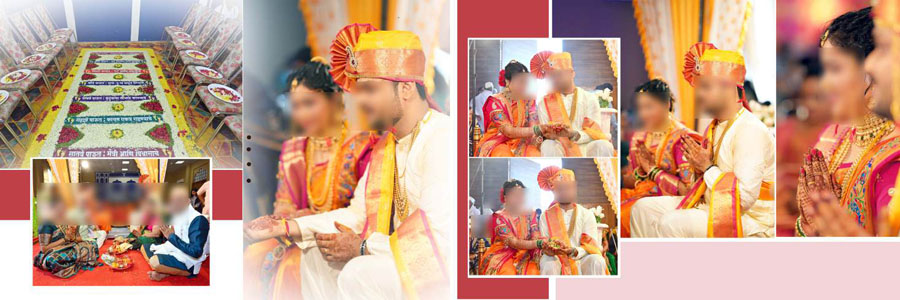
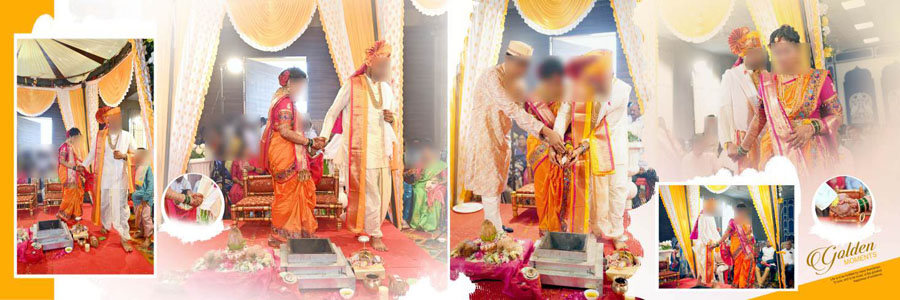
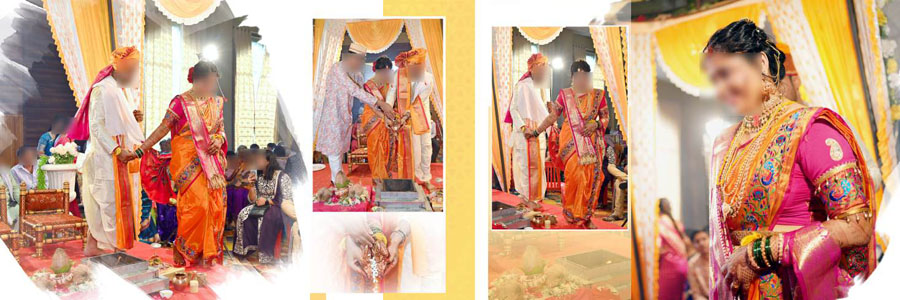
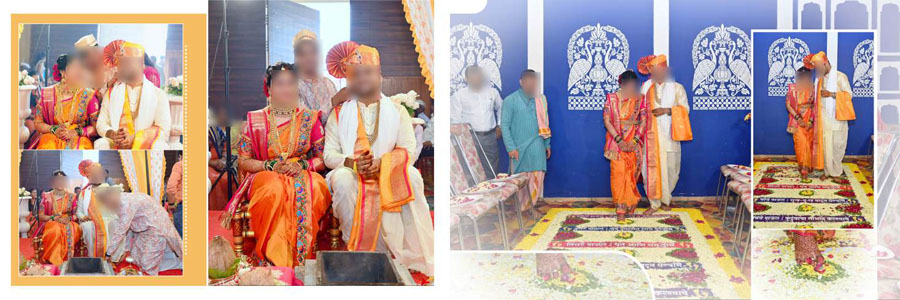
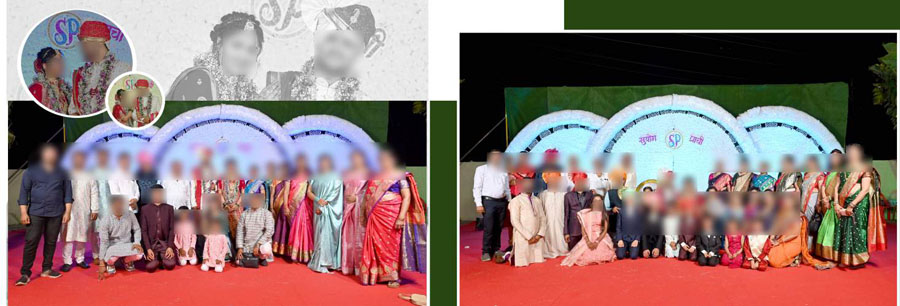
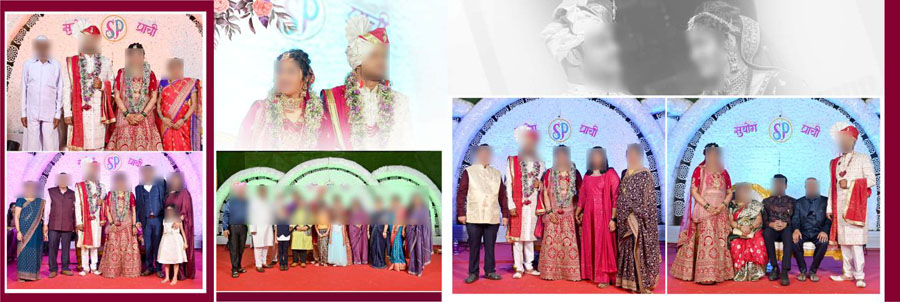
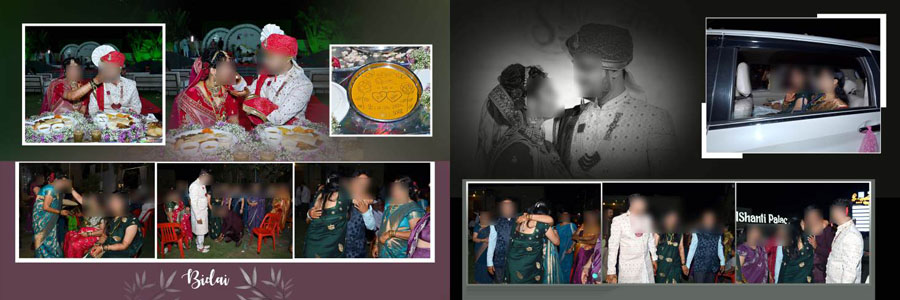
Traditional Indian weddings are full of moments that families love to keep in their albums. From wedding rituals and bride and groom portraits to family photographs and candid moments with guests, every picture has its own place in the story. These 30 Traditional Indian Wedding Album PSD Templates 12×36 are made for photographers and album designers who want to create beautiful wedding pages without arranging everything from scratch. You can also explore our wedding page designs for different ceremonies for more ideas for your next project.
This collection brings together traditional wedding styles with layouts suited to different photographs. Whether you are designing an Indian wedding ceremony album or arranging family memories across several pages, these PSD templates give you a starting point that you can adjust to suit the couple’s pictures.
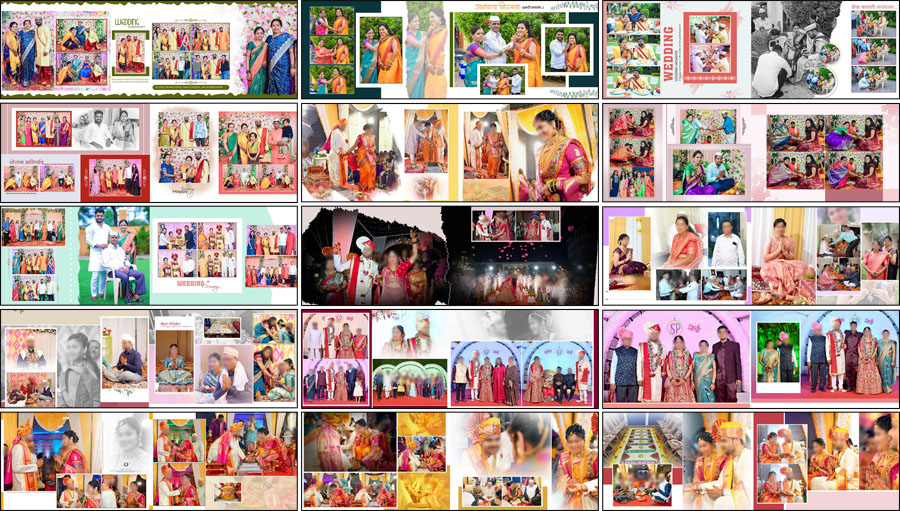
What Makes These Traditional Wedding Album Designs Useful?
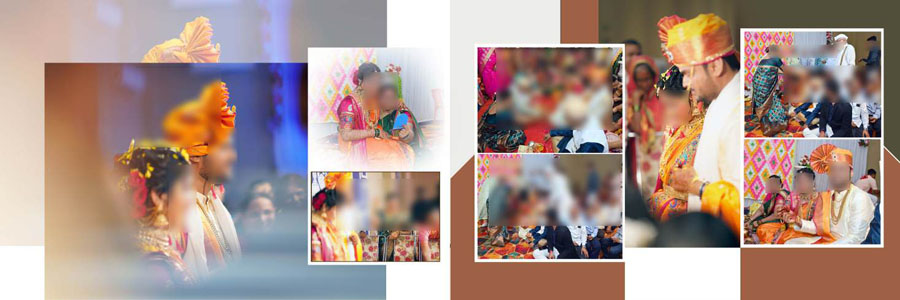
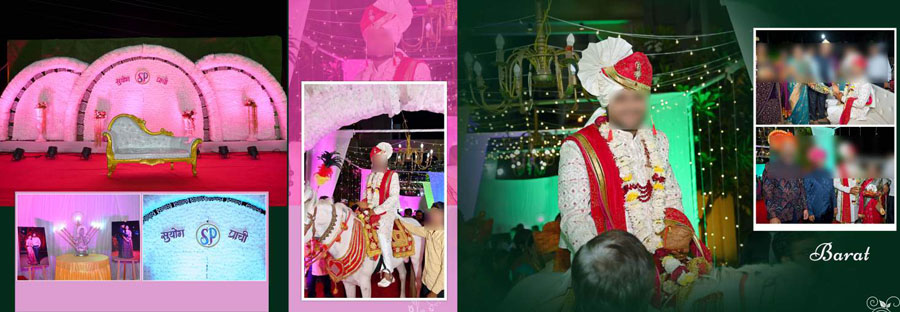
All 30 designs follow a 12×36 album format, giving you a wide spread for arranging portraits, ceremony photographs, and family moments. If you need more options for this size, browse our 12×36 wedding layout collection to find other styles for your album projects.
A traditional wedding album should bring the important moments together without making the page look crowded. Some photographs deserve a larger space, such as a bride and groom portrait or a key ceremony moment. Smaller frames can be used for family pictures, guests, and candid shots. The right balance helps the finished album feel connected from one spread to the next.
Traditional Indian Wedding Album PSD Pack Details
- Total designs: 30 templates
- Album size: 12×36
- File format: Adobe Photoshop PSD
- Design style: Traditional Indian wedding layouts
- Layers: Fully editable
- Software compatibility: Adobe Photoshop CS3 to CC 2026
- Suitable for: Wedding ceremonies, couple portraits, family photos, and candid moments
- Price: Available at an affordable price
Where Can You Use These Wedding Album Templates?
Wedding Ceremony and Ritual Photos
Indian weddings include many rituals, and each one can be an important part of the final album. Use these layouts to bring related photographs together, so the family can follow the wedding story while turning the pages. Keep the main ceremony picture easy to notice and use supporting images to show the smaller moments around it.
Bride and Groom Portraits
Portraits of the couple often become the main attraction on a wedding album spread. Choose a layout that gives the photograph enough room and does not cut off important details such as faces, outfits or jewellery. For pages focused mainly on the bride, you can also look at these bridal portrait page layouts for more inspiration.
Family Photographs and Candid Moments
Family pictures, guest portraits and natural moments from the celebration add personality to an Indian marriage album. Use multiple-photo layouts to include these memories while keeping enough space between the images. Try to group photos from the same part of the wedding instead of placing them randomly across the page.
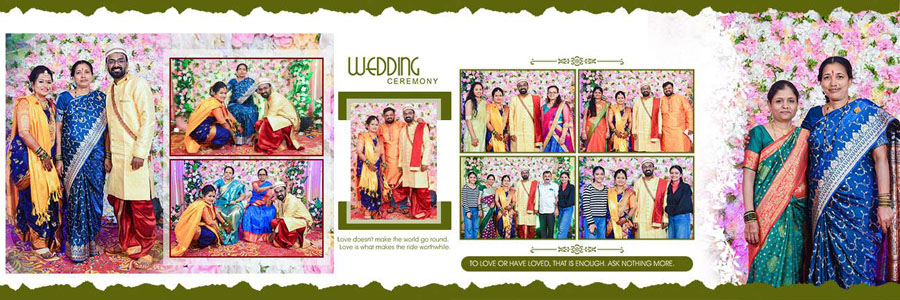
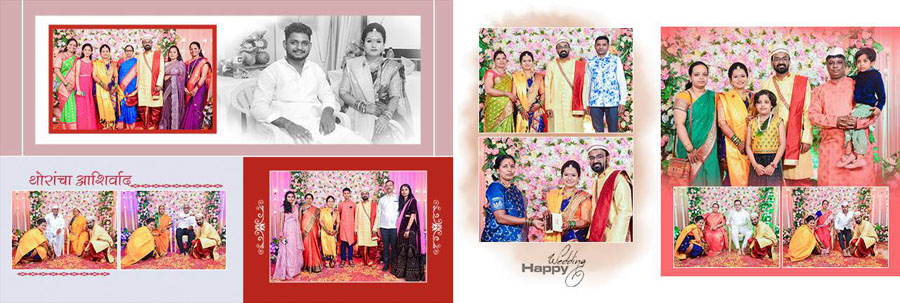
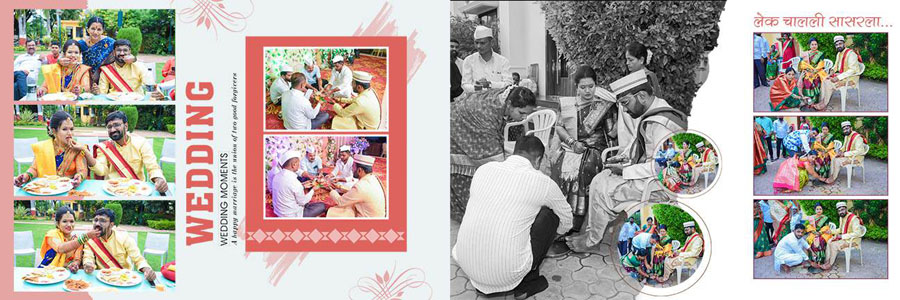
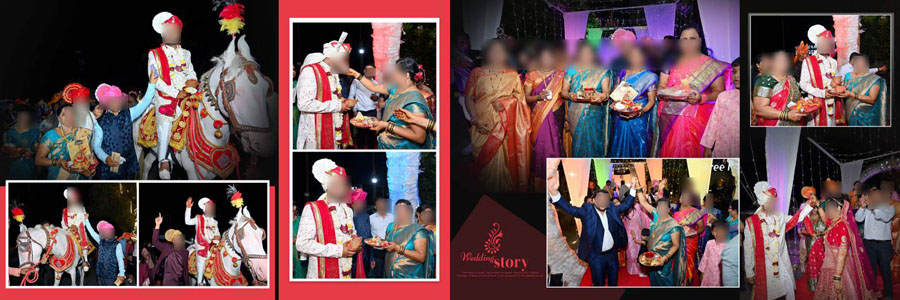
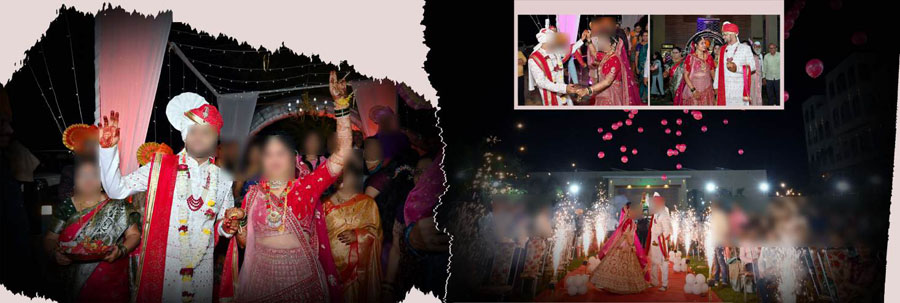
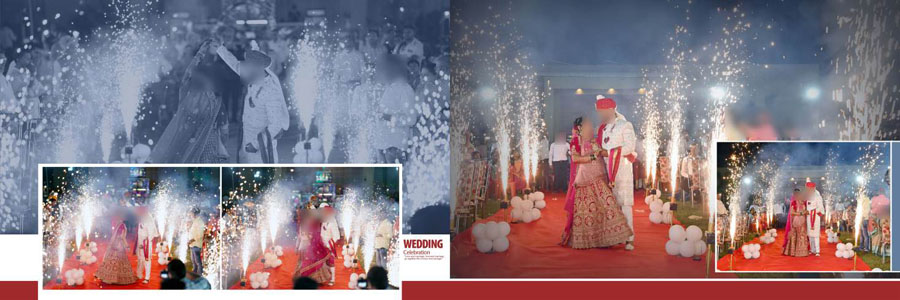
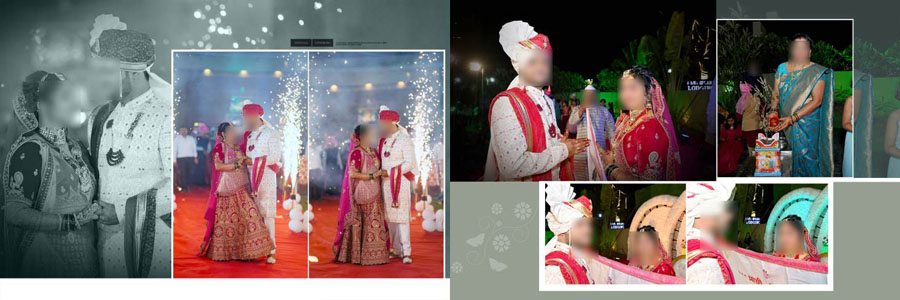
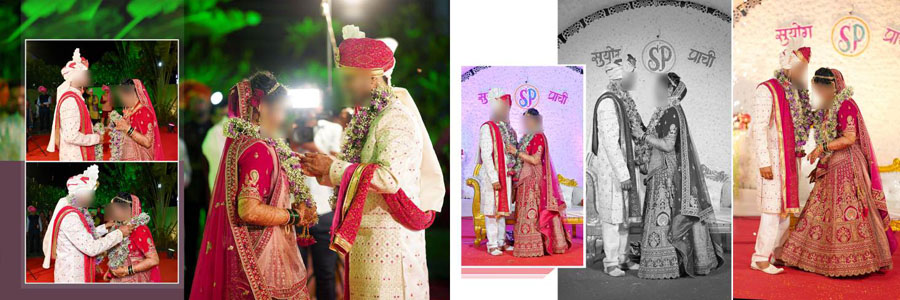
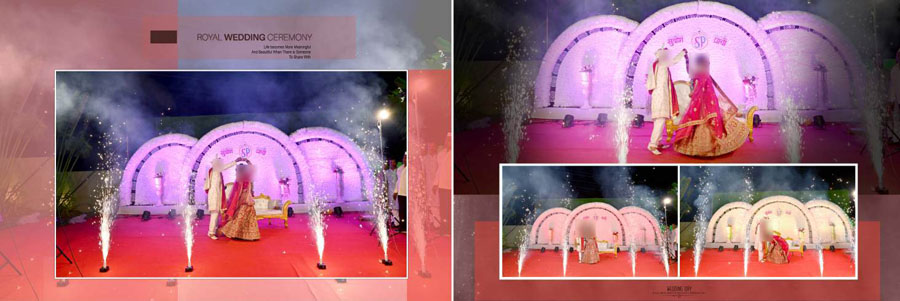
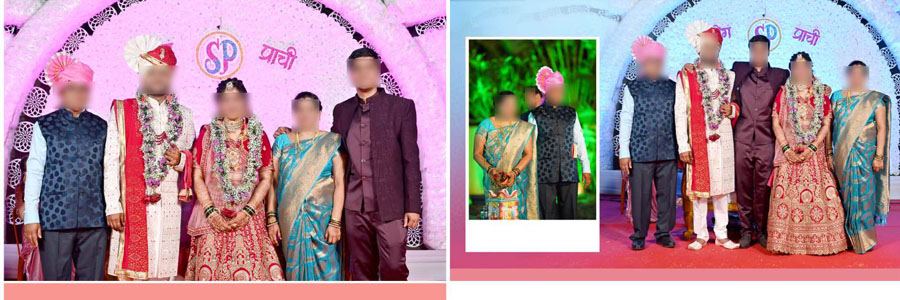
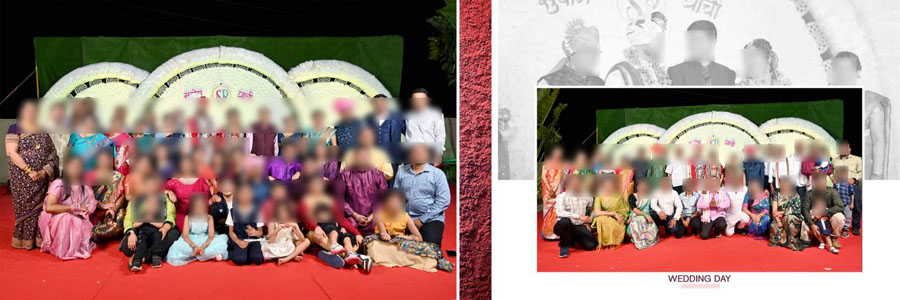
Buy Traditional Indian Wedding Album PSD Templates
These 30 traditional wedding album designs are a practical choice for photographers and designers who want ready-made layouts for their projects. You can purchase the PSD collection at an affordable price by clicking the Buy Now button provided below. Download the files, add your client’s photographs, and customize the pages to create a wedding album that brings their special moments together.
How to Customize the Wedding Album PSD Files
Open the PSD file in Adobe Photoshop and check the Layers panel before editing. Replace the sample photographs with your client’s pictures, then adjust the size and position of each image to fit the available space. Since the layers are editable, you can make changes to the layout to suit the photographs and the album style.
Take care when cropping faces and group photos. Avoid stretching images to fill a frame, as this can make people look unnatural. If a photograph does not fit well, adjust the crop or choose another image. Before finishing, look at the entire 12×36 spread at a smaller zoom level to check the spacing and balance.
Save your working PSD file so you can make further changes if the client requests them. Before sending the pages for printing, check the document dimensions and export settings required by your album lab.
Complete the Album with a Matching Cover
Once the inner pages are ready, choose a front cover that suits the same wedding theme. A matching cover helps the album feel complete and gives the collection a consistent look. Browse our traditional wedding album cover designs to find an option that works well with your finished pages.
More Wedding Album Design Ideas
If you are working on different parts of a wedding album, these related collections offer more layouts for portraits and traditional wedding photography.
- 12×36 layouts for wedding couple portraits
- More Indian wedding album designs in a premium style
- Modern layouts for bridal wedding photographs
Conclusion
A good wedding album keeps the important memories in one place and makes them enjoyable to revisit. These 30 Traditional Indian Wedding Album PSD Templates 12×36 can help you arrange ceremony photos, couple portraits, and family moments in a consistent style. Choose layouts that suit the photographs, make careful edits in Photoshop, and give every spread enough room to tell its part of the wedding story.
Note:
If you’re facing issues with downloading the file such as "it may take up to 24 hours to be able to view or download the file" So please ensure you are logged into your Google account before attempting to download. This usually resolves the issue and allows you to download the file without any waiting time.