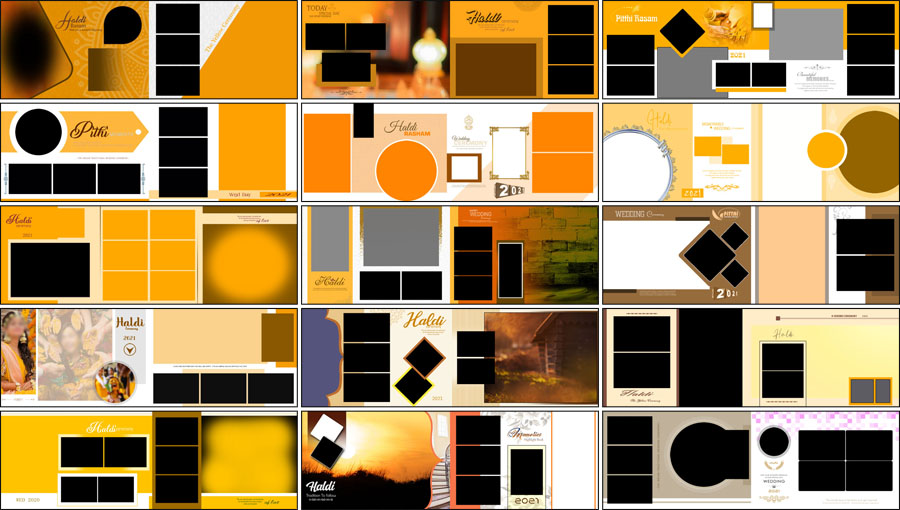
The Haldi ceremony is one of the most colourful events in an Indian wedding. Yellow outfits, turmeric rituals, family celebrations, bridal portraits, and candid moments make this occasion special. A well-designed album helps bring these memories together in a beautiful way. This collection of 15 Free Haldi Album Design PSD Templates 12×36 offers ready-made layouts for photographers, wedding album designers, and Photoshop users who want to present Haldi ceremony photographs attractively. The designs feature yellow, golden, orange, cream, and warm earthy colours, along with creative photo frames and decorative backgrounds. Photographers can also explore the wedding album design PSD collection for more layouts to use throughout a wedding album. These Haldi PSD templates provide an editable starting point for arranging bridal portraits, turmeric ceremony highlights, family photographs, and other memorable moments in the 12×36 album format.
Haldi Album PSD Pack Details
- Total Designs: 15 Haldi album PSD templates
- Album Size: 12×36
- File Format: Adobe Photoshop PSD
- Design Style: Traditional and modern Haldi ceremony
- Colour Themes: Yellow, golden, orange, and cream
- Customization: Photographs, available text, colours, and design elements supported by the PSD layers
- Price: Free download
15 Free Haldi Album Design PSD Templates 12×36
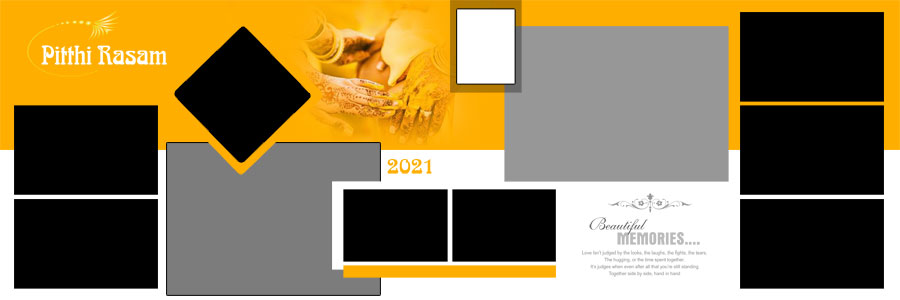
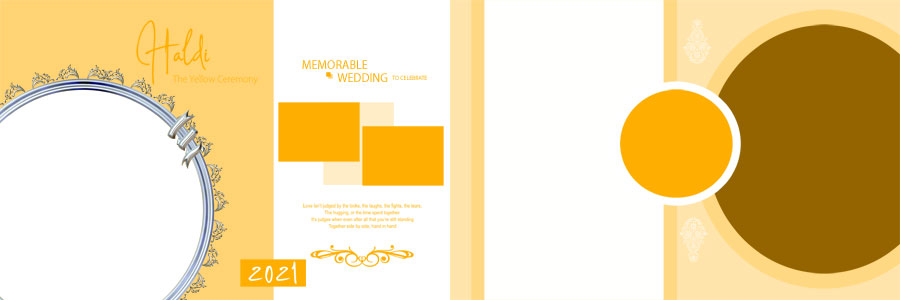
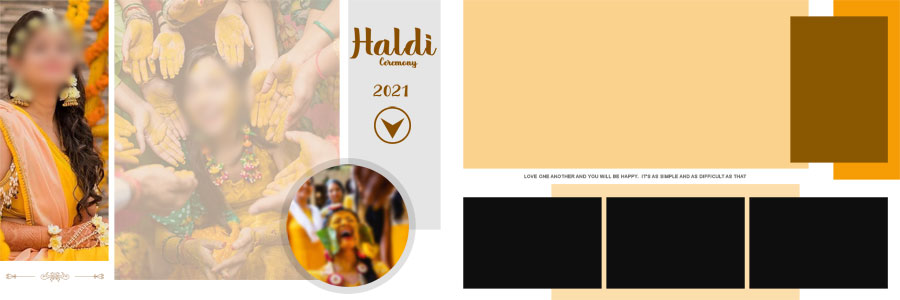
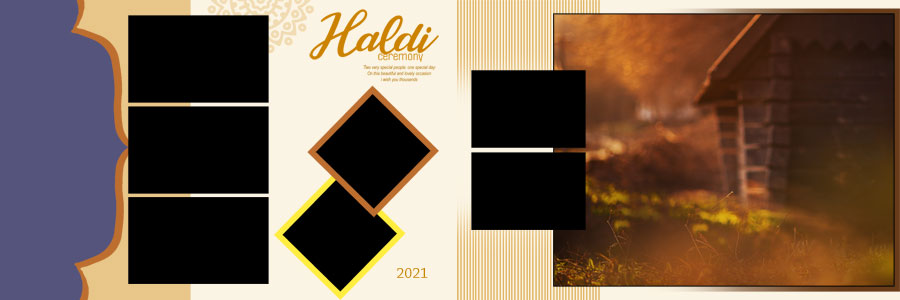
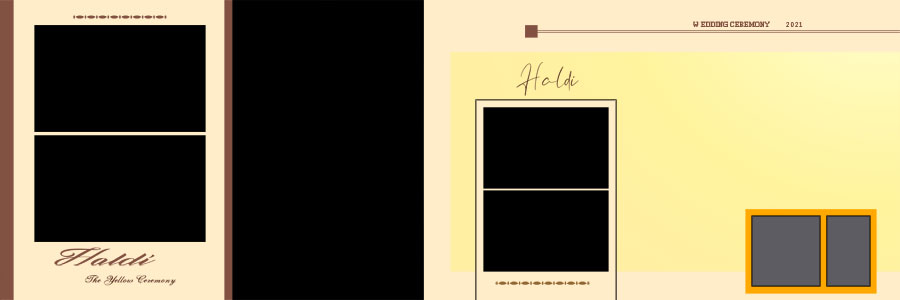
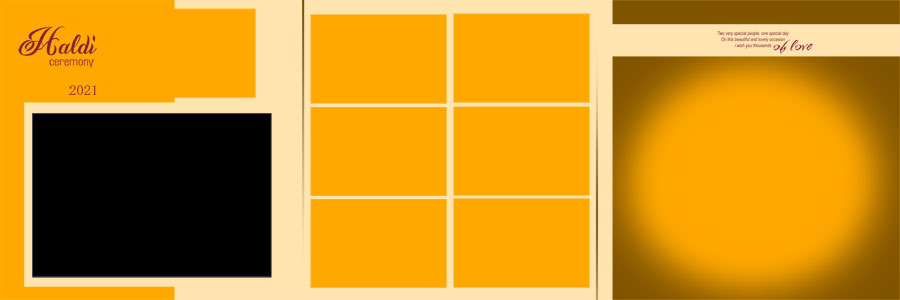
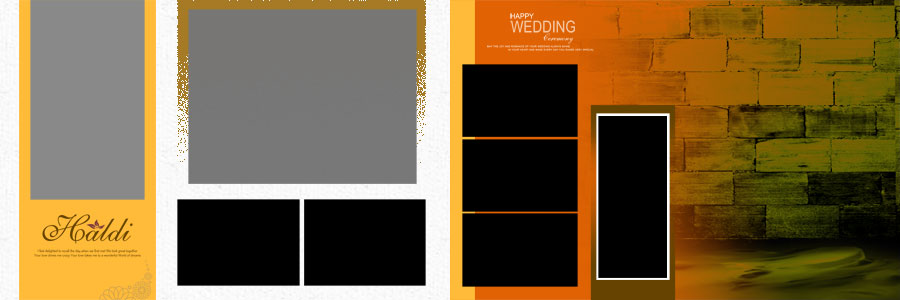
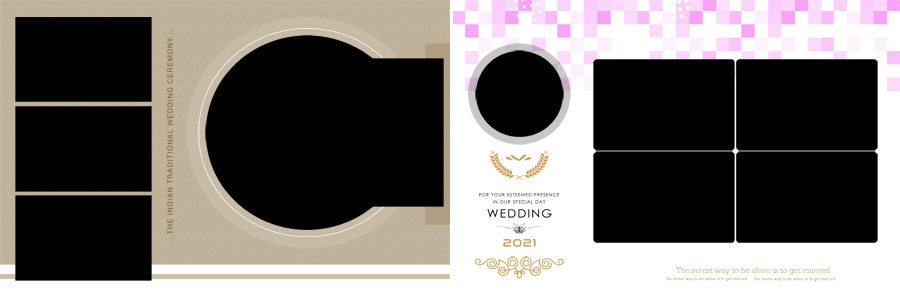
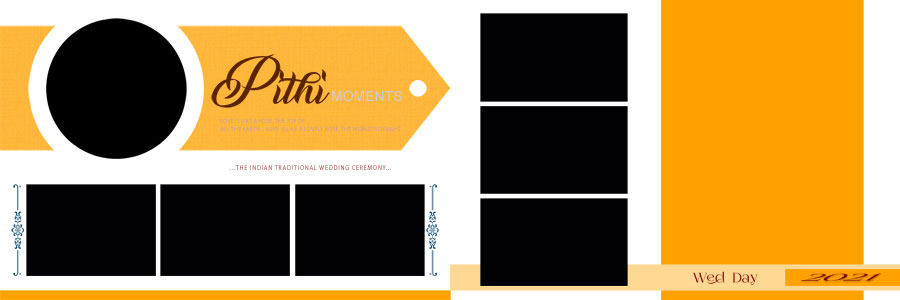
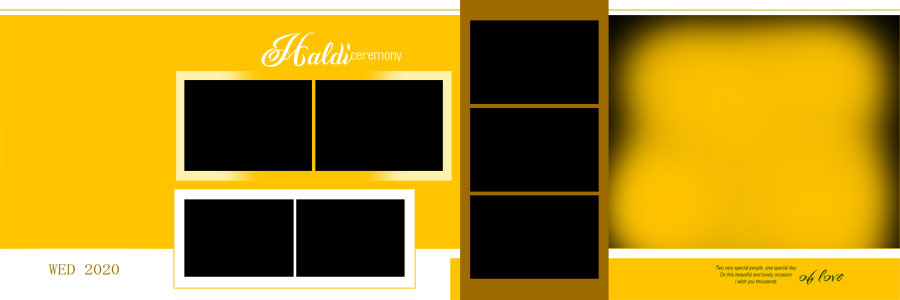
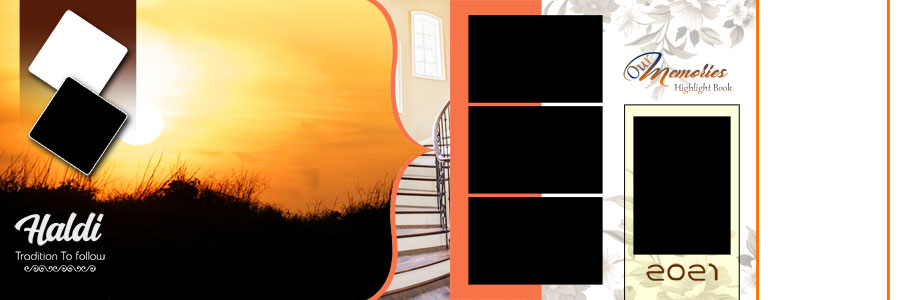
Haldi photographs have their own style. Some capture the main turmeric ritual, while others show the bride, family members, friends, decorations, and fun moments from the celebration. These 12×36 Haldi album design PSD templates offer different ways to arrange such photographs without making every page look the same.
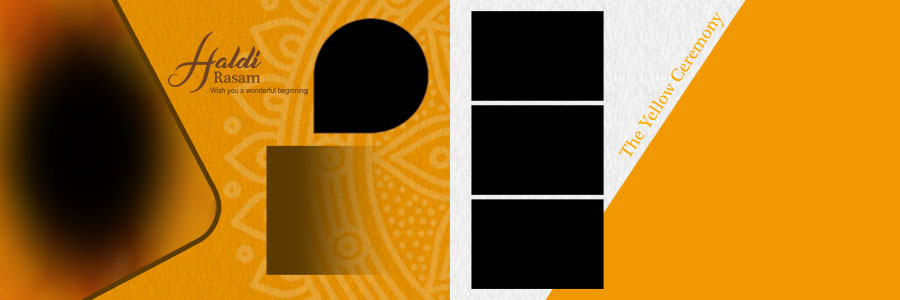
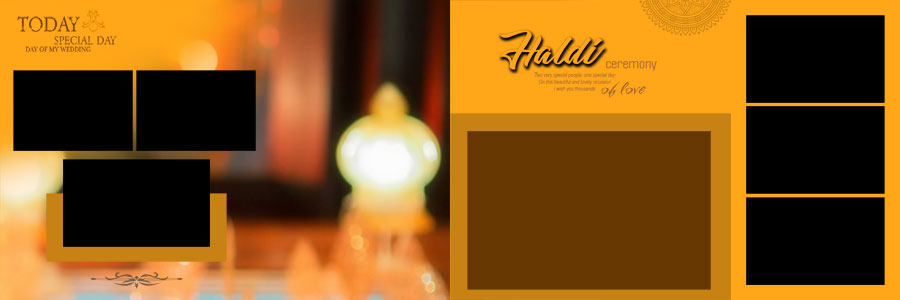
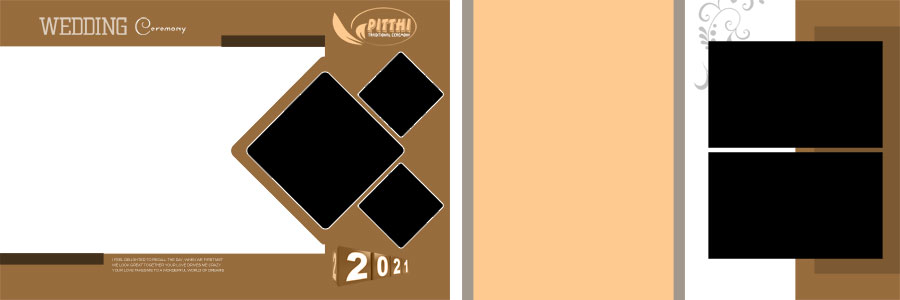
The collection includes traditional and modern layouts with warm colours, decorative elements, and different photo arrangements. Some designs focus more on bridal portraits and ceremony highlights, while others let you arrange multiple photographs across a wide spread. This variety is helpful when preparing an album that includes both important rituals and candid moments.
The wide 12×36 format gives designers room to combine a main photograph with smaller supporting pictures. For more layouts in the same size, the 12×36 wedding album PSD collection offers additional options for other sections of a wedding album.
The preview images below make it easier to compare the different layouts, colour combinations, and decorative styles before choosing designs for a particular Haldi album project.

Colour Themes That Suit Haldi Ceremony Photography
Colour plays an important role in Haldi album design because the photographs often contain yellow outfits, turmeric, flowers, and colourful decorations. The background should complement these details while keeping the main subjects easy to see.
Yellow and Golden Album Designs
Yellow and golden shades naturally suit Haldi celebrations. They create a warm look around photos of turmeric rituals, bridal portraits, and family gatherings. These colours work best when the design leaves enough space for the photographs and does not make the complete page look too busy.
Orange and Warm Earthy Backgrounds
Orange and earthy colours offer another option for traditional ceremony photographs. They can work well with warm lighting, floral decorations, and traditional outfits. A balanced background helps the photographs remain the main focus instead of competing with the decorative elements.
Cream Layouts for a Clean Look
Cream backgrounds can provide a softer appearance when the photographs already contain bright colours. They are useful for creating visual balance across an album, especially when several yellow and orange photographs appear on the same spread.
The final colour choice should always depend on the actual photographs. A good layout brings out the colours in the images without making skin tones or clothing look unnatural.
What to Include in a Haldi Ceremony Album
A memorable Haldi album should show more than just posed portraits. The ceremony often includes small details and candid moments that help tell the story of the event. Using different types of photographs gives the album more variety.
- Bridal portraits: Highlight the bride’s outfit, jewellery, expressions, and Haldi look.
- Turmeric ceremony moments: Include important photographs from the main ritual and related activities.
- Family and friends: Use group photographs to show the people who shared the celebration.
- Candid photographs: Include natural expressions, laughter, and playful moments from the event.
- Decoration details: Add selected photographs of flowers, ceremony decorations, and the event setting.
- Food and celebration details: Use suitable food or event photographs where they add to the story of the day.
Not every spread needs to include all these photograph types. A page focused on the bride may work better with only a few selected portraits, while a ceremony spread can include several photographs showing different moments. This approach keeps the album varied and easier to follow.
How to Customize Haldi Album PSD Templates in Photoshop
The editable PSD format provides a starting point for personalising the album. The available editing options can depend on how individual layers are arranged, so it is useful to review the file before making major changes.
- Open the PSD file: Open the selected design in Adobe Photoshop and review the complete 12×36 spread.
- Check the layer structure: Identify photo areas, backgrounds, text layers, and decorative elements in the Layers panel.
- Replace the photographs: Add the required bridal portraits, turmeric ceremony pictures, or family photographs.
- Adjust photo cropping: Position images carefully so faces, outfits, and important ceremony details remain visible.
- Edit available text: Change names or other sample wording wherever editable text layers are included.
- Adjust colours: Modify supported colour elements to match the photographs and preferred album theme.
- Organise the layers: Keep important elements separate where possible so future edits remain easier.
- Save an editable copy: Save the customised design in PSD format before preparing the final output.
- Review the spread: Check image placement, spacing, text alignment, and the overall colour balance.
Before sending a completed album for printing, check the printing laboratory’s requirements for document dimensions, colour settings, and export format. The original photograph quality also affects the final result. A careful final review helps catch cropping issues and details that may be hidden near the album binding.
More Haldi and Wedding Album PSD Designs
Different wedding events often need different album styles. Haldi pages can focus on yellow colour themes and candid ceremony moments, while other sections may need bridal portraits, couple photographs, or decorative wedding layouts. These related collections offer more choices for photographers and album designers.
- 16 Haldi Ceremony Album Design PSD Templates for more Haldi-focused page layouts.
- Creative Haldi Album Design 12×36 PSD Templates for additional Haldi album styles.
- Haldi Ceremony 12×36 Album PSD Templates for more layouts in the same album format.
For a coordinated presentation, the wedding album cover design collection provides additional options for the outside cover. Designers working on other celebrations can also browse the birthday album design collection.
Frequently Asked Questions
Q: How many Haldi album PSD templates are included?
A: This collection includes 15 free Haldi album design PSD templates in 12×36 format.
Q: Which colours are featured in these Haldi album designs?
A: The collection includes yellow, golden, orange, cream, and warm earthy colour themes.
Q: Can the Haldi album PSD files be customised?
A: Yes. The available PSD layers can be used to replace photographs, edit supported text, adjust colours, and modify design elements.
Q: Are these Haldi album design templates free to download?
A: Yes. The collection is offered as a free download.
Conclusion
15 Free Haldi Album Design PSD Templates 12×36 provides a selection of layouts for presenting bridal portraits, turmeric rituals, family photographs, and other moments from a Haldi celebration. The yellow, golden, orange, and cream colour themes suit the warm look of the event, while the different photo arrangements give designers options for both portrait-focused pages and multi-image spreads. The editable Photoshop PSD files offer a useful starting point for personalising layouts according to each project. For photographers and album designers who want to prepare attractive Haldi albums with less layout work, this collection provides several styles to explore.
Note:
If you’re facing issues with downloading the file such as "it may take up to 24 hours to be able to view or download the file" So please ensure you are logged into your Google account before attempting to download. This usually resolves the issue and allows you to download the file without any waiting time.