Designing a memorable wedding album becomes much easier when the layout already has a clear visual flow for portraits, rituals, couple moments, and family photographs. Wedding album design PSD templates give photographers and album designers a practical starting point, especially when a client needs a polished album without waiting days for every page to be designed from scratch.
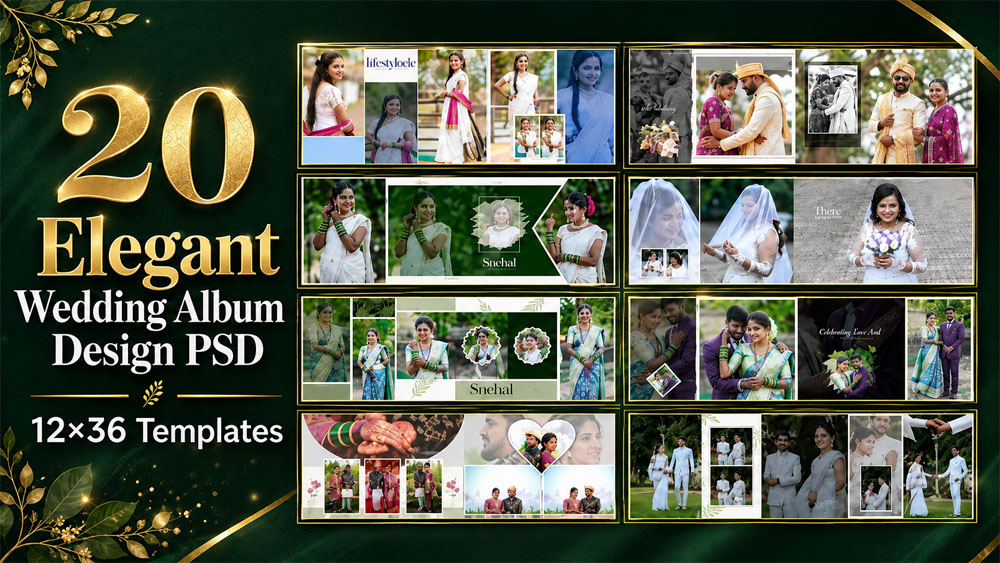
This collection includes 20 elegant layouts created in the popular 12×36 format. The spreads are suitable for bridal portraits, groom photos, couple shots, candid images, wedding rituals, and family photographs. If you regularly work on wide wedding spreads, browse our complete 12×36 album PSD collection for more creative styles and ready-made Photoshop layouts.
20 Elegant Wedding Album Design PSD 12×36 Templates
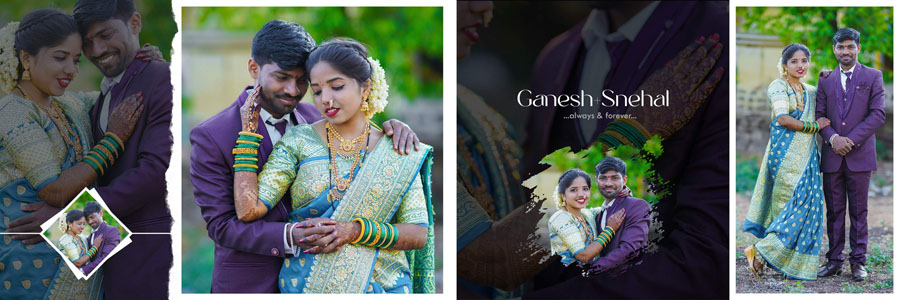
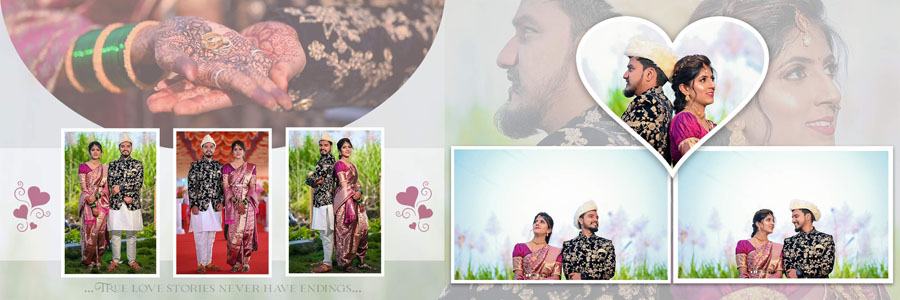
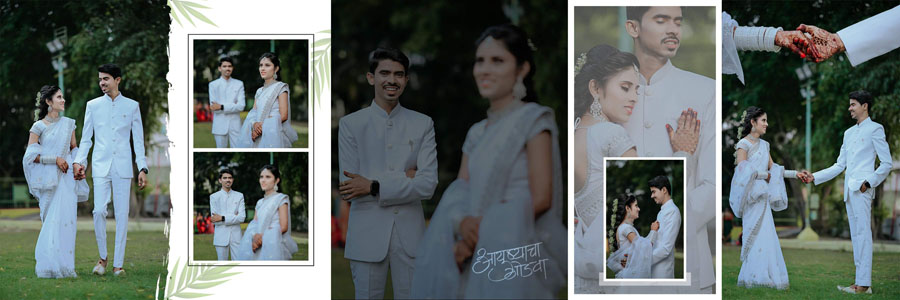
A well-designed album should feel connected from the first page to the final spread. These wedding album PSD templates use elegant photo frames, soft floral details, stylish typography, portrait-focused compositions, and balanced multi-photo arrangements to help you build a complete visual story. For a more professional final presentation, you can also choose a matching design from our wedding album cover PSD collection.
The collection is mainly created for wedding projects, but the flexible layouts can also inspire photographers working on engagement sessions, couple portraits, bridal shoots, and family events. If you need a separate category for birthday projects, explore our editable birthday album design PSD templates as well.
Elegant Layouts for Bridal and Couple Photography
Every wedding has a different mood. Some albums need soft and graceful bridal pages, while others need bold couple portraits, ceremony photographs, and modern candid arrangements. That is why this pack includes different composition styles instead of repeating the same frame pattern across every sheet.
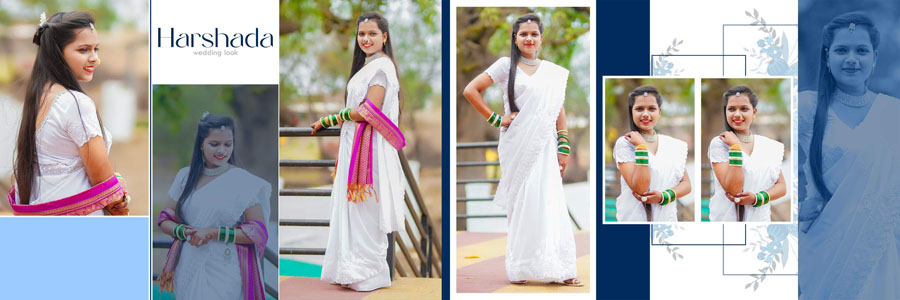
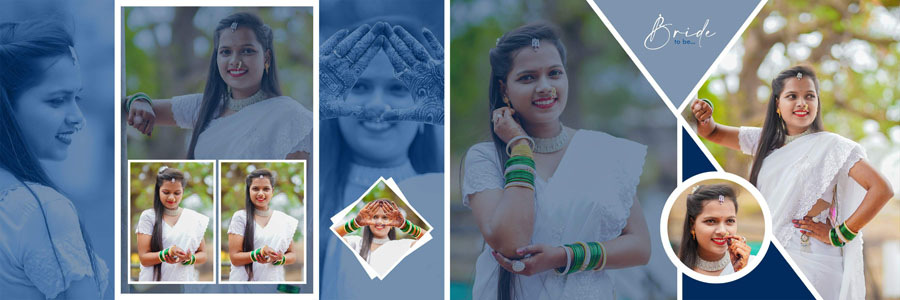
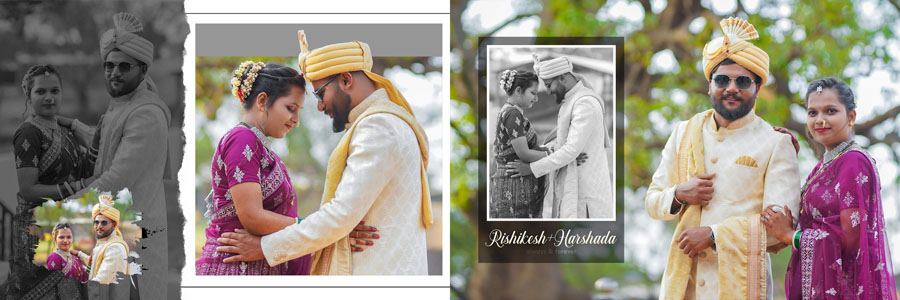
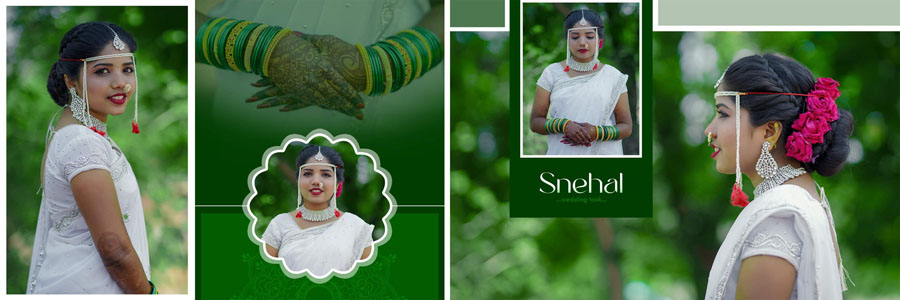
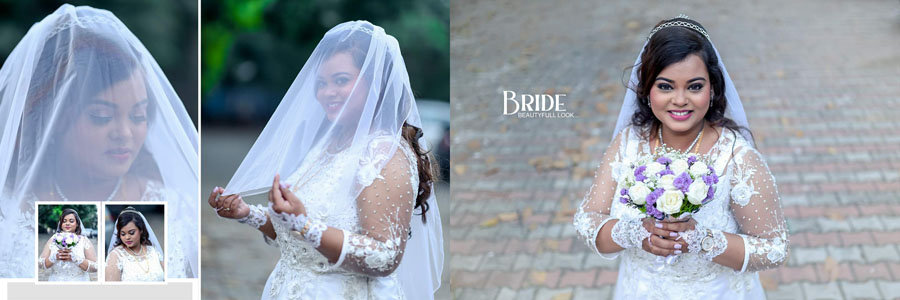
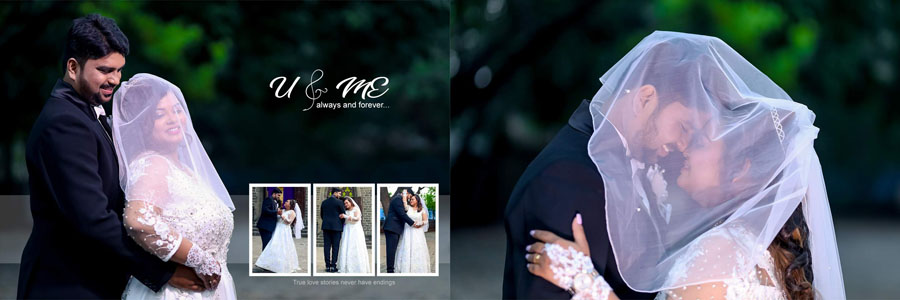
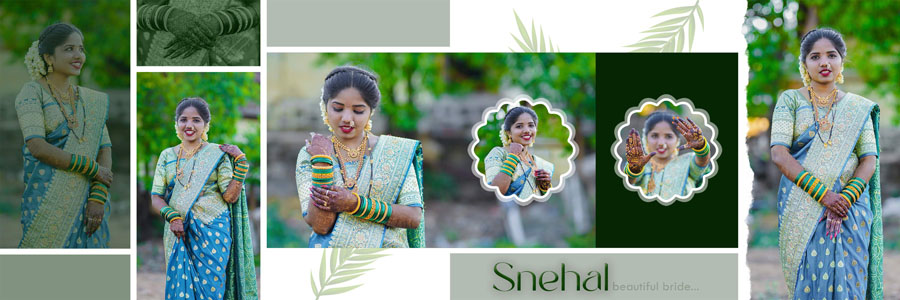
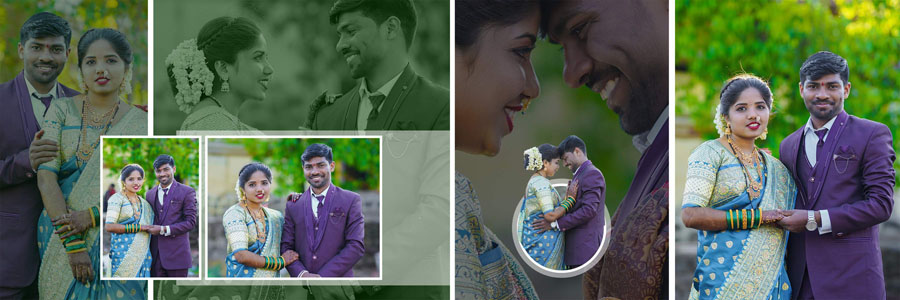
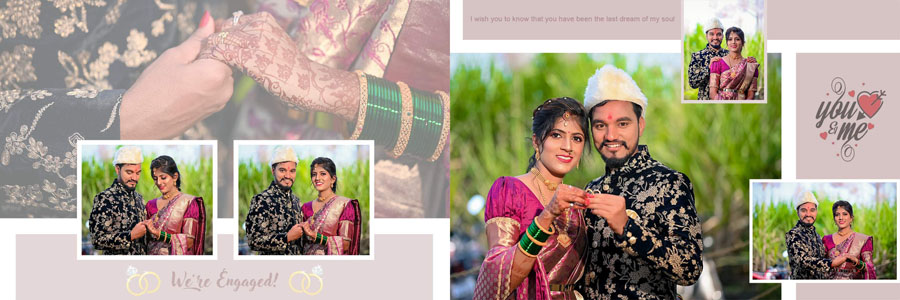
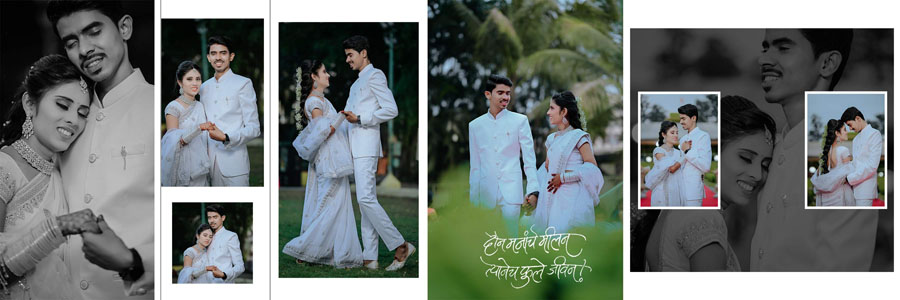
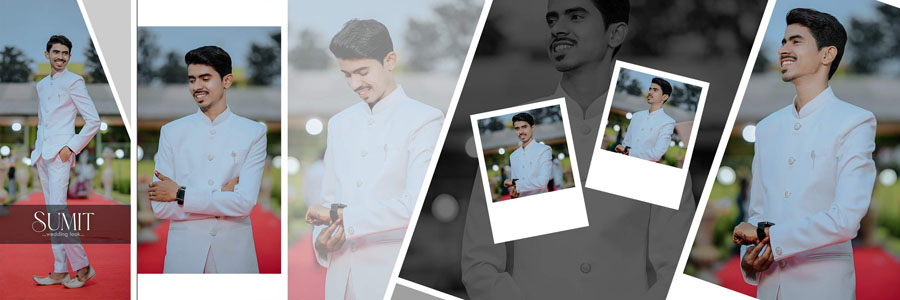
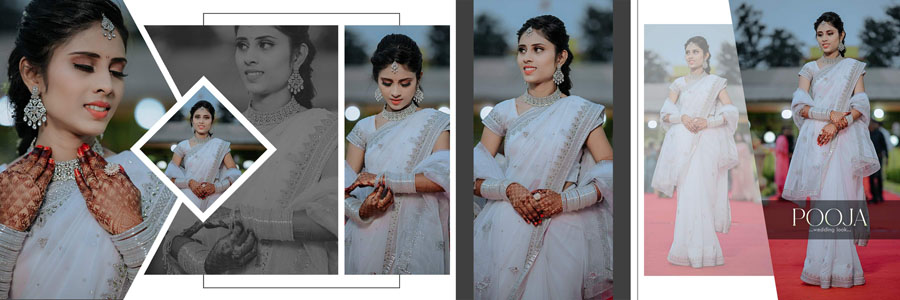
You can use full-size portrait spaces for the bride or groom, then place supporting photos around them to show jewellery, outfits, expressions, and important wedding details. Several layouts also work nicely for romantic couple photographs where one main image needs more visual attention than the smaller supporting frames.
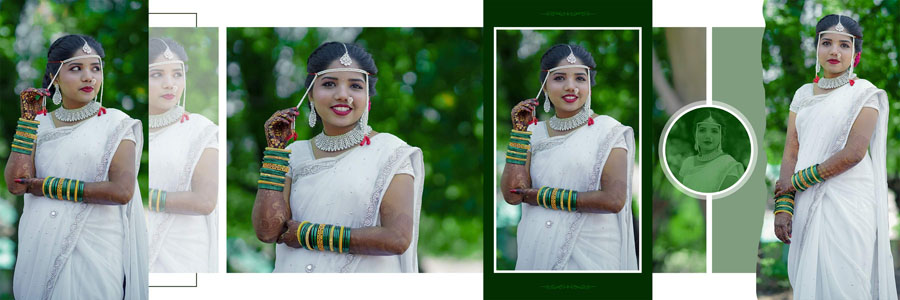
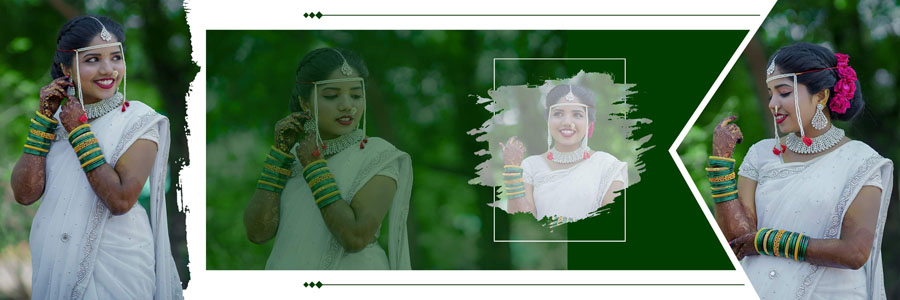
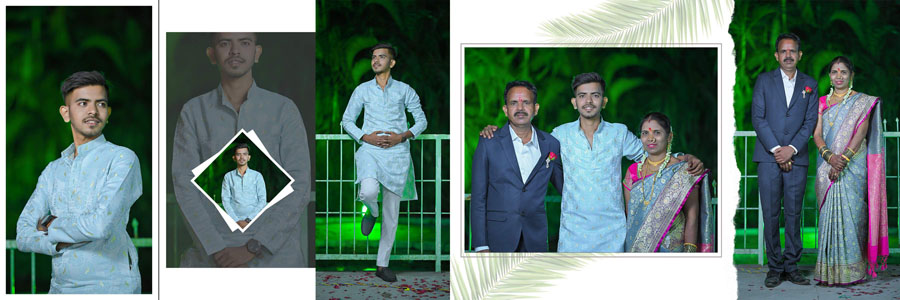
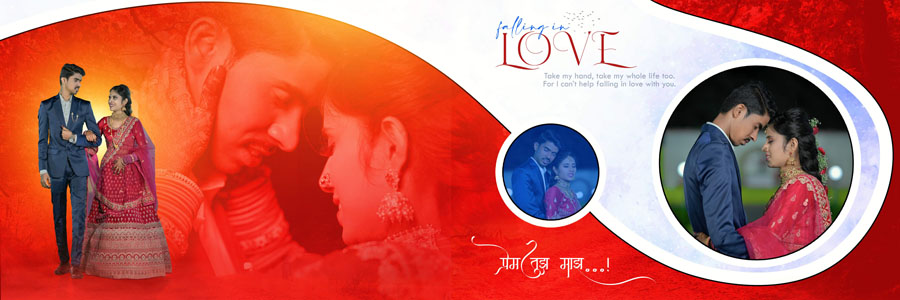
The designs shown in this collection have a refined look that suits traditional and modern wedding photography. Floral accents, clean backgrounds, creative photo cut-outs, geometric frames, soft green tones, dark cinematic spreads, and bright romantic compositions give you enough variety for different client preferences.
Why 12×36 Wedding Album PSD Is a Popular Choice
The 12×36 size gives album designers a wide canvas for telling a wedding story properly. You can place a large couple portrait on one side and use the remaining space for ceremony images, close-up details, or family photographs without making the spread look crowded.
It is also useful when a photographer has a mixture of vertical and horizontal images. Instead of cropping every photo aggressively, you can select a layout that gives each important photograph the right amount of space. This helps bridal portraits, group photos, pre-wedding shots, and candid wedding moments look more natural inside the finished album.
For studio work, ready-made 12×36 wedding album design PSD files can save a lot of layout time. Rather than starting with an empty Photoshop file, you can select a suitable spread, replace the photos, adjust the text if required, and focus on the final client presentation.
Suitable for Different Wedding Album Sections
These 20 wedding album design PSD templates can be used across many parts of a complete wedding photo book. Choose pages according to the photographs available for your client instead of forcing every image into one layout style.
- Bridal portrait album pages
- Groom portrait and traditional outfit photographs
- Romantic couple photo album spreads
- Wedding ceremony and ritual photographs
- Family group and guest pictures
- Candid wedding moments
- Engagement and pre-wedding photography
- Reception and post-wedding portraits
A good wedding album does not need every page to contain many photographs. A strong bridal portrait may look better with clean space around it, while a ceremony spread can use several smaller images to show the sequence of moments. Mixing these approaches gives the full album a more professional rhythm.
Helpful for Photographers, Studios, and Album Designers
This 12×36 wedding album PSD collection is useful for professional wedding photographers, photo studios, freelance album designers, Photoshop editors, and anyone who prepares client albums regularly. The layouts are especially helpful when you need a quick but polished base for a new project.
Photographers can select the best spread after shortlisting their client photographs. Album designers can then arrange the images according to the page structure, adjust crops carefully, and keep important faces away from the centre fold. This workflow is much faster than designing every wedding album page from the beginning.
The final result still depends on your photo selection, cropping, colour correction, and attention to detail. A ready-made layout saves time, but the best albums are always those where the designer matches each spread to the emotion and importance of the photographs.
How to Customize Wedding Album PSD Templates in Photoshop
- Open your preferred 12×36 PSD design in Adobe Photoshop.
- Review the photo areas before choosing images for the spread.
- Place your client photographs into the available frames or layers.
- Resize and reposition every image carefully to protect faces, jewellery, and important details.
- Edit names, dates, captions, or studio branding where needed.
- Keep key portraits and text away from the centre gutter of the album.
- Review the complete spread at full size before exporting it.
- Save the editable PSD file before creating the final print file.
Before sending the pages for printing, always check the printer’s bleed, safe-margin, resolution, colour-mode, and export requirements. This small check can prevent avoidable cropping or colour issues in the finished album.
Create a More Consistent Wedding Album Story
When designing a complete album, try to keep the colour treatment, typography, and layout mood consistent from start to finish. You do not need to use the same background on every page, but the spreads should feel like they belong to one wedding story.
Start with a clean opening spread, then arrange the wedding photographs in a natural sequence: bridal preparation, groom portraits, arrival, rituals, couple moments, family pictures, reception, and closing portraits. This makes the album easier for clients to view and more meaningful when they look back at it years later.
For a premium-looking result, select one or two portrait-led layouts for the strongest photographs, then use multi-photo spreads for ceremonies and family moments. That balance keeps the album elegant while allowing you to include all important memories.

Related Wedding Album Design PSD Templates
- 20 Indian Wedding Album Design PSD 12×36 Premium Templates
- 20 Luxury Bridal Photo Album Design PSD Templates 12×36
- 20 Elegant Marriage Album Design PSD Templates 12×36
- 20 Romantic Pre Wedding Couple Album Design PSD Templates 12×36
- 20 Traditional Marathi Wedding Album PSD Templates
- Creative Pre Wedding Photo Album Design PSD Templates
- 12×36 Couple Portrait Wedding Album PSD Templates
Buy 20 Elegant Wedding Album Design PSD Templates
If you need ready-made 12×36 wedding album layouts for regular studio work, this collection offers 20 elegant designs in one pack. You can purchase these PSD templates at an affordable price by clicking the Buy Now button below and then customize the designs according to your client’s photographs, wedding theme, and album requirements.
Whether you are preparing a bridal album, couple photo book, traditional wedding story, ceremony collection, or reception presentation, these wedding album PSD templates can help you save design time while keeping the final work neat and professional.
Conclusion
These 20 Elegant Wedding Album Design PSD 12×36 Templates give photographers and album designers a useful selection of portrait-focused, floral, cinematic, and modern wedding layouts. Choose the spreads that suit your photographs, personalize them carefully in Photoshop, and create an album that feels complete rather than repetitive.
Note:
If you’re facing issues with downloading the file such as "it may take up to 24 hours to be able to view or download the file" So please ensure you are logged into your Google account before attempting to download. This usually resolves the issue and allows you to download the file without any waiting time.