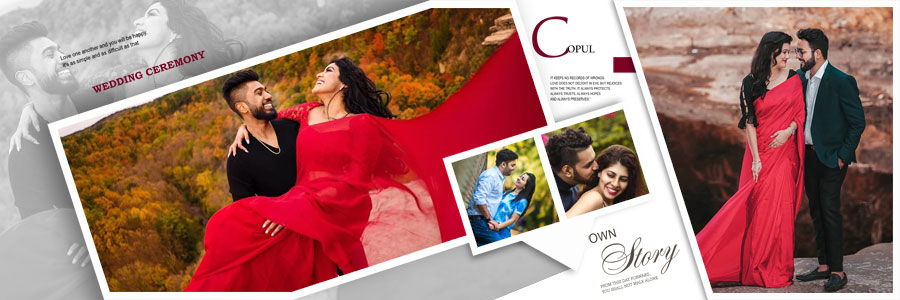
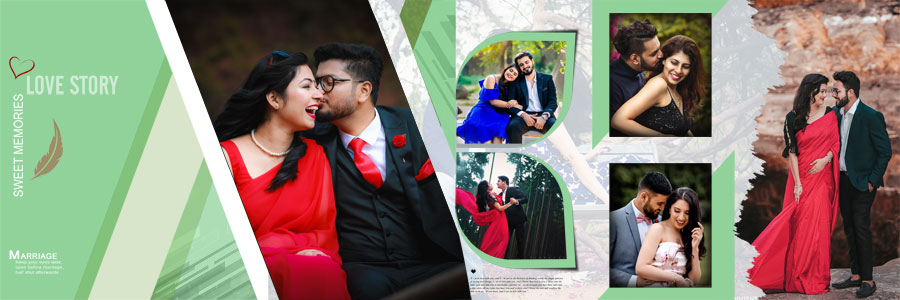
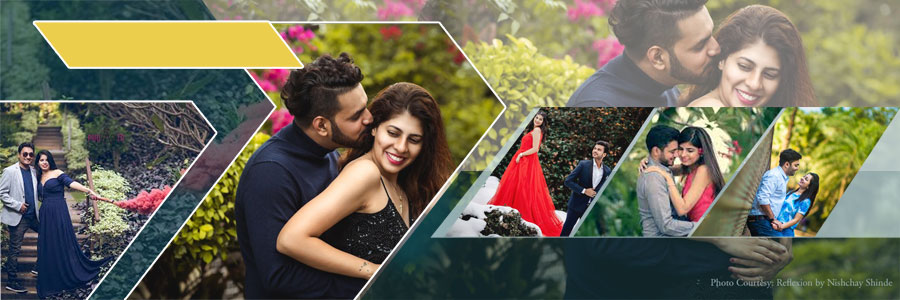
If you are looking for beautifully crafted pre wedding album design PSD templates, this collection is an excellent choice for photographers, album designers, and photo studios that want to create premium albums in less time. In this post, we are sharing 20 Romantic Pre Wedding Couple Album Design PSD Templates 12×36 featuring elegant photo placements, creative backgrounds, modern effects, and professionally arranged wedding photography layouts. Whether you are designing a romantic couple photo album, an engagement album, or a complete pre wedding photography album, these editable templates help you deliver impressive results without creating every page from scratch. If you’re looking for even more professionally designed layouts, explore our premium Wedding Album Design PSD Collection, where you’ll find a wide range of editable album sheets for every style of wedding photography.

Every template in this collection is designed in the popular 12×36 album size with 300 DPI high-resolution quality, making it ideal for professional printing and commercial photography projects. Each file is provided as a print-ready PSD with fully organized and editable layers, allowing you to replace photos, edit text, adjust colors, and customize every design element to match your client’s vision. Compatible with Adobe Photoshop, these templates are suitable for both beginners and experienced designers looking for an editable wedding PSD workflow. Whether you’re working on a pre wedding photoshoot, destination session, engagement ceremony, or outdoor couple shoot, these ready-made layouts help speed up production while maintaining a polished and consistent album presentation. For additional layout styles, don’t forget to explore our 12×36 Album PSD Templates collection.
Romantic Pre Wedding Album Design PSD Collection
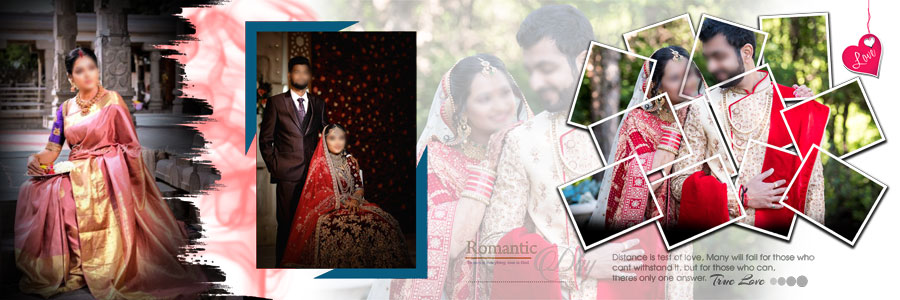
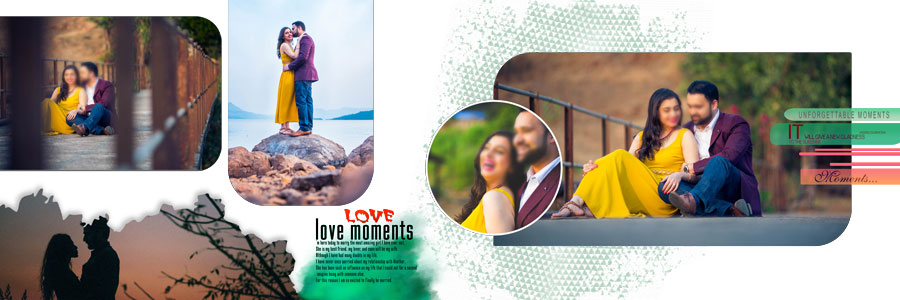
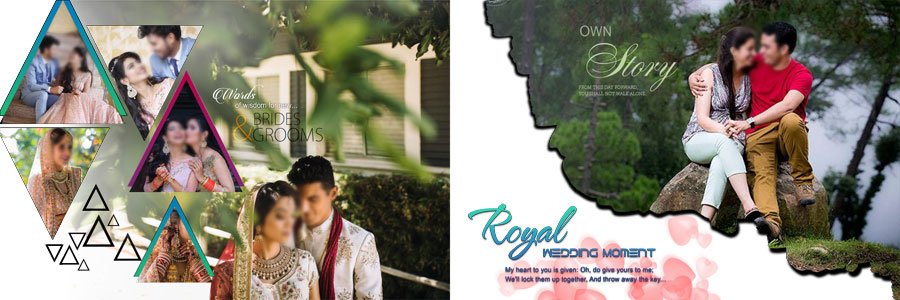
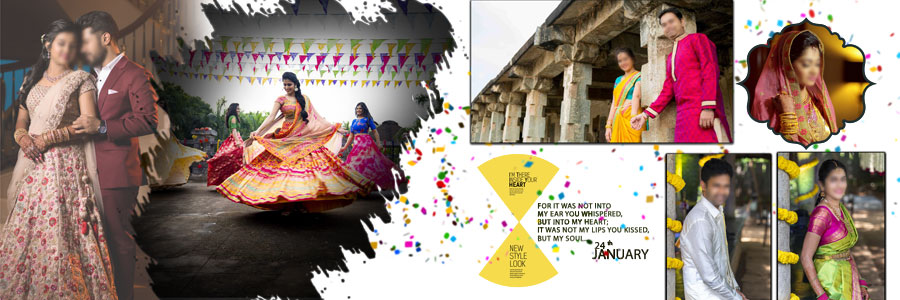
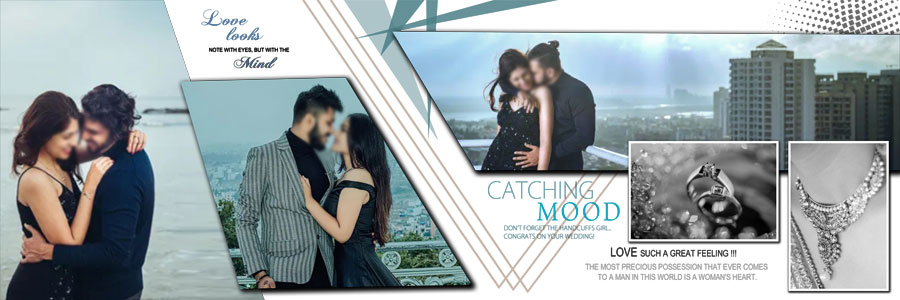
This collection features carefully designed romantic pre wedding album PSD templates created for photographers who want to present every love story with style and creativity. Each layout includes elegant photo arrangements, artistic masks, beautiful background elements, balanced compositions, and refined typography that help transform ordinary images into a memorable wedding story album. These romantic album sheets are perfect for engagement photography, destination shoots, save-the-date sessions, and outdoor couple portraits, giving every project a premium visual appeal. If you’re searching for more layouts in the same format, you can also browse our 12×36 Album PSD Templates collection for additional wedding and pre wedding designs.
Instead of building every album sheet design from scratch, photographers can rely on these professionally organized PSD files to complete projects faster while maintaining a consistent and high-end finish. Every panoramic album sheet is thoughtfully designed to showcase romantic portraits, scenic locations, and emotional moments with perfect visual balance. The clean layer structure makes editing simple, allowing you to create a premium wedding album that reflects your own creative style. To complete your album presentation, you can also browse our Wedding Album Cover Designs for matching cover concepts and additional design inspiration.


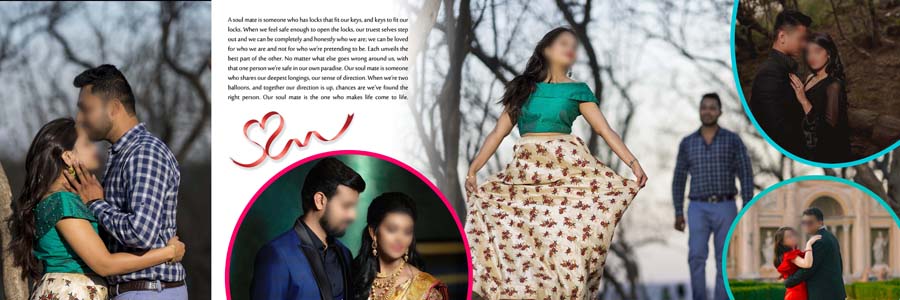
Why Choose These 12×36 Pre Wedding Album Templates?
The 12×36 album format is one of the most preferred choices among professional photographers because it offers a wide canvas for creative storytelling and panoramic photo compositions. These templates are designed to make every wedding photo layout look clean, balanced, and visually engaging, allowing romantic portraits, candid moments, and scenic backgrounds to stand out beautifully. Whether you’re designing an engagement album, a destination pre wedding project, or a complete couple photography album, the spacious layout helps create a seamless viewing experience from page to page.
Each template is built with a fully editable layer structure, giving you complete creative freedom to customize fonts, colors, backgrounds, masks, and photo placements according to your client’s preferences. Instead of spending hours creating layouts manually, you can simply replace the images, make a few design adjustments, and deliver a polished album that reflects your own editing style. This flexible workflow helps photographers and album designers complete projects faster while maintaining consistent quality across every album.

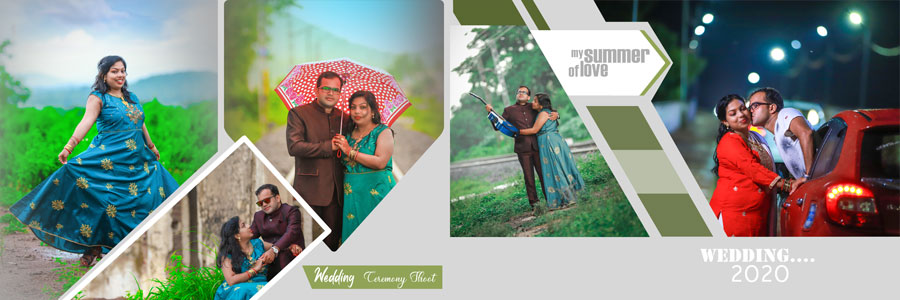
Features of These Pre Wedding Couple Album Design PSD Templates
These pre wedding album design PSD templates are carefully created to help photographers, album designers, and photo studios produce premium-quality albums without investing hours in layout creation. Every PSD file features a clean layer structure, elegant design elements, and modern compositions that simplify the editing process while delivering professional results. Whether you’re working on an engagement shoot, a romantic couple session, or a complete pre wedding photography project, these Photoshop wedding templates provide everything you need to create visually appealing albums with minimal effort.
Designed as a professional album template, each layout includes high-resolution artwork, editable text layers, customizable backgrounds, and organized photo placeholders that make personalization quick and hassle-free. The print-ready design ensures excellent output quality, making these templates suitable for both digital previews and commercial album printing.
- 20 romantic pre wedding couple album design PSD templates
- Professional 12×36 album sheet size
- 300 DPI high-resolution print quality
- Fully editable and well-organized PSD layers
- Compatible with Adobe Photoshop CS3 to CC 2026
- Easy photo replacement with organized layer structure
- Creative wedding photography layouts with elegant compositions
- Perfect for engagement, couple, and pre wedding photography projects
- High-quality backgrounds, masks, overlays, and design elements
- Ready-to-use templates that reduce editing time
- Ideal for photographers, album designers, and photo studios
- Professional print-ready PSD format for commercial album printing
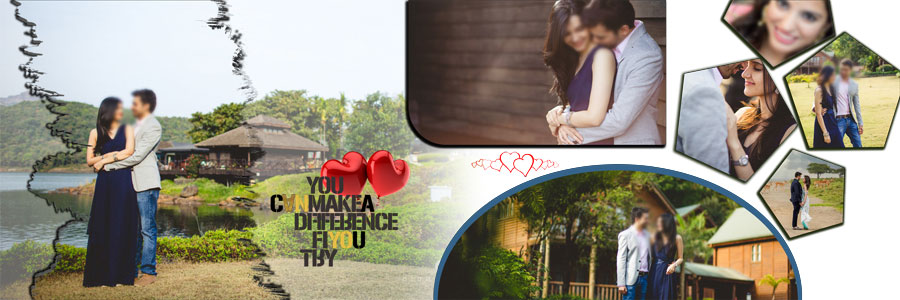
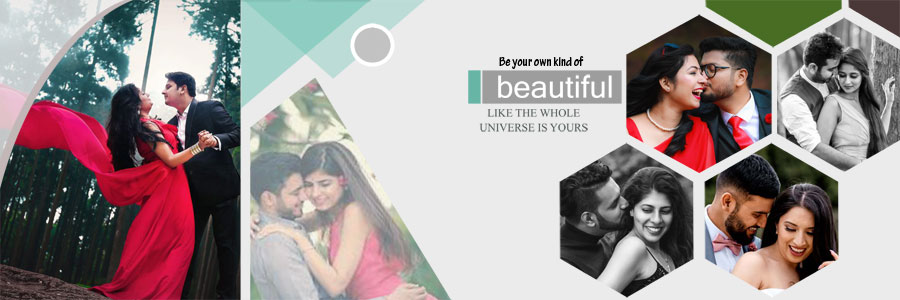

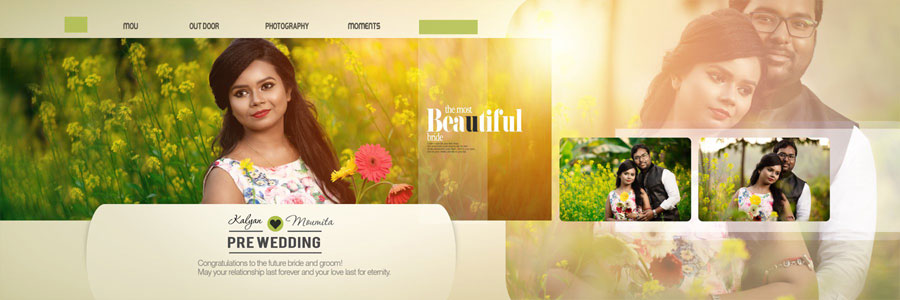



How to Customize Pre Wedding Couple Album Design PSD
Editing these pre wedding album design PSD templates is simple, even if you’re new to Adobe Photoshop. Every file is created with a well-organized layer structure, allowing photographers and album designers to customize each designer album PSD quickly without affecting the original layout. From replacing photos to updating text, colors, and decorative elements, every part of the design can be modified to match your client’s photography style and album theme.
The templates are designed to support a smooth editing workflow, helping you complete projects faster while maintaining consistent quality throughout the album. Whether you’re creating an engagement album, a romantic couple photo album, or a complete pre wedding photography album, these editable PSD files make customization easy without requiring advanced Photoshop skills.
- Open the PSD file in Adobe Photoshop (CS3 to CC 2026 supported).
- Locate the Smart Object layer for the photo you want to replace.
- Double-click the Smart Object thumbnail to open it in a new document.
- Place your selected couple photograph, adjust its position if needed, and save the Smart Object.
- Return to the main PSD file to see the updated photo automatically applied.
- Edit text layers to add names, dates, quotes, or personalized captions.
- Customize colors, backgrounds, overlays, and decorative elements to match your album theme.
- Keep the original layer hierarchy intact for smooth editing and future revisions.
- Review every album sheet carefully before exporting the final files.
- Export the completed design in high-resolution, print-ready format for professional album printing.
Who Can Use These Templates?
These templates are suitable for a wide range of creative professionals who regularly design wedding and pre wedding albums.
- Wedding Photographers
- Album Designers
- Photo Studio Owners
- Freelance Photoshop Editors
- Graphic Designers
- Photography Production Teams
Frequently Asked Questions
Are these PSD templates fully editable?
Yes. Every PSD file comes with well-organized layers, allowing you to replace photos, edit text, customize colors, modify backgrounds, and personalize every design element in Adobe Photoshop without affecting the original layout.
What is the album size?
All templates are designed in the professional 12×36-inch album sheet format with 300 DPI high-resolution quality, making them suitable for premium-quality commercial printing.
Can beginners use these templates?
Yes. These templates are beginner-friendly thanks to their organized layer structure and Smart Objects. Even users with basic Photoshop knowledge can replace photos and customize the layouts easily.
Which Photoshop versions are supported?
The PSD files are compatible with Adobe Photoshop CS3 and all newer Creative Cloud versions, including Photoshop CC 2026.
Can I customize fonts, colors, and backgrounds?
Absolutely. Every design element is fully editable, allowing you to change fonts, colors, backgrounds, masks, and photo placements to match your client’s preferences.
Are these templates suitable for commercial photography projects?
Yes. These print-ready PSD templates are perfect for photographers, album designers, and photo studios creating professional albums for client projects.
Conclusion
The 20 Romantic Pre Wedding Couple Album Design PSD Templates 12×36 collection is designed for photographers and album designers who want to create elegant, client-ready albums without spending hours on manual layout creation. With fully editable PSD files, organized layers, high-resolution graphics, and modern romantic layouts, these templates help streamline your editing workflow while maintaining excellent print quality.
Whether you’re designing an engagement album, a destination pre wedding project, or a complete couple photography album, these professionally crafted templates provide the flexibility to customize every page according to your creative style. Download your favorite designs today and create memorable album presentations with less effort and more consistency.
Note:
If you’re facing issues with downloading the file such as "it may take up to 24 hours to be able to view or download the file" So please ensure you are logged into your Google account before attempting to download. This usually resolves the issue and allows you to download the file without any waiting time.