
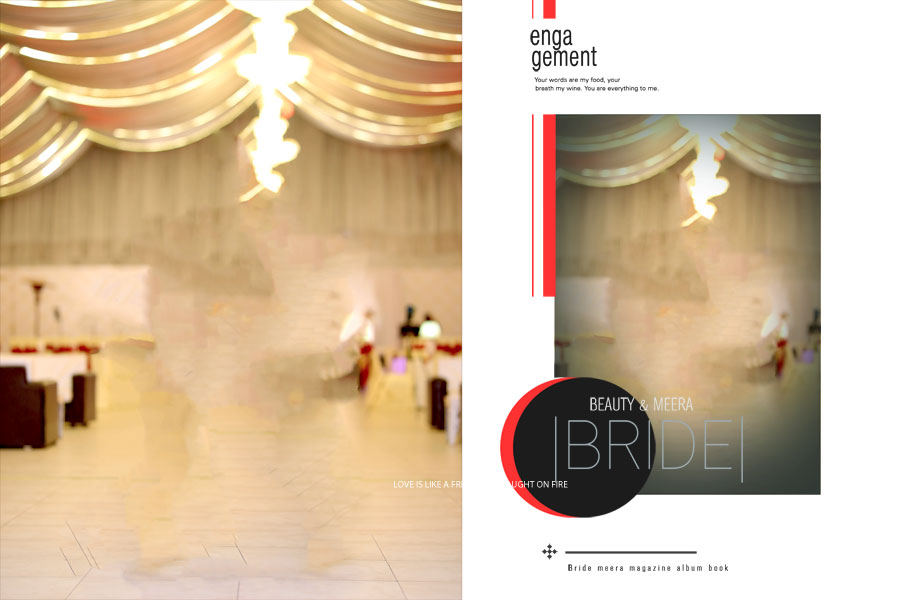
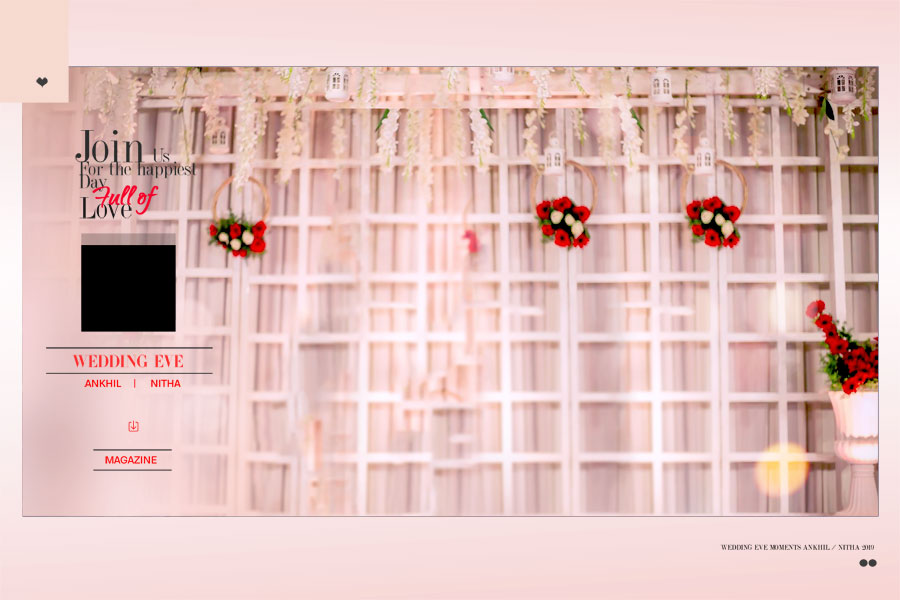
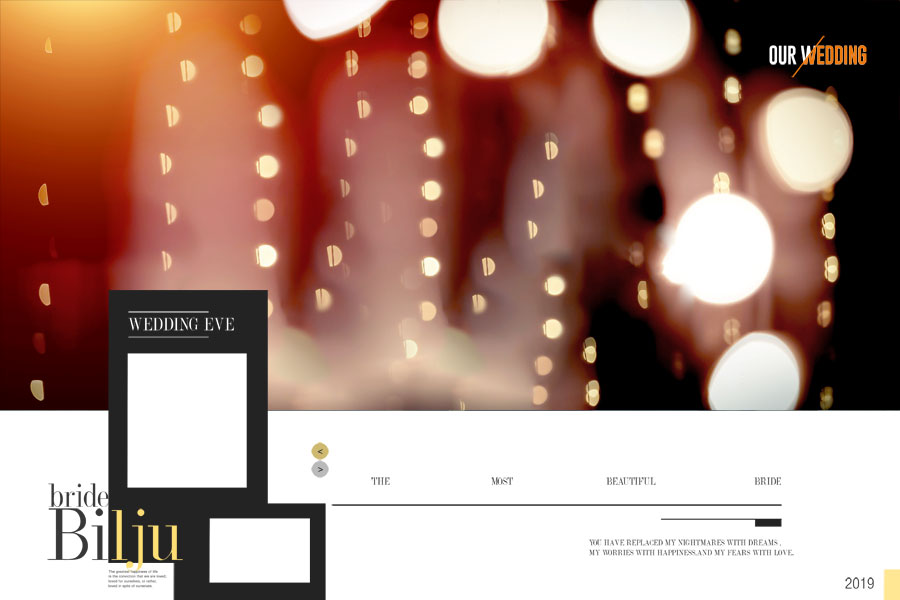
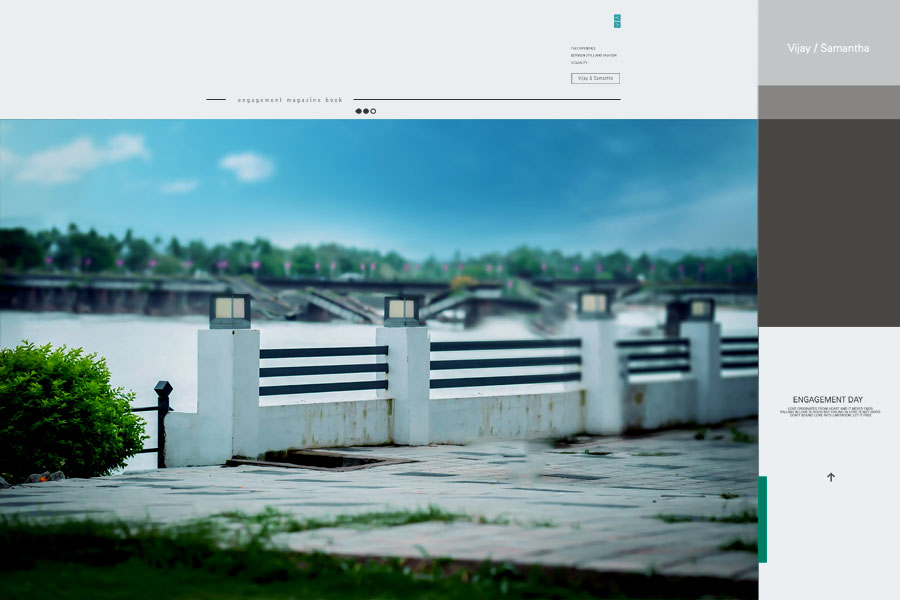
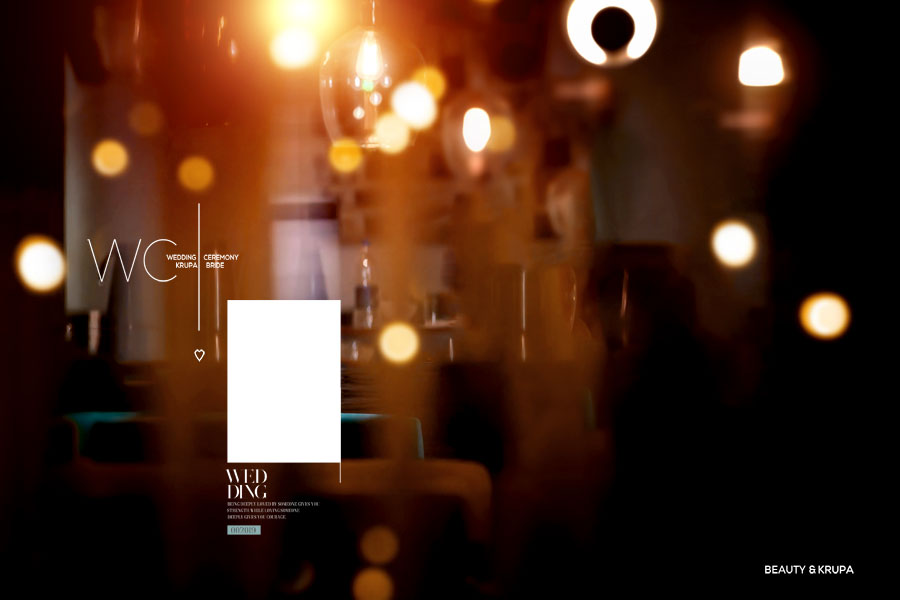
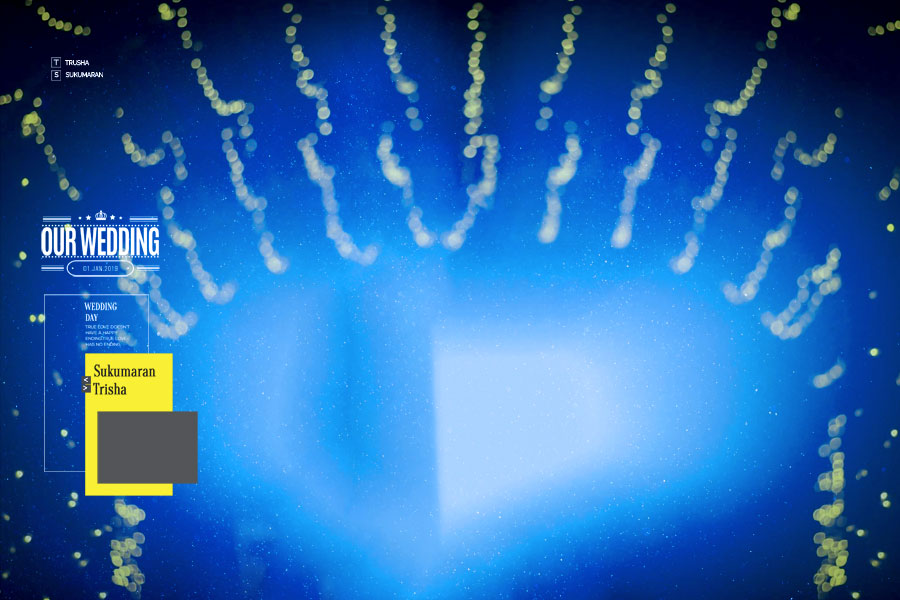
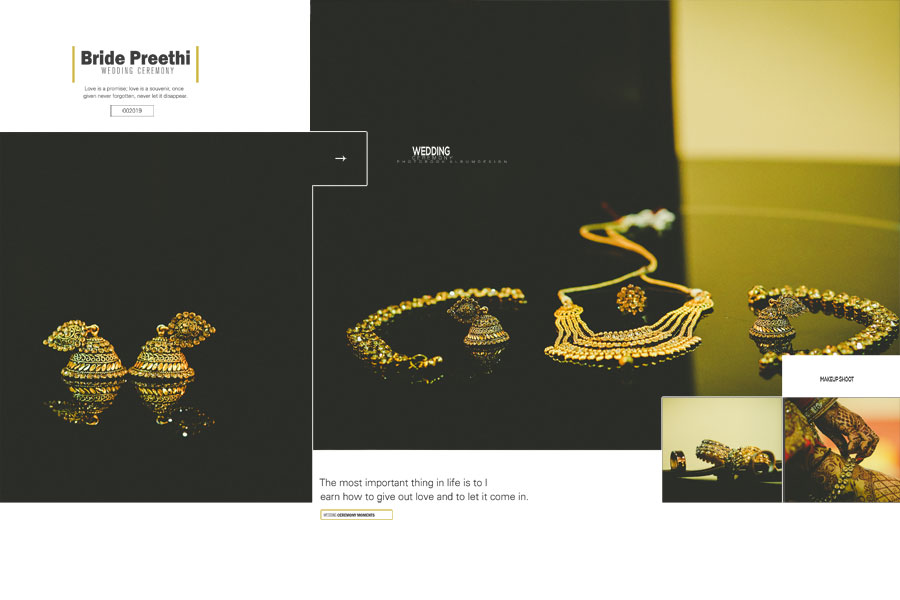
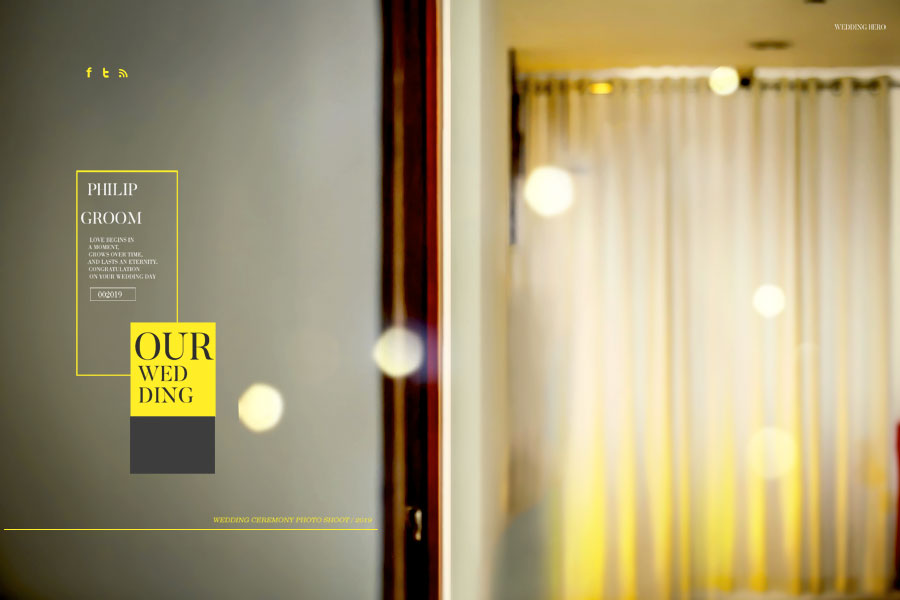
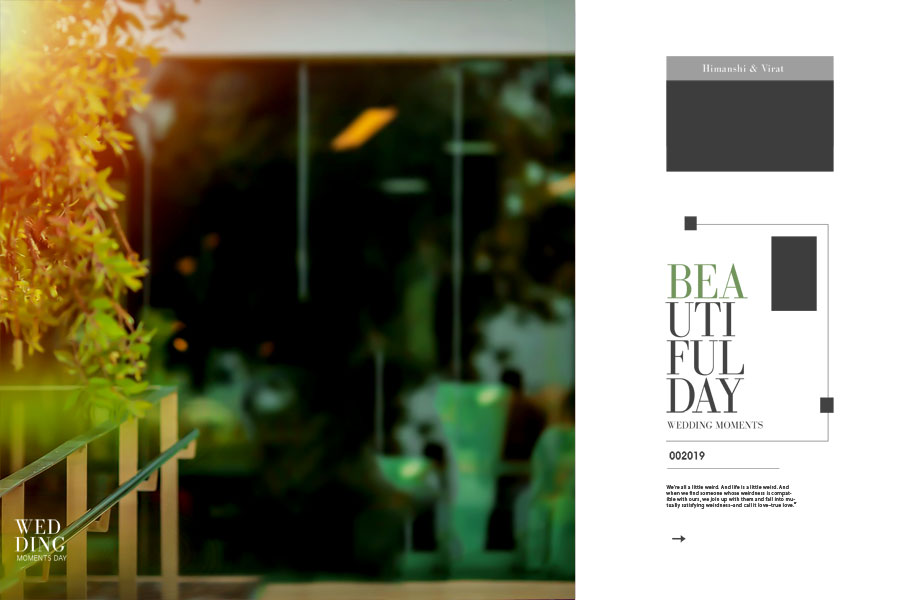
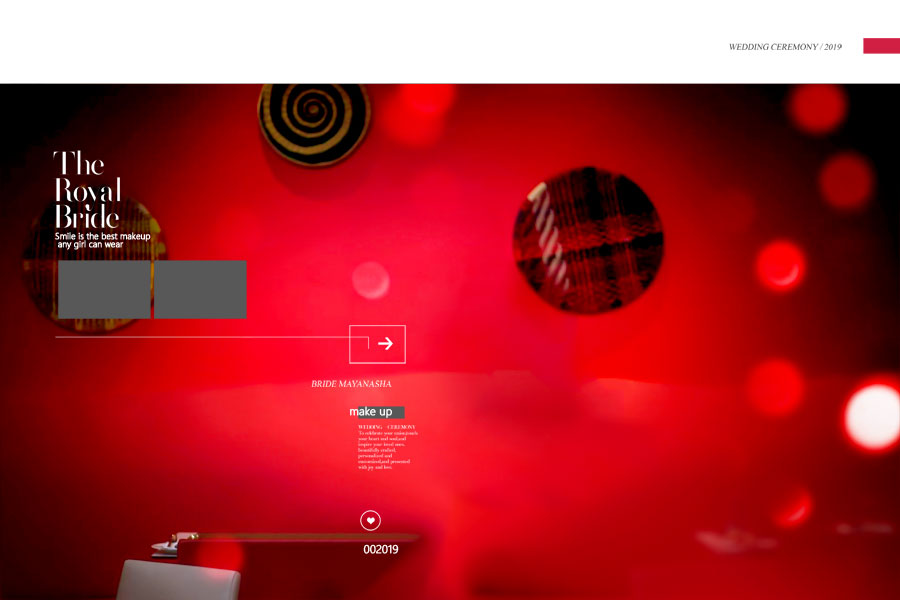
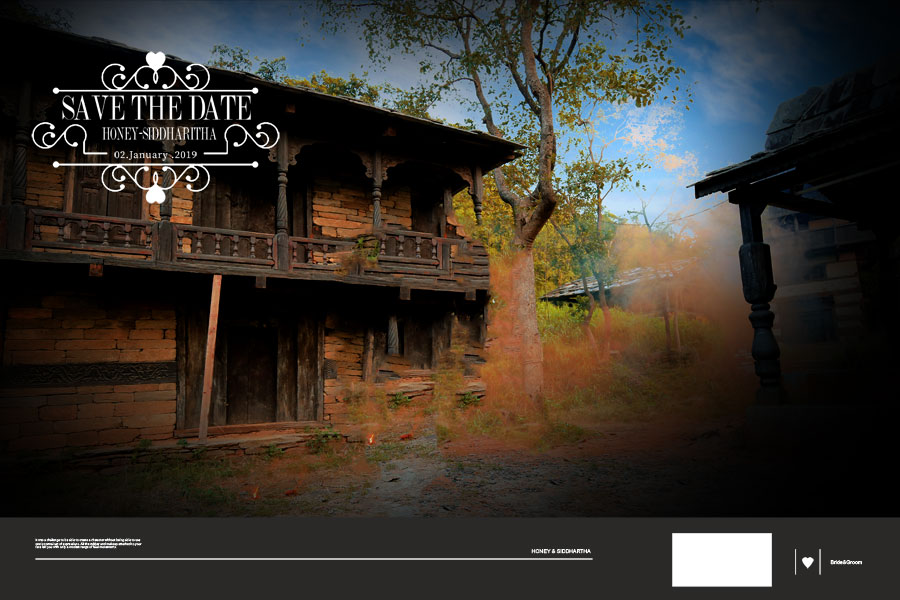
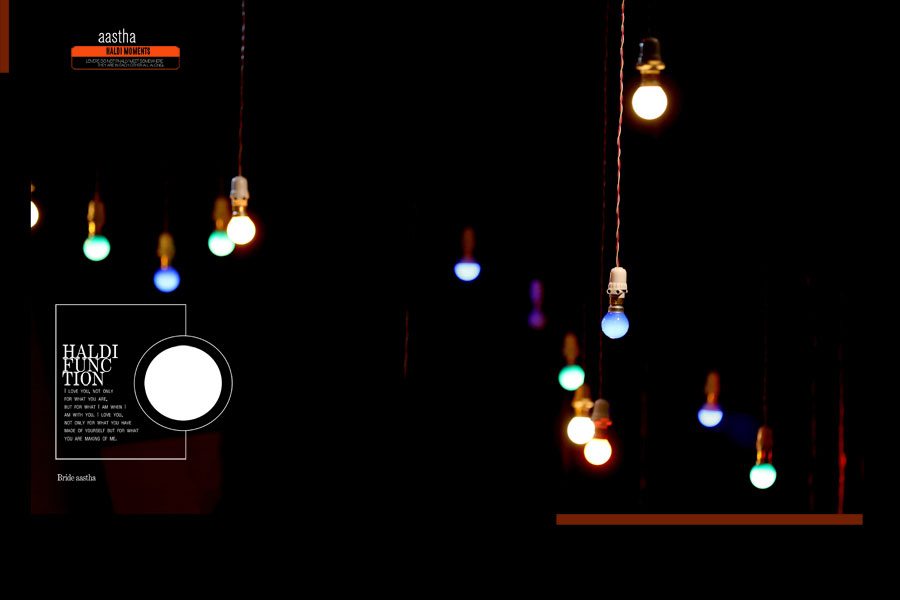
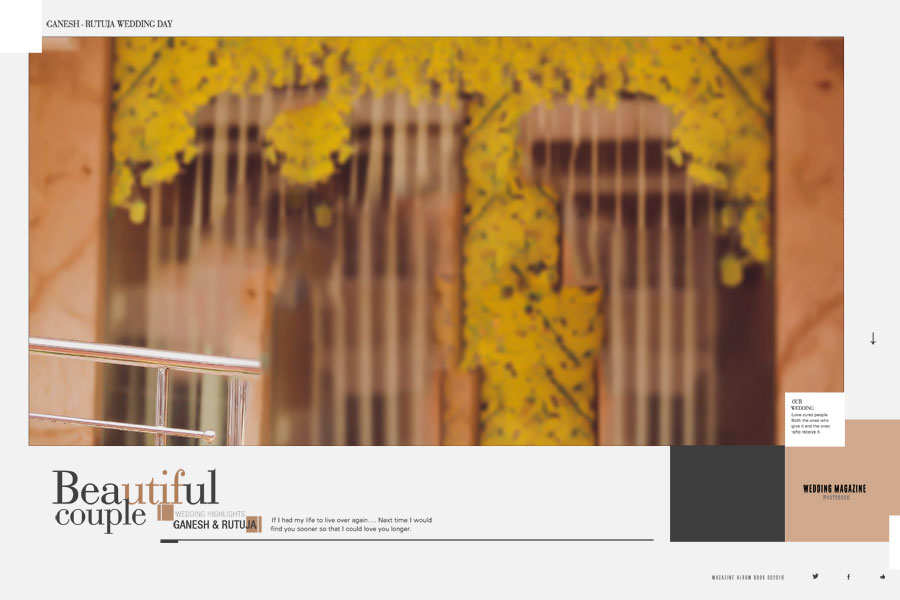
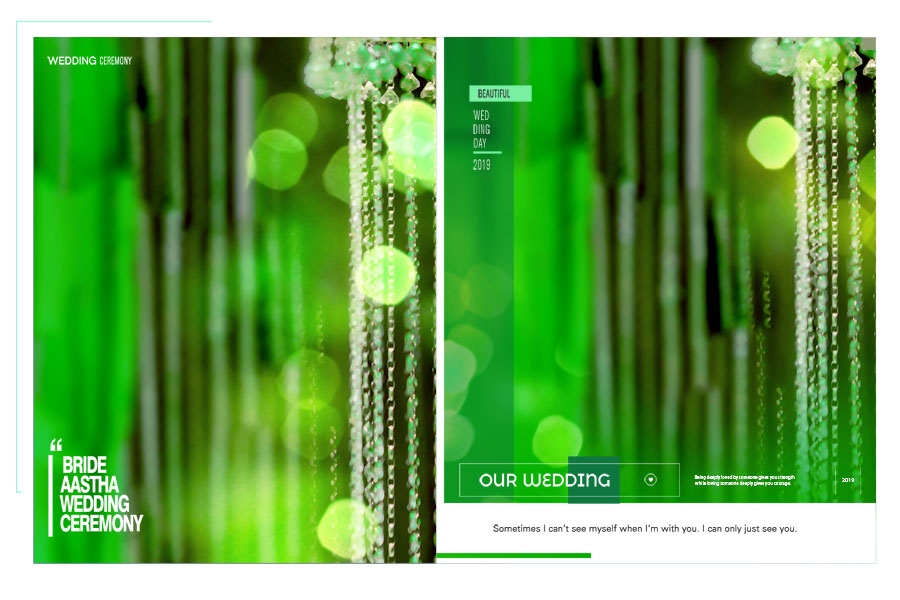
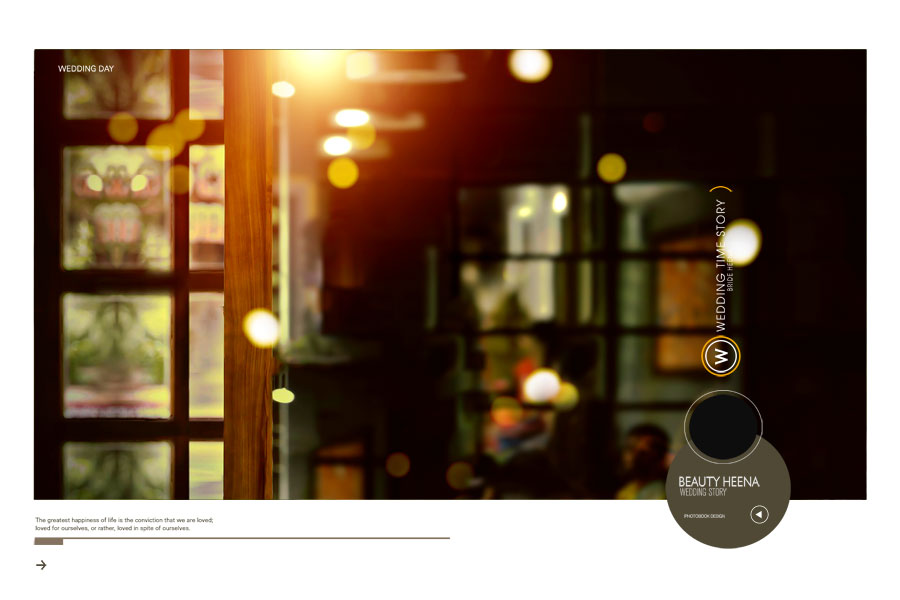
Most wedding album templates you find online are designed to look impressive at first glance, but real-world album projects demand much more than attractive previews. This Professional Wedding Album Design PSD Collection was created using actual wedding photographs to ensure every spread works smoothly in practical editing situations. From mismatched lighting between different events of the day to challenging crop compositions and varying photo styles, each layout was refined to handle the common issues photographers face during album production. If you regularly work with wedding album design PSD templates, you’ll appreciate the balance of creativity and practicality built into every layout. The result is a collection that helps photographers and album designers create polished wedding albums without spending hours rebuilding spreads from scratch.
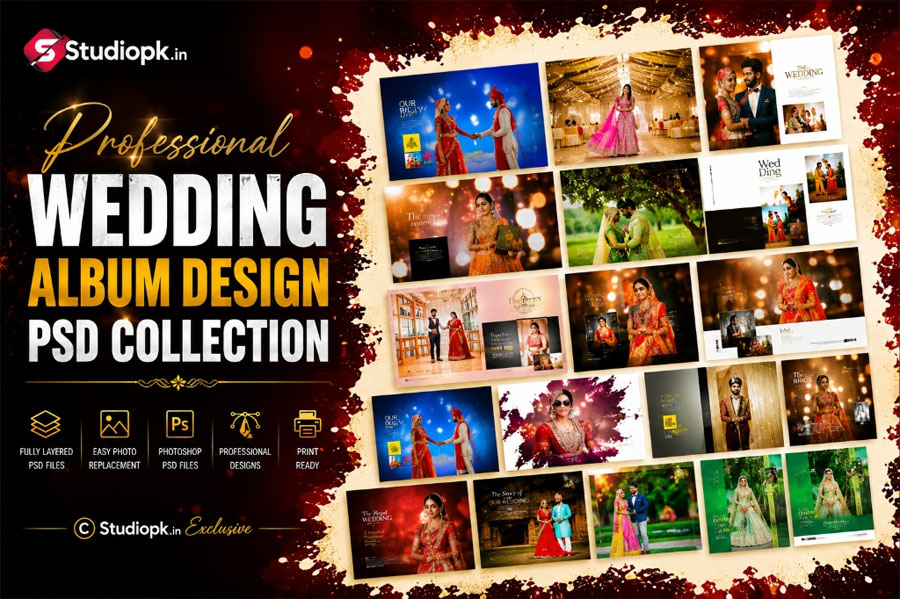
Why We Designed This Collection at 19×28
19×28 sits in an interesting position between compact budget albums and oversized premium books. We chose this format because many photographers need a balance between presentation quality and printing costs. This Wedding Album Design PSD Collection is designed for projects that require enough space for group photographs, portrait sequences, and storytelling spreads without forcing clients into a high-end album package. While larger formats such as 12×36 album PSD templates remain popular for wide cinematic layouts, the 19×28 size offers a practical alternative that still provides excellent visual impact and comfortable photo placement.
The 200 DPI resolution was a deliberate design choice rather than a compromise. With multiple layered elements such as overlays, clipart, masks, textured backgrounds, and editable text, PSD file sizes can quickly become difficult to manage. Keeping the resolution at 200 DPI allows smoother editing performance on most studio computers while maintaining reliable print quality for wedding albums. This also makes it easier to work alongside other projects, including creative pre-wedding photo album designs, without dealing with excessively large files that slow down the editing workflow. The final output remains sharp, professional, and suitable for standard album printing requirements.
Where This Fits With the Rest of Your Album
If 19×28 isn’t the size your studio prints most often, the 12×36 wedding album PSD collection is often the next choice for photographers who need wider spreads for large group photographs, panoramic venue shots, and more cinematic storytelling layouts.
Once your inner spreads are finalized, don’t leave the cover as an afterthought. A wedding album cover design that follows the same visual style and design language helps create a polished album that feels consistent from the first page to the final spread.
Many wedding packages now include a dedicated pre-wedding session, and clients often prefer those photographs to be presented in a separate album rather than mixed into the main wedding story. Our creative pre-wedding photo album designs follow a similar design philosophy, using clean layouts that keep the focus on the couple’s photographs.
For solo bridal portraits, getting-ready moments, and elegant single-subject compositions, the bride portrait wedding album design PSD collection provides layouts with additional breathing space around each image, helping important moments stand out naturally.
And if the wedding coverage relies heavily on candid interactions, emotional moments, and couple photography rather than formal poses, a dedicated couple-focused album can be a better fit than a traditional layout. These types of designs place greater emphasis on storytelling and natural expressions while maintaining a clean and professional presentation.
All of these resources are part of our complete wedding album design collection, where you can explore different sizes, styles, and layout concepts to find the right template for your next project.
A Few Practical Notes Before You Purchase
This wedding album design PSD collection is available at an affordable price and has been created using the same professional workflow we follow for all album templates in our library. Every layout has been tested with real wedding photographs rather than placeholder stock images, helping ensure a smoother editing experience during actual client projects. All PSD files are fully editable, allowing you to replace photos, customize text, adjust design elements, and tailor each spread to suit different wedding styles.
After purchase, you are free to use these templates for personal projects as well as professional client work. However, the original PSD files are intended for your own use and should not be shared, redistributed, uploaded to other websites, or resold as standalone templates. This helps protect the original design work while allowing photographers and album designers to use the layouts in their completed projects.
If you encounter a layer that doesn’t behave as expected, the issue is usually easy to resolve. In most cases, it is either a missing font that needs to be installed or replaced, or a photo that has been placed outside the clipping mask. Checking these two areas first will often solve the problem without requiring any additional troubleshooting.
What’s Actually Inside the Layers
A well-designed Wedding Album Design PSD is more than a collection of photo placeholders. Every element inside these templates serves a purpose, making it easier to create professional albums while maintaining complete creative control over the final design.
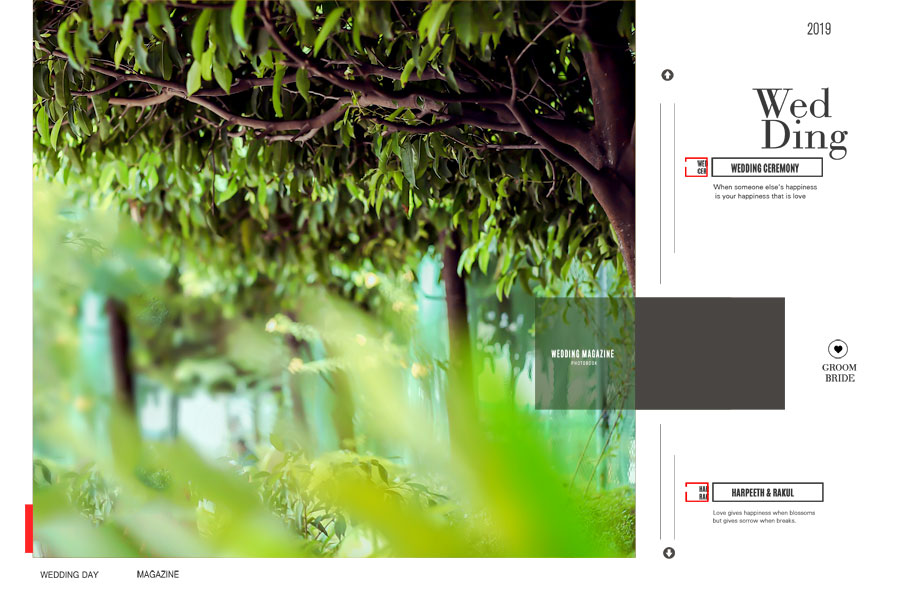
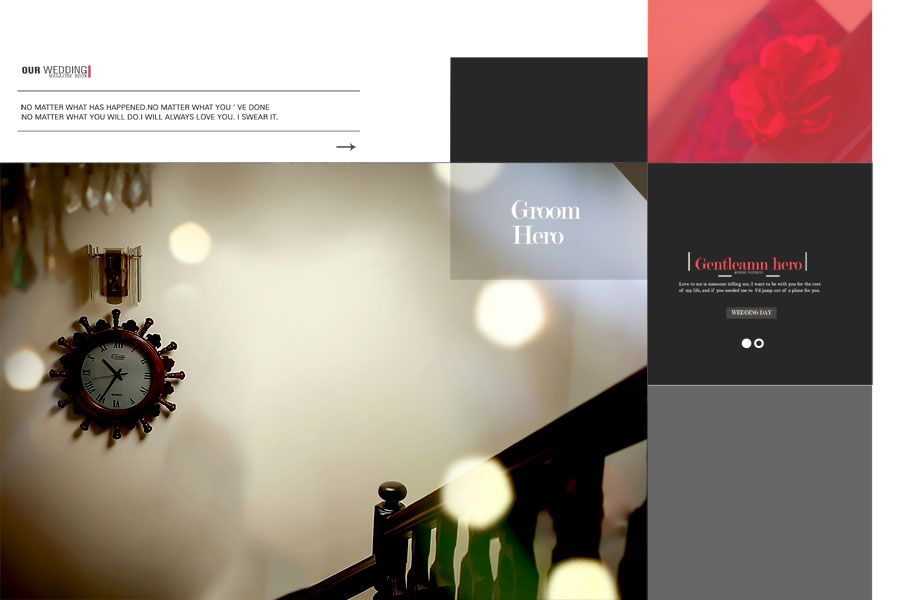
Backgrounds. These aren’t simple color fills. Each spread includes carefully selected textures, soft gradients, and subtle design details that add depth to the page without distracting attention from the photographs.
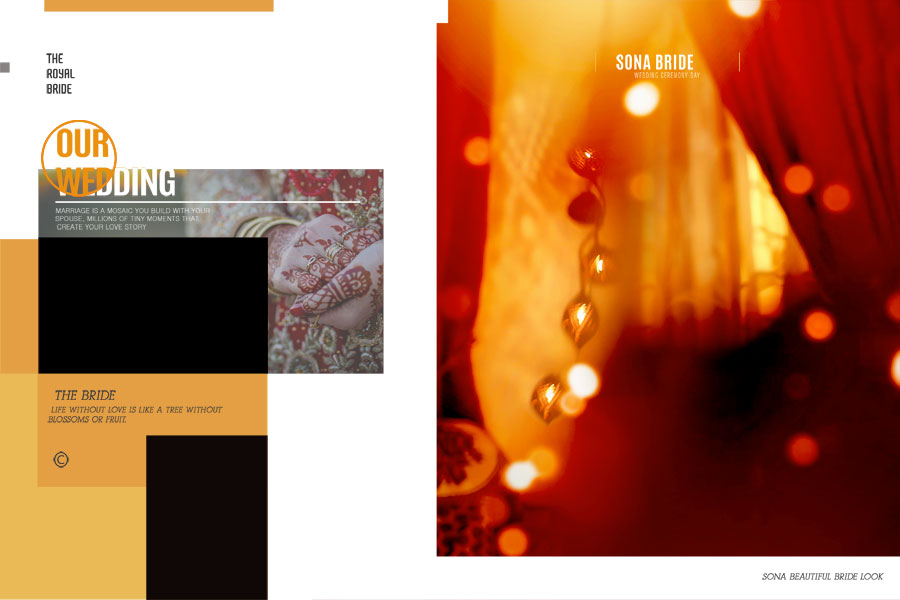
Light Overlays. Soft bokeh effects and light-leak overlays are included on selected layouts to help create a natural visual flow between images. They can also be useful when combining photographs captured under different lighting conditions within the same spread.
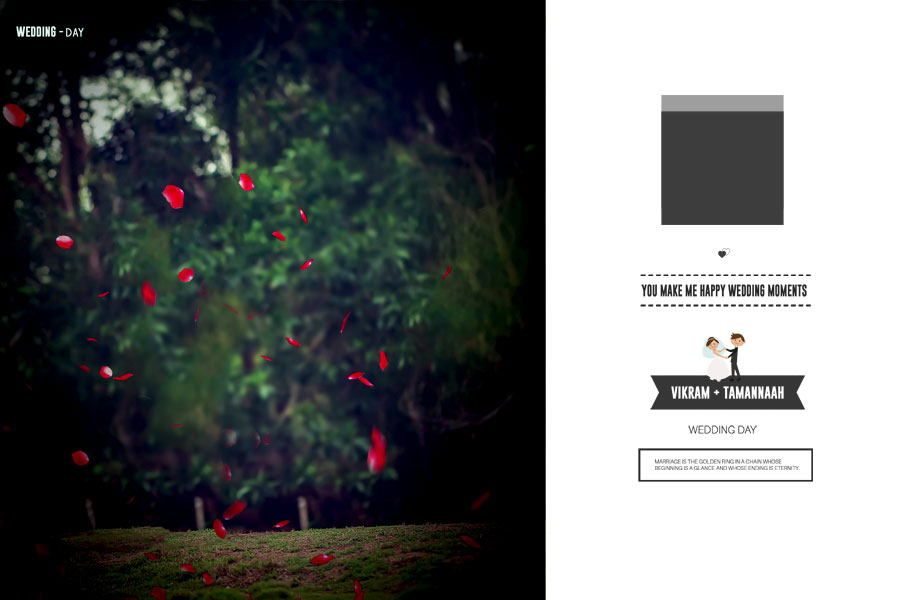
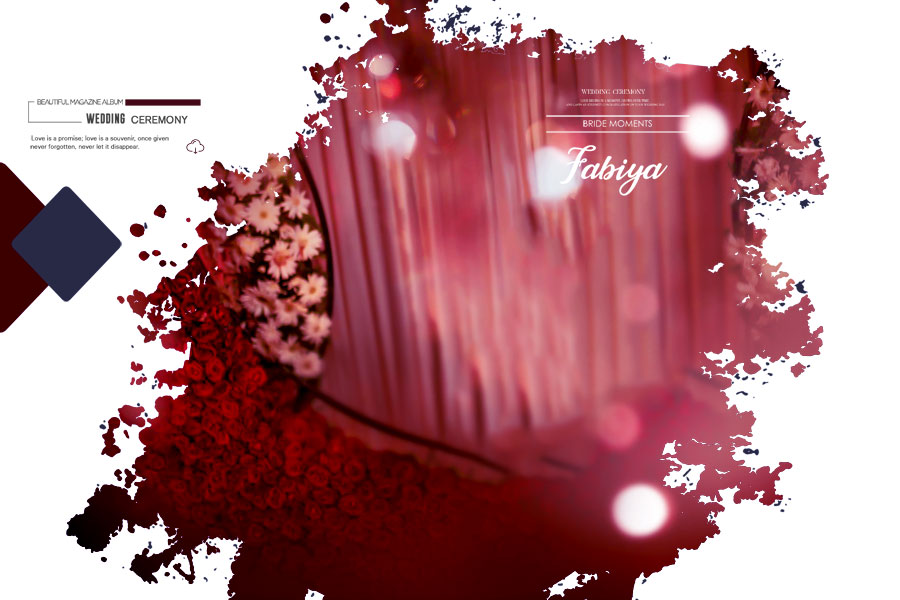
Clipart. Floral elements, ornamental accents, and traditional decorative details are placed on separate layers, allowing you to keep them, reposition them, or remove them entirely depending on the style your client prefers.
Quotes and Text. Every spread includes editable text layers for names, dates, captions, and personalized messages. This makes it easy to customize each design without rebuilding the layout from scratch.
Clipping Masks. Photo placeholders use clipping masks for quick image replacement. Simply drop in a photograph, adjust its position, and the layout maintains its intended composition without affecting the surrounding design elements.
Photo Frames. Several spreads include decorative frames designed to highlight images such as couple portraits, engagement moments, ring photography, and other key memories that deserve extra visual emphasis.
How to Customize Wedding Album Design PSD Templates
Editing these templates is straightforward, even if you’re working on multiple client projects at the same time. All layers are organized for easy customization, allowing photographers and album designers to update the layouts quickly without rebuilding the design from scratch.
- Open the PSD file in Adobe Photoshop.
- Double-click the clipping mask layer and replace the placeholder image with your client’s photograph.
- Resize and reposition the photo within the mask to achieve the desired composition without affecting the layout.
- Enable or disable overlay effects depending on the lighting and style of the photographs being used.
- Update the couple’s names, wedding date, captions, or any custom text required for the album.
- Show, hide, or reposition decorative elements and clipart to match the preferred design style.
- Review the completed spreads and export JPG proofs for client approval before final printing.
Conclusion
A wedding album should preserve memories in a way that feels timeless and professional. This Professional Wedding Album Design PSD Collection offers editable layouts, practical design elements, and a clean workflow, making it easier to create polished albums for clients while saving valuable editing time.
Note:
If you’re facing issues with downloading the file such as "it may take up to 24 hours to be able to view or download the file" So please ensure you are logged into your Google account before attempting to download. This usually resolves the issue and allows you to download the file without any waiting time.
















