
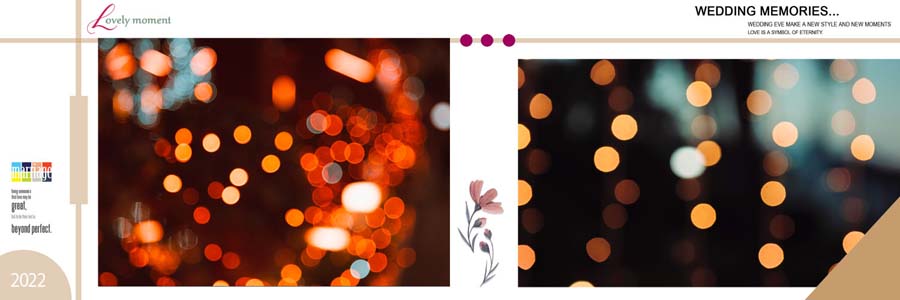
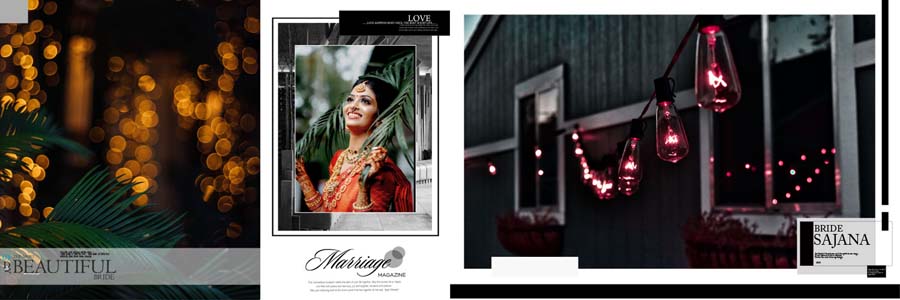
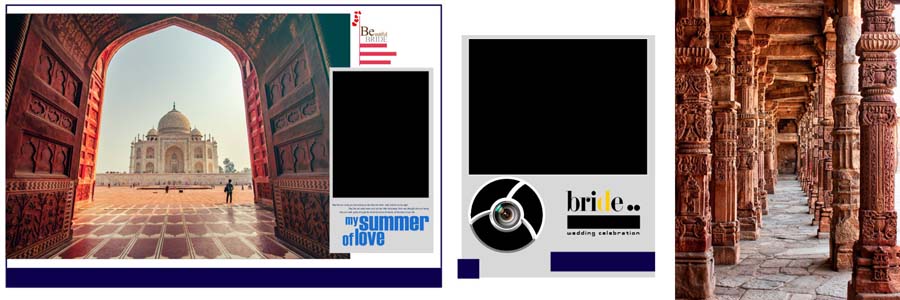
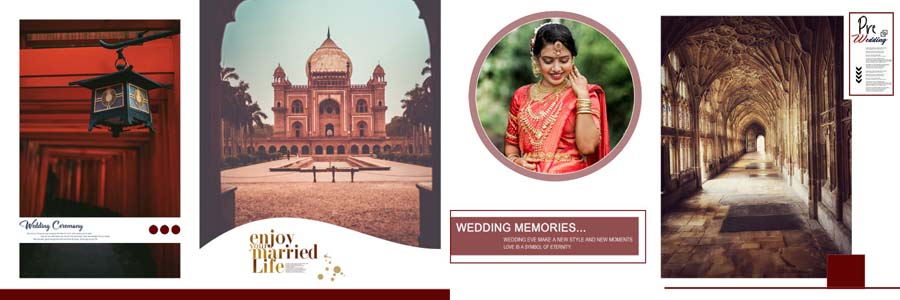
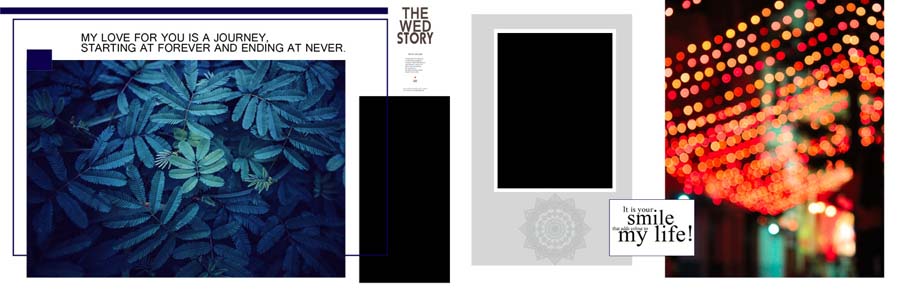
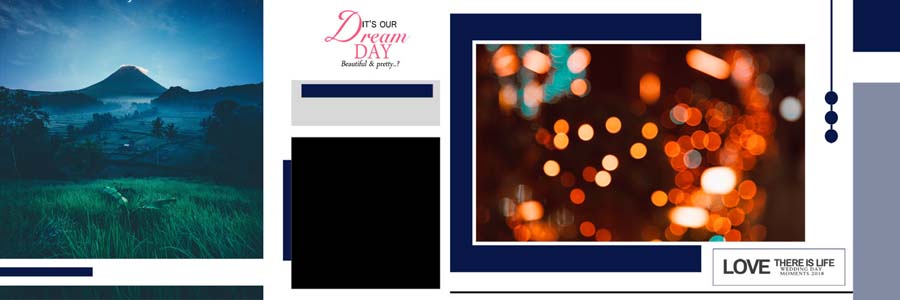
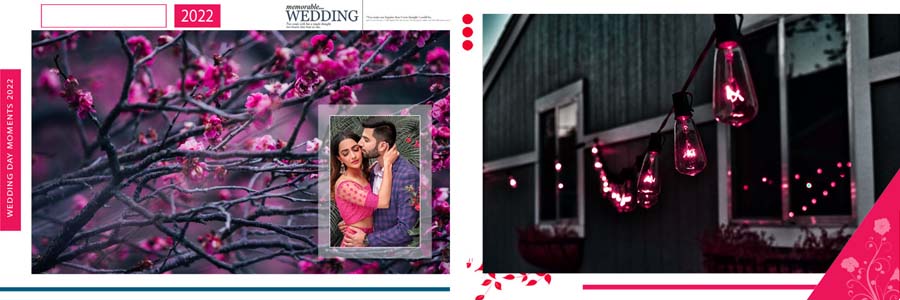
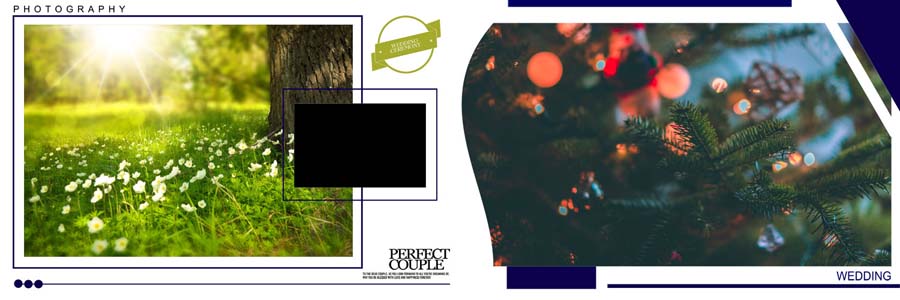
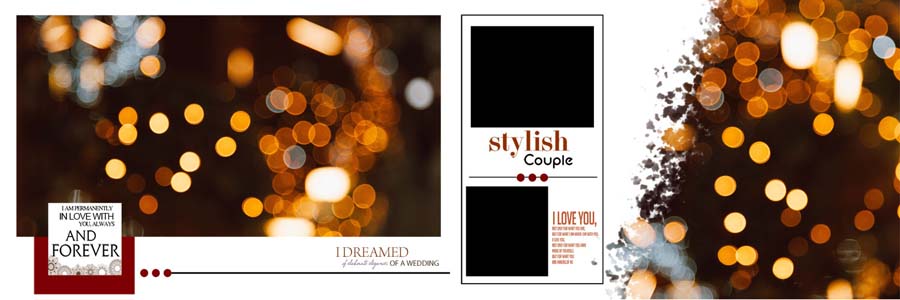
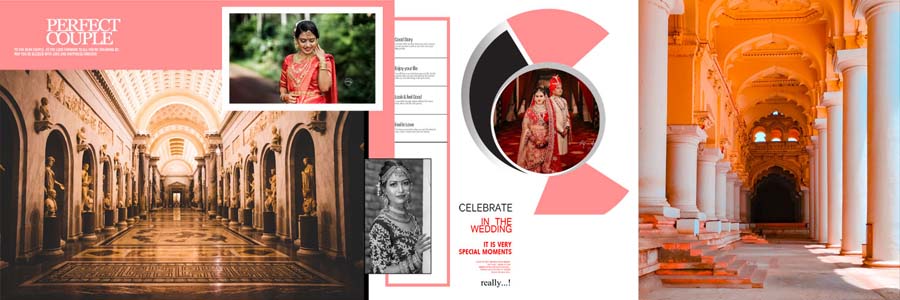
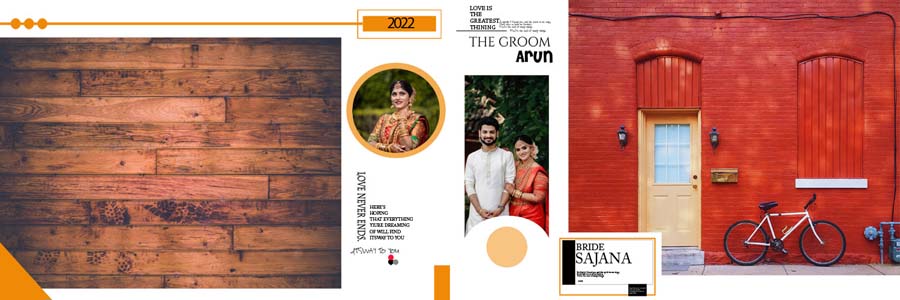
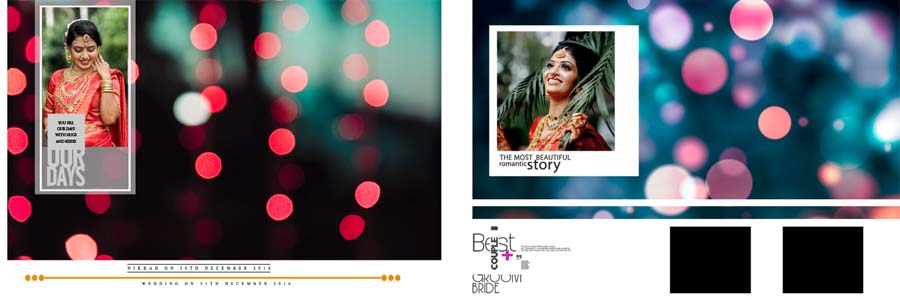
If you are searching for a stylish and easy way to design a professional wedding album, this collection of 15 cinematic wedding album 12×36 PSD templates is exactly what you need. These PSD files are specifically designed for photographers and album designers seeking modern layouts with a romantic and cinematic feel. Each design features beautiful bokeh lights, soft color tones, and clean photo placeholders, making every couple look stunning. To explore more similar layouts and free resources, you can also visit our 12×36 album PSD collection, where many designers find creative ideas for their next album project.
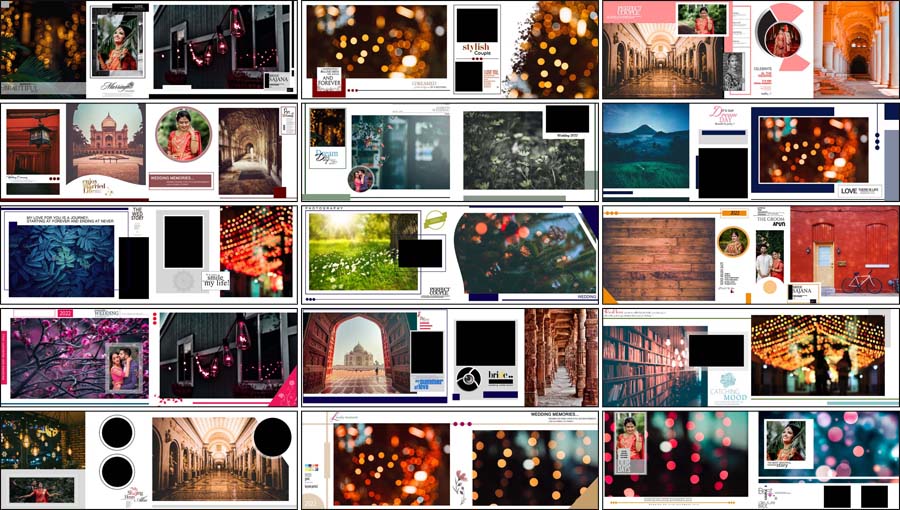
Whether you are working on a pre-wedding shoot, engagement album, or full wedding story, these templates help you create a premium look in less time. You can easily open them in Photoshop and start editing without any complicated steps.
15 Cinematic Wedding Album 12×36 PSD Free Download
This pack of 15 cinematic wedding album design PSD files is made for professionals who want to give their clients something fresh and eye-catching. The layouts focus on storytelling, using wide photo spaces, elegant frames, and artistic light effects that highlight every special moment. These 12×36 album PSDs are perfect for modern wedding photography, couple portraits, and romantic pre-wedding shoots. You can change images, move elements, and adjust colors to match your client’s theme. If you also need stylish cover ideas to match these inner pages, you can explore our wedding album cover designs to create a complete and professional-looking album that clients will love.
What makes these templates special is their cinematic look, which is very popular in today’s wedding photography. The soft bokeh backgrounds and balanced layouts make your photos look more emotional and lively. You can also mix these designs with beautiful wedding backgrounds to give every page a unique and creative feel. These PSD files are fully layered, so even beginners can easily customize them without any design stress, making them a great choice for both new and experienced album designers.
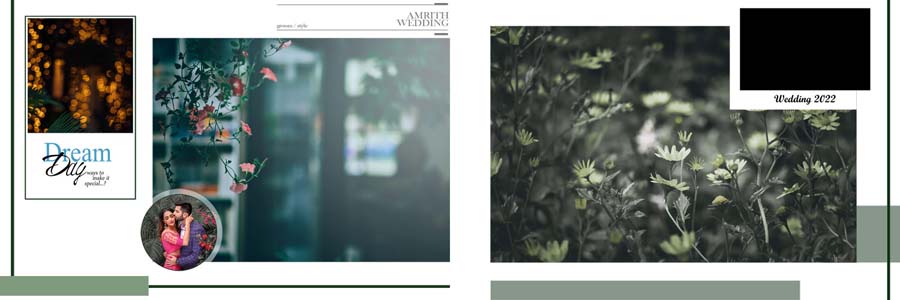
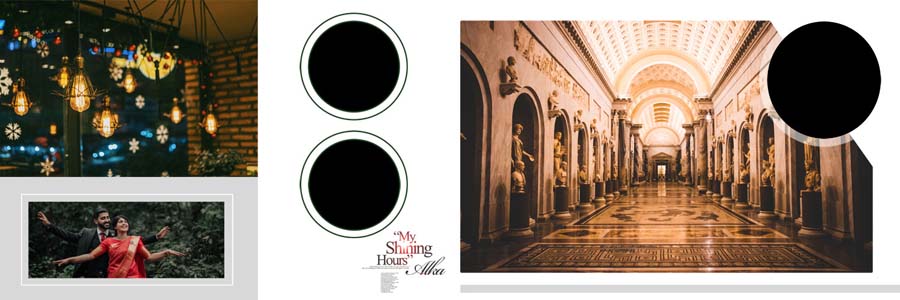
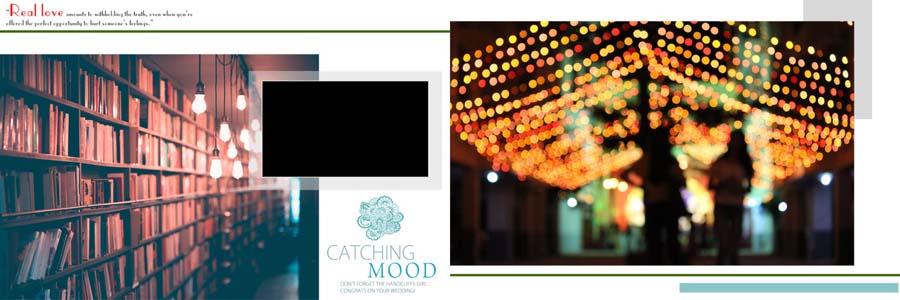
How to Customize Wedding Album PSD Templates
- Open the 12×36 PSD file in Adobe Photoshop.
- Double-click on the smart object layer to replace the sample photo.
- Drag and drop your own wedding or couple images.
- Adjust brightness, contrast, and colors as needed.
- Edit text layers to add names, dates, or titles.
- Save your final design and export it in JPG or PDF format.
Conclusion
The 15 cinematic wedding album 12×36 PSD free download pack is a powerful resource for photographers and album designers who want to create beautiful and professional albums in less time. With modern layouts, romantic lighting, and easy-to-edit layers, these templates help you deliver high-quality results without starting from scratch. You can combine these PSD files with tools like album design software to further speed up your workflow and improve your creativity. Whether you are working on a pre-wedding shoot, couple portrait album, or a full wedding story, these designs give you the flexibility and style needed to impress your clients and grow your photography business with confidence.
Note:
If you’re facing issues with downloading the file such as "it may take up to 24 hours to be able to view or download the file" So please ensure you are logged into your Google account before attempting to download. This usually resolves the issue and allows you to download the file without any waiting time.
















