
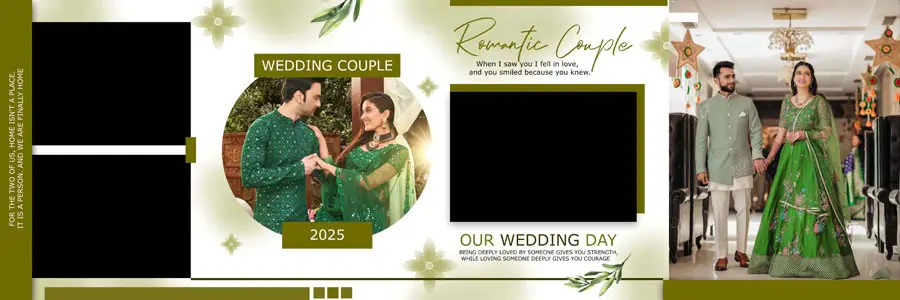
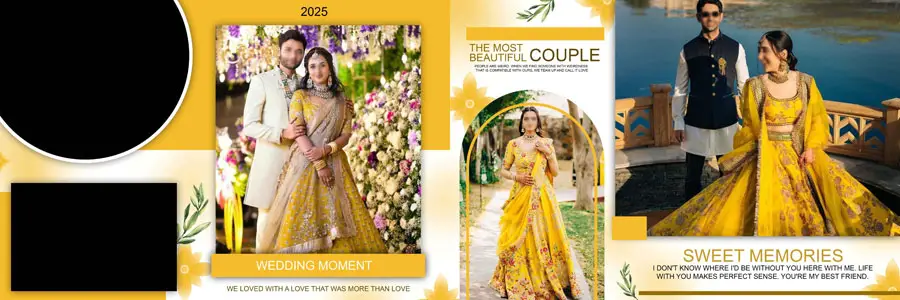
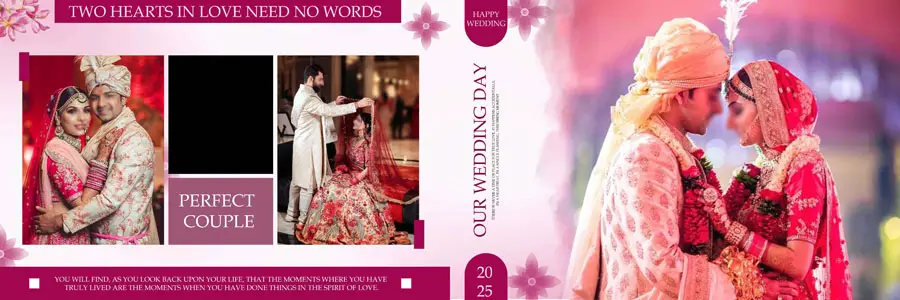
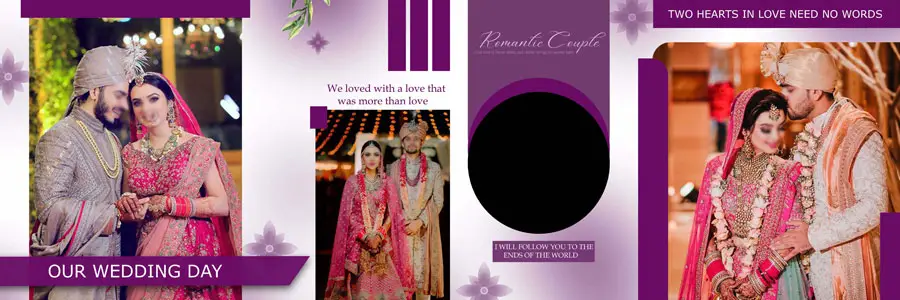
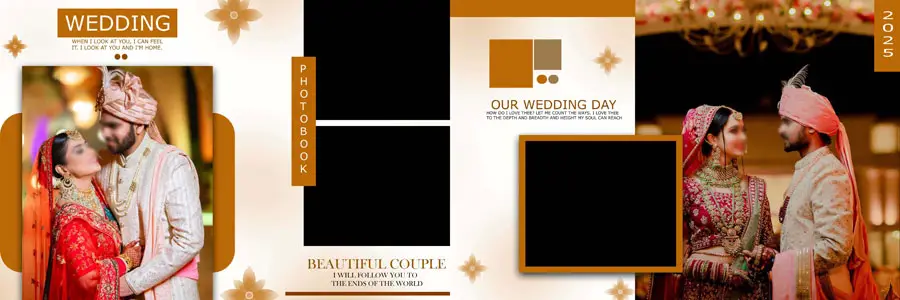
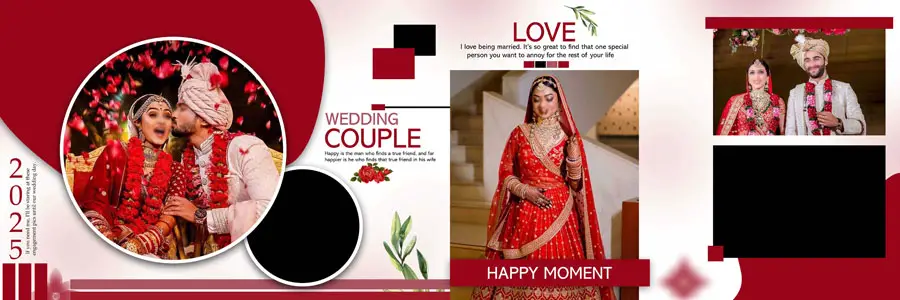
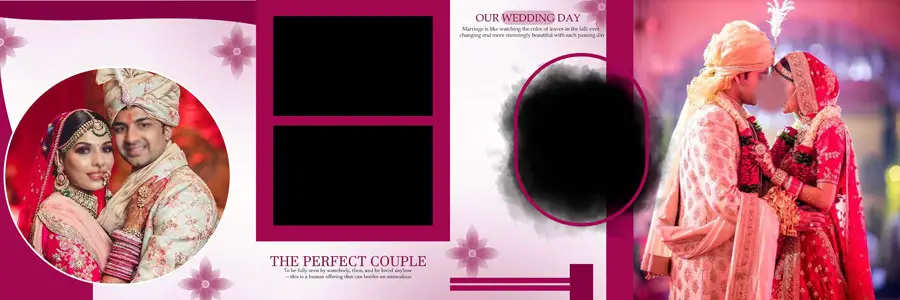
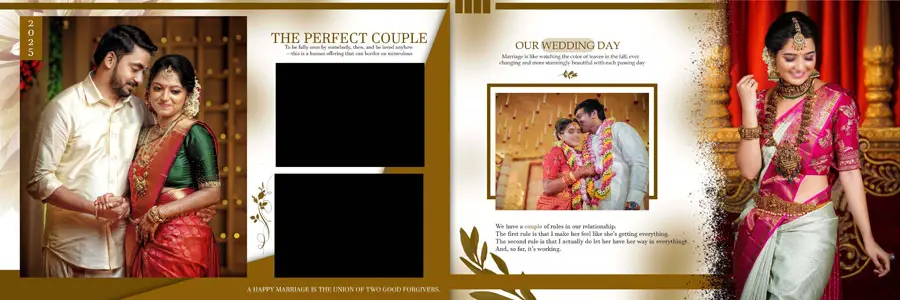
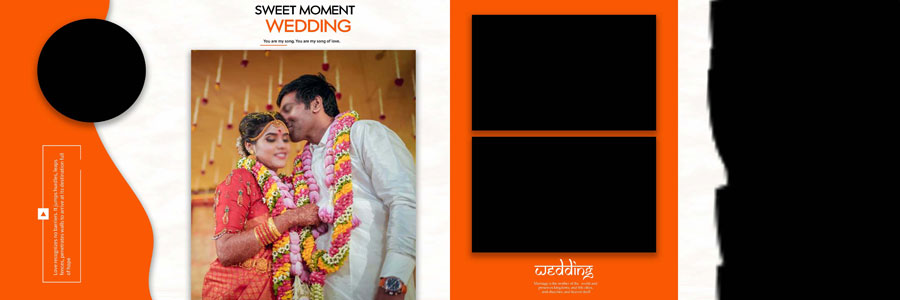
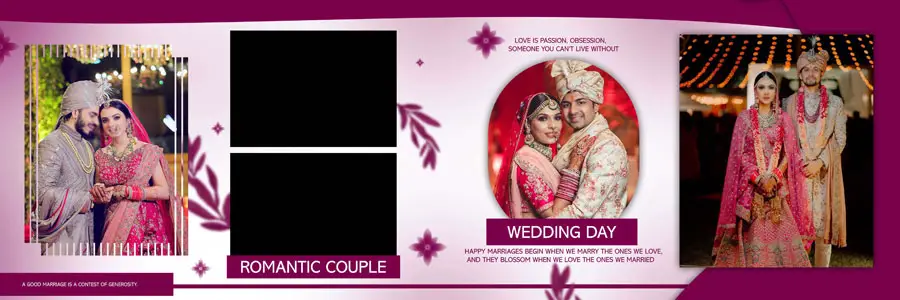
Creating a wedding album becomes much easier when the layout is already thoughtfully prepared and can be adjusted around the couple’s photographs. These Customizable PSD Templates For Wedding Albums give designers a practical starting point for building polished pages without having to create every frame and decorative element from the beginning. A good template should leave enough freedom to change photographs, colors, text, and backgrounds while still keeping the spread visually balanced. Designers looking for more ideas can also explore this collection of wedding album design resources for different styles and layouts. These templates are useful for album design PSD, wedding album design PSD, and photo album design, especially when a project needs a clean and professional finish. High-resolution files around 300 DPI are also suitable for preparing sharp layouts for quality album printing.

Customizable PSD Templates For Wedding Albums
A customizable wedding album template is valuable because every wedding project has a different set of photographs and a different visual story. Instead of forcing every image into the same arrangement, a designer can adjust the frames and spacing to suit portraits, family photographs, candid moments, details, and larger hero images. This makes the templates useful for creative wedding album design where the layout needs to feel personal rather than repetitive. The editable PSD structure also allows designers to work comfortably with photographs, typography, decorative elements, and a suitable wedding background. For designers who regularly prepare wide spreads, this collection of 12×36 album PSD templates can provide additional layout ideas. These designs can also be adapted for traditional albums, couple portraits, reception photography, and other wedding functions. A well-planned photo album design should guide the viewer’s eye naturally, giving important photographs enough space while keeping smaller supporting images neatly organised. With high-resolution PSD files, designers can make their own adjustments without losing the professional appearance of the original layout.
Another advantage is the freedom to create different looks from the same basic template. One project may need a simple romantic arrangement, while another may work better with richer decorative details and a more traditional feel. Designers can change the background, introduce their preferred typography, reposition photographs, and adjust the overall colour treatment to match the client’s album. These templates can also be useful when creating a Karizma album style with carefully arranged portraits and decorative wedding elements. For the finishing touch, designers can browse these wedding album cover designs and coordinate the cover with the inside pages. The result is a more consistent album from the first page to the last.
You Can Also Get More PSD:
- 10 Best Wedding Album PSD Templates For Indian Couples
- 10 Wedding Album PSD Templates For Indian Photography
- Top 20 Western Album Design PSD Free Download
- 100 Wedding Album Design PSD Templates 2024
How to Customize Customizable PSD Templates For Wedding Albums
- Open the PSD template in Adobe Photoshop and check the existing layers before making changes.
- Replace the sample photographs with the couple’s images and choose photos that match each layout.
- Resize or reposition photo frames when a particular portrait or group photograph needs more space.
- Change the wedding background, decorative elements, and colours to match the client’s theme.
- Edit names, dates, headings, and other text layers according to the wedding details.
- Use Photoshop adjustment layers for brightness, contrast, colour balance, and overall photo consistency.
- Review the complete spread at 100% size and check edges, spacing, text alignment, and image quality.
- Save the finished design in a high-resolution format suitable for professional album printing.
Conclusion
Customizable PSD templates give wedding album designers a faster starting point while keeping the creative control in their own hands. With the right photographs, colours, and finishing touches, the same template can become a unique and memorable wedding album.
Note:
If you’re facing issues with downloading the file such as "it may take up to 24 hours to be able to view or download the file" So please ensure you are logged into your Google account before attempting to download. This usually resolves the issue and allows you to download the file without any waiting time.
















