
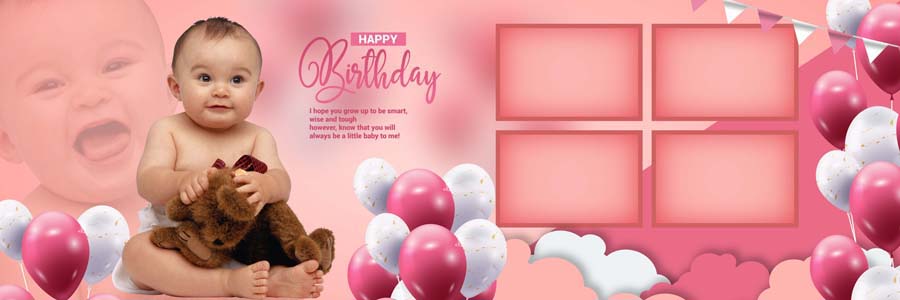
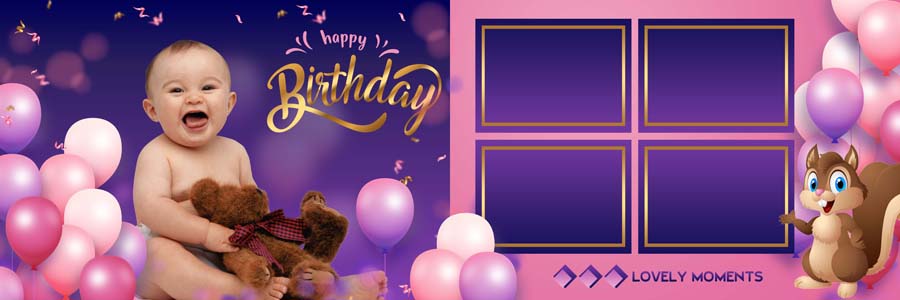
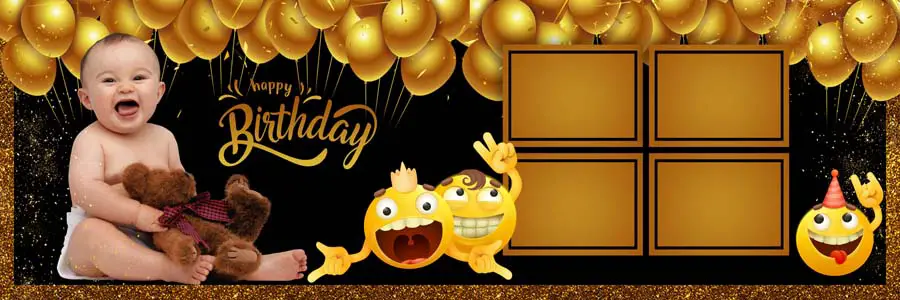
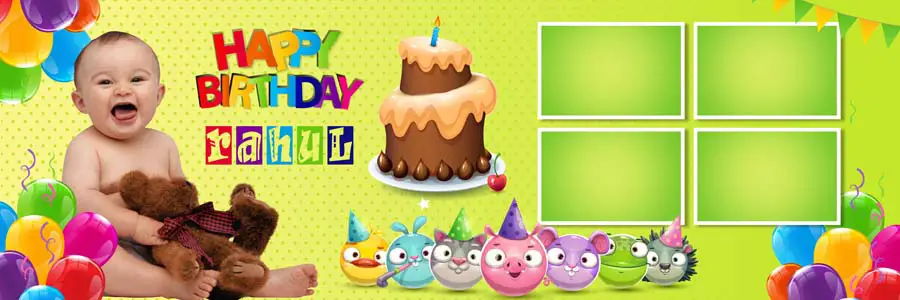
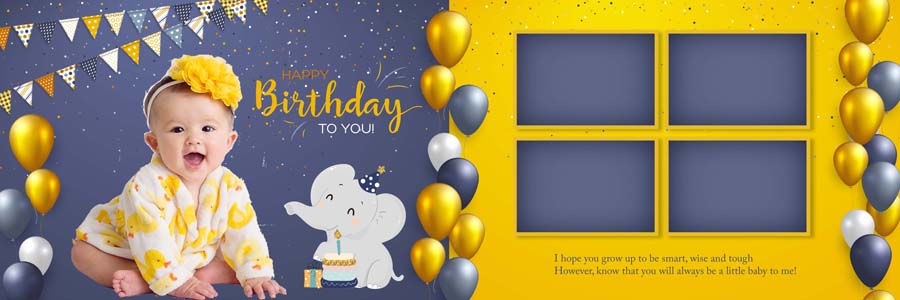
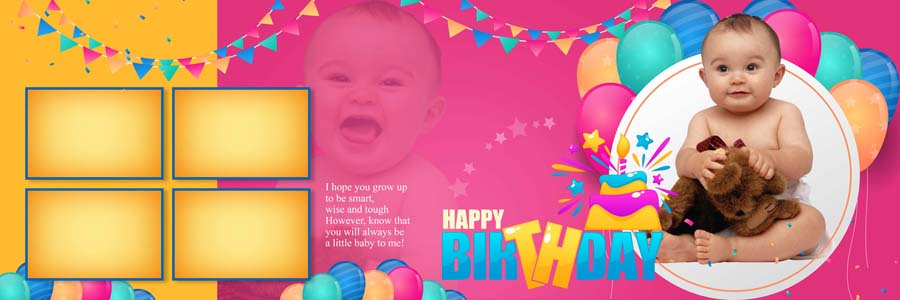
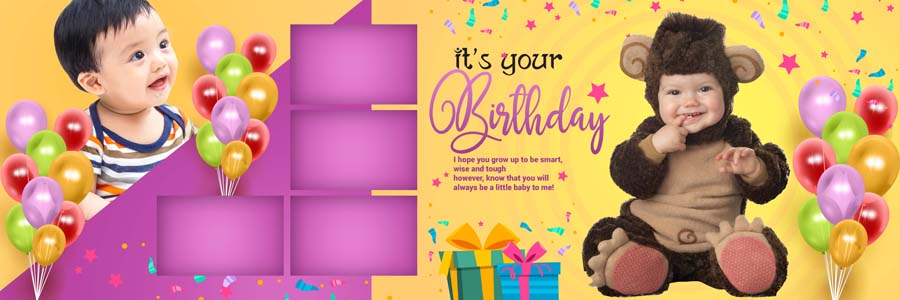
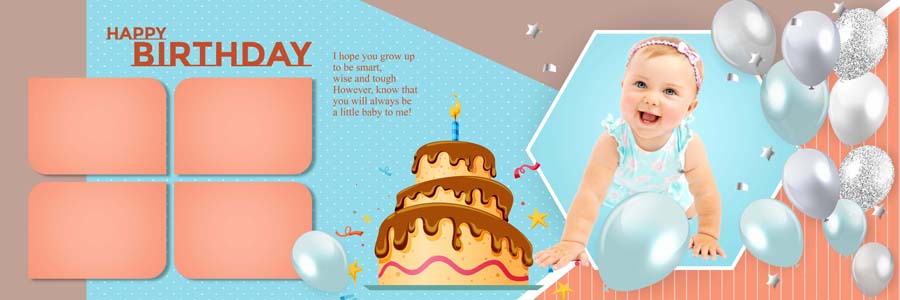
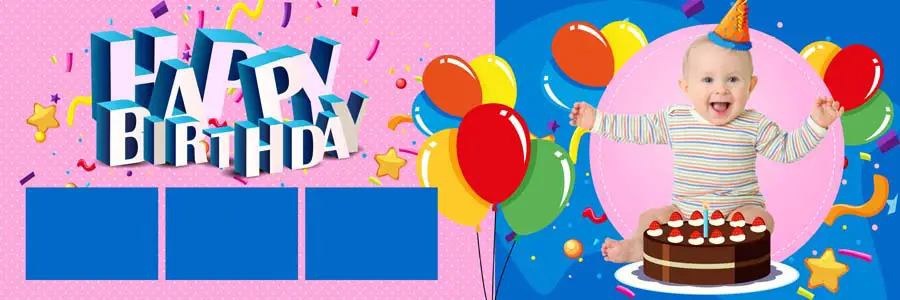
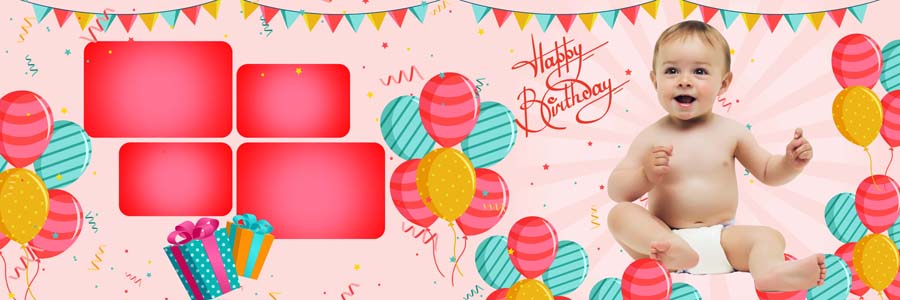
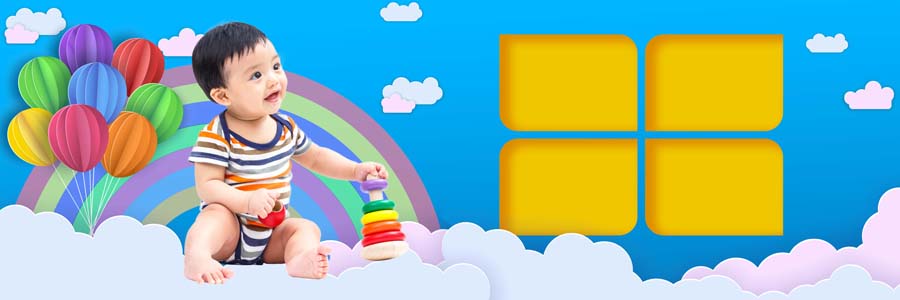
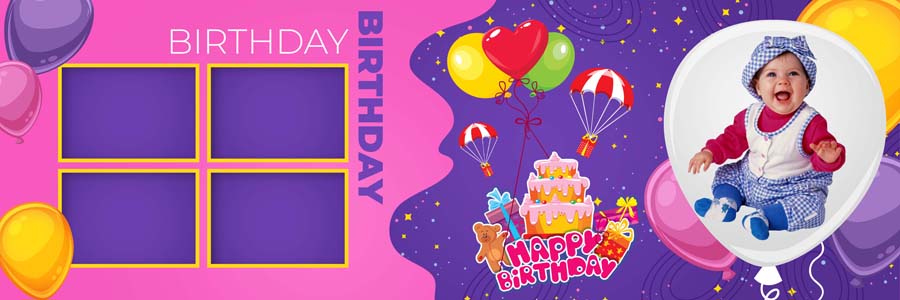
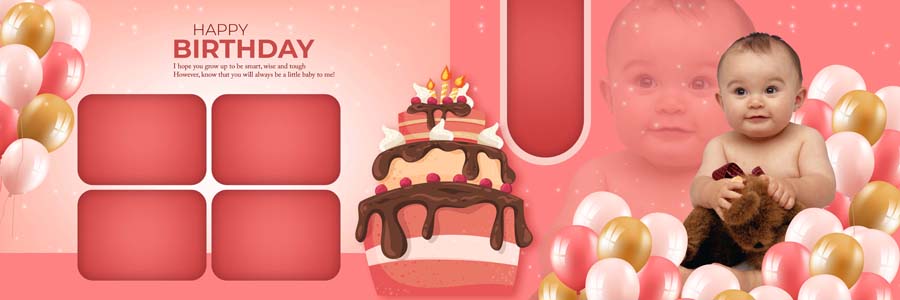
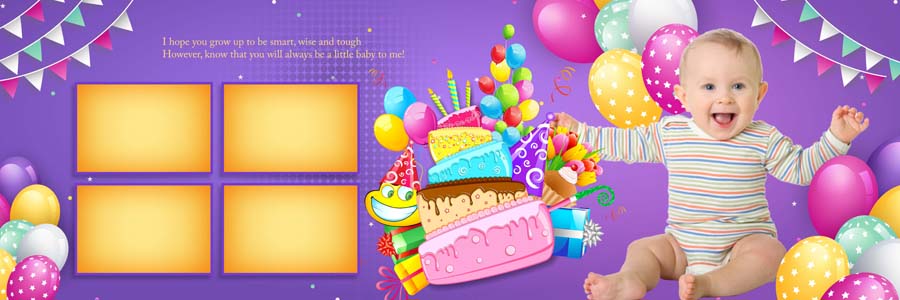
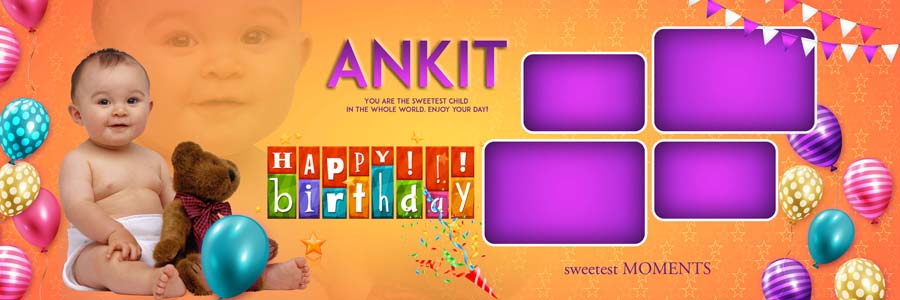
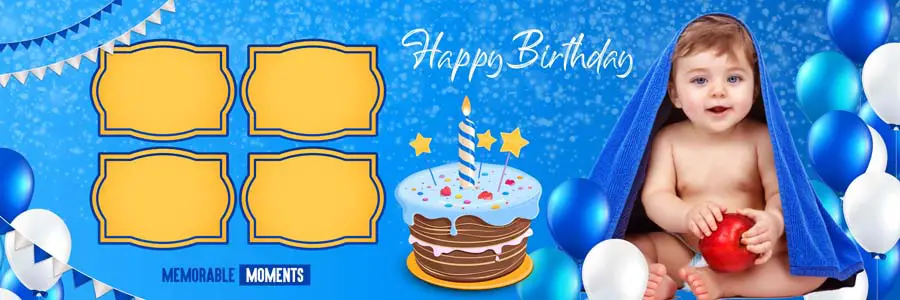
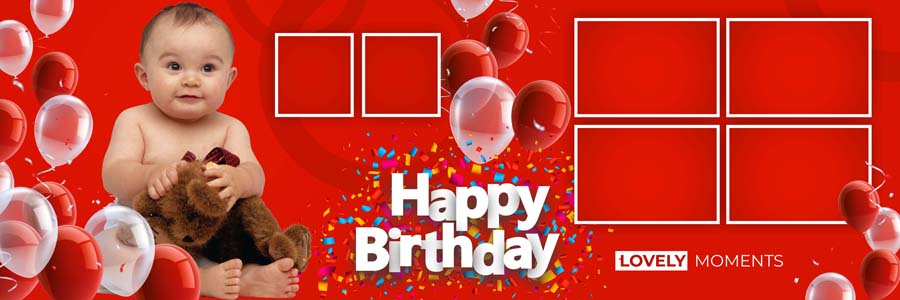
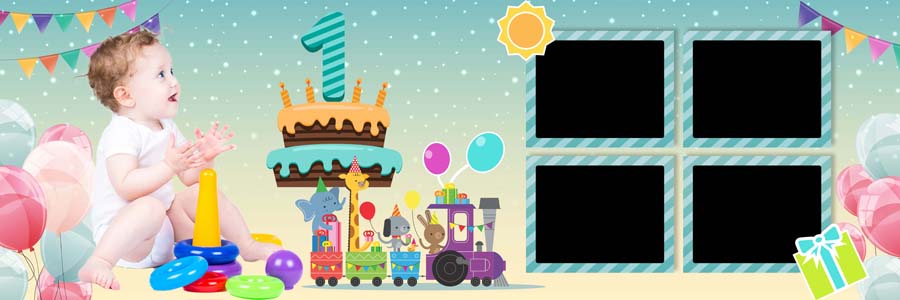
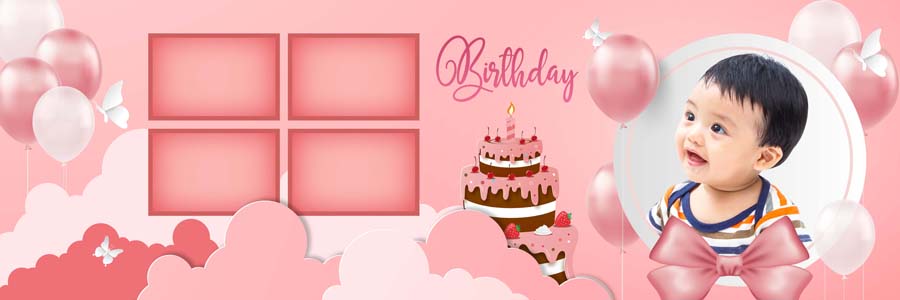
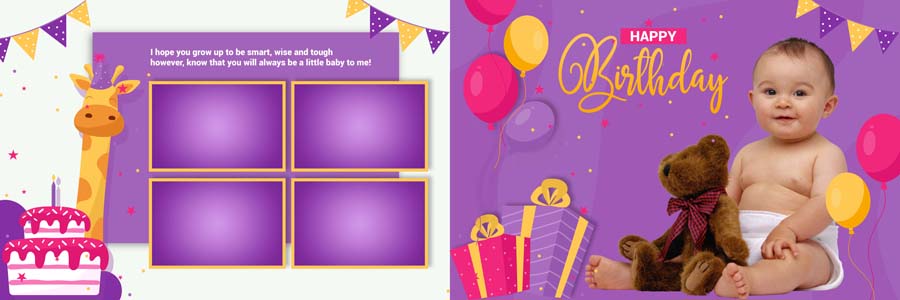
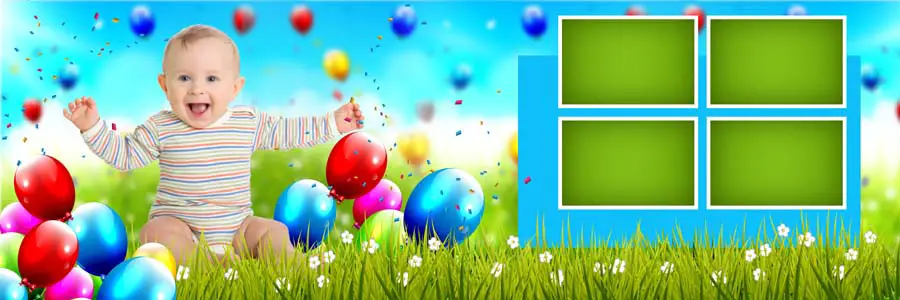
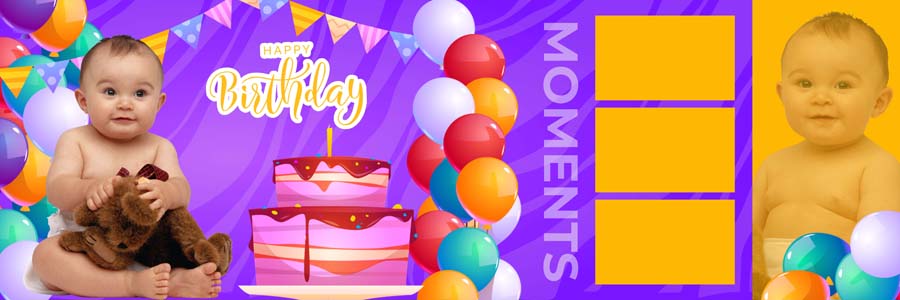
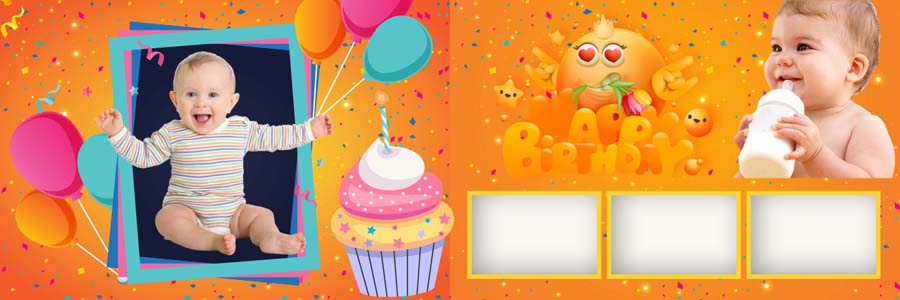
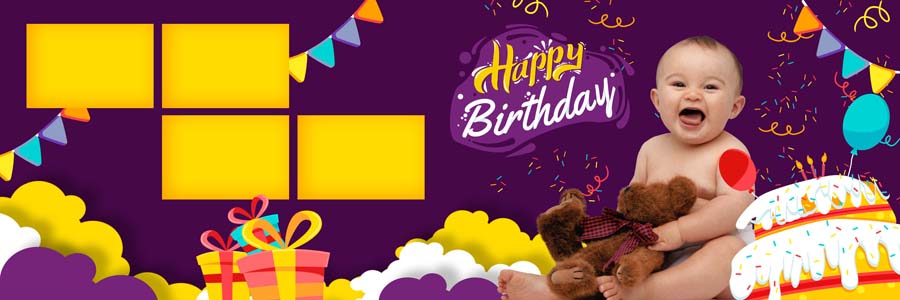
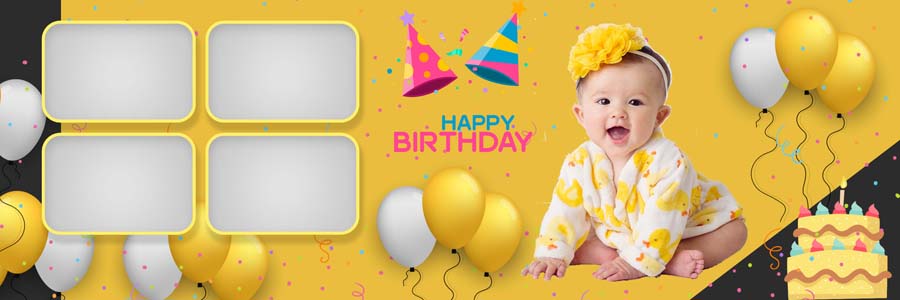
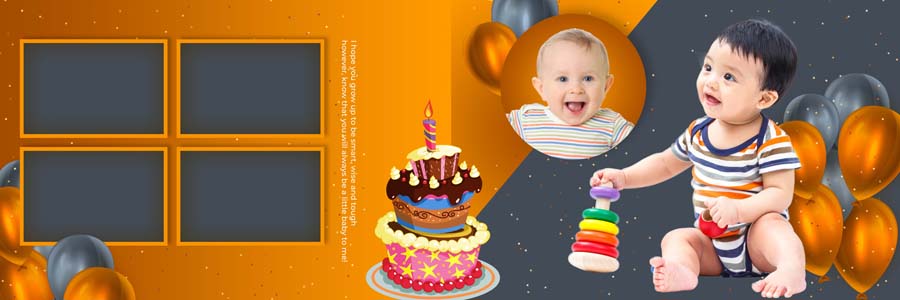
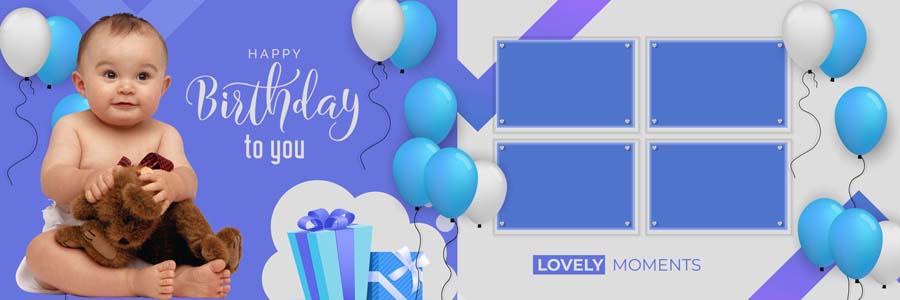
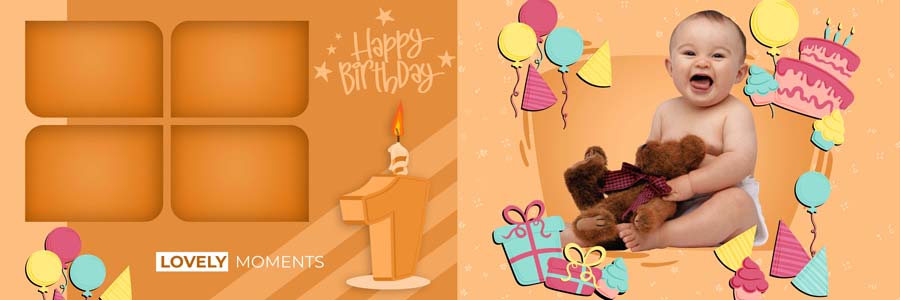
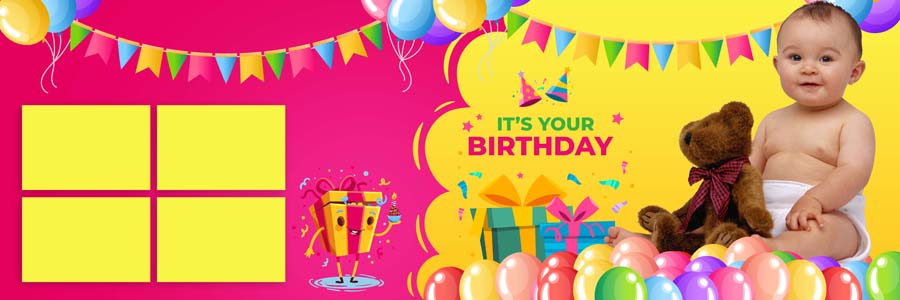
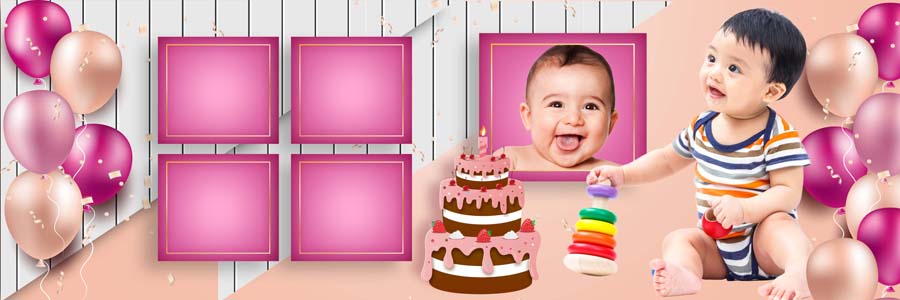
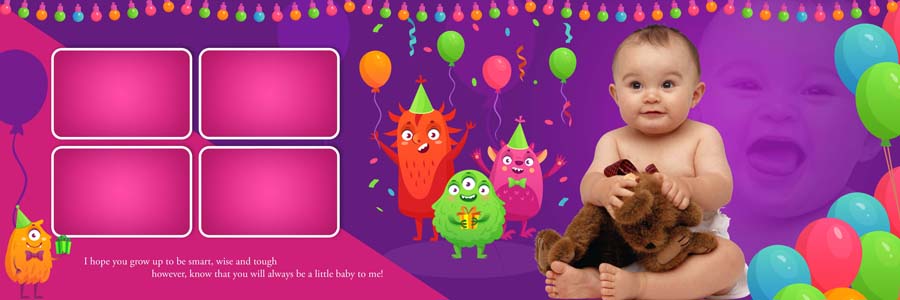
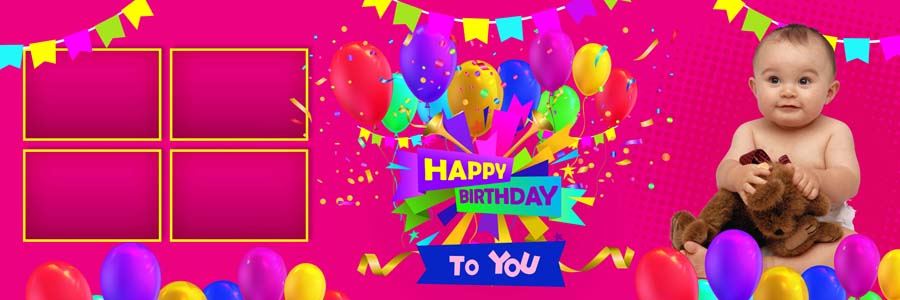
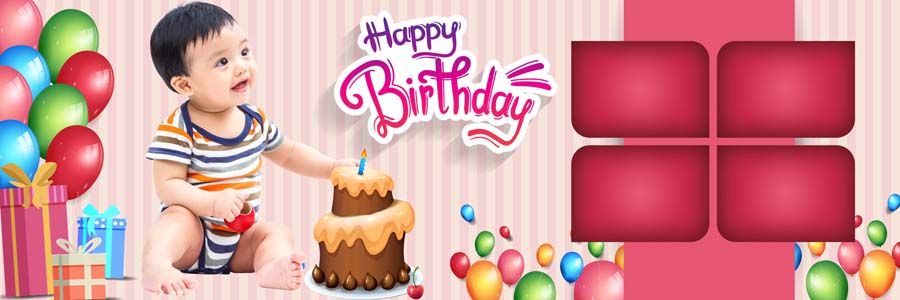
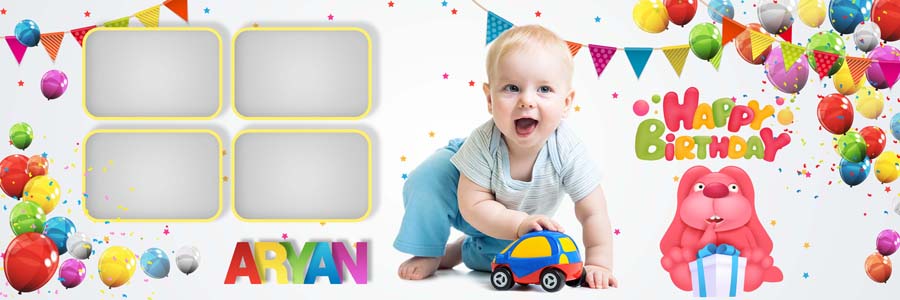
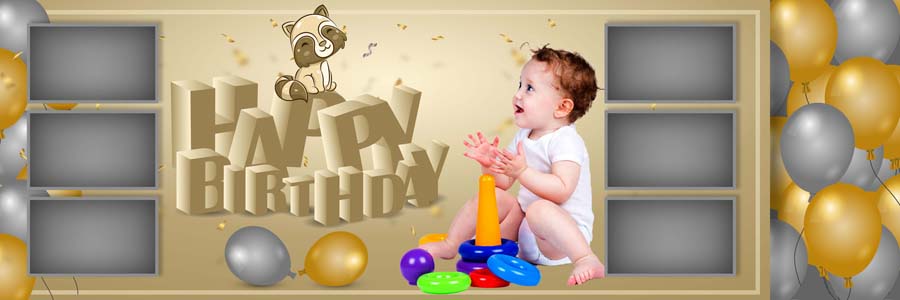
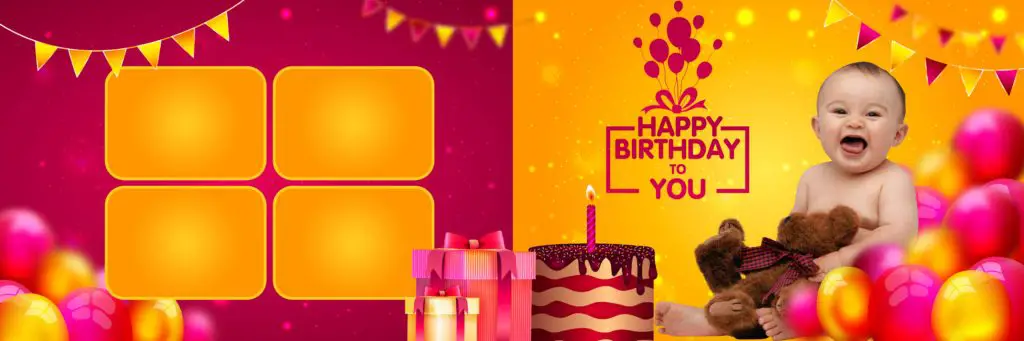
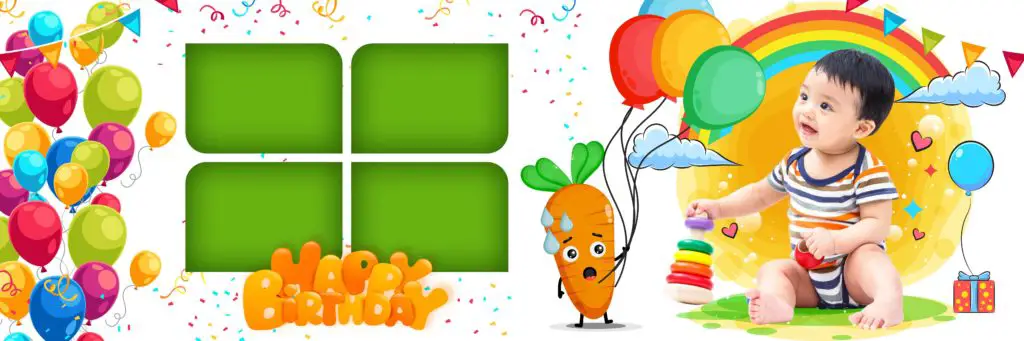
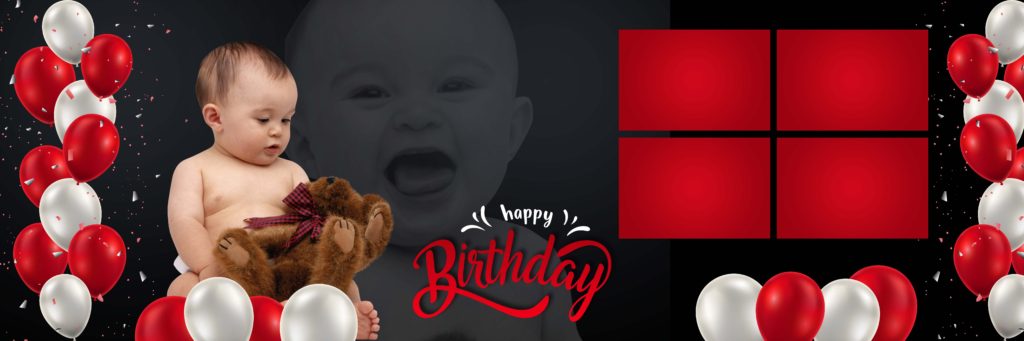
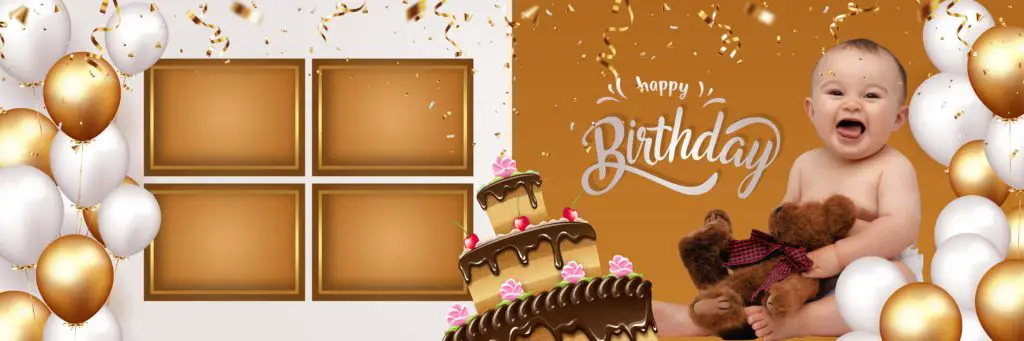
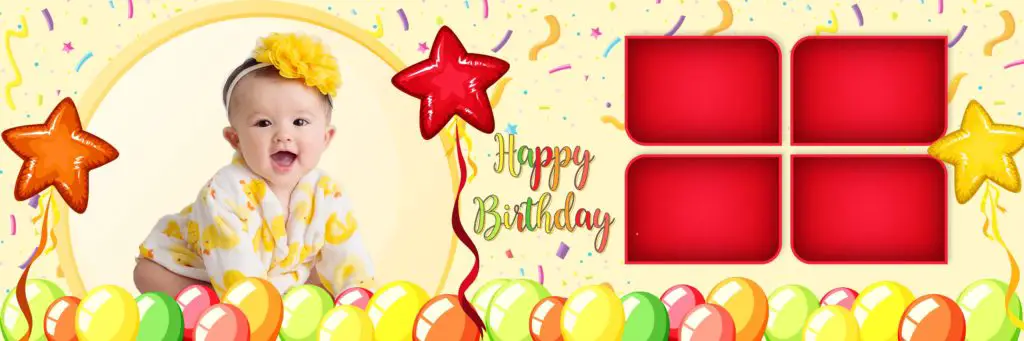
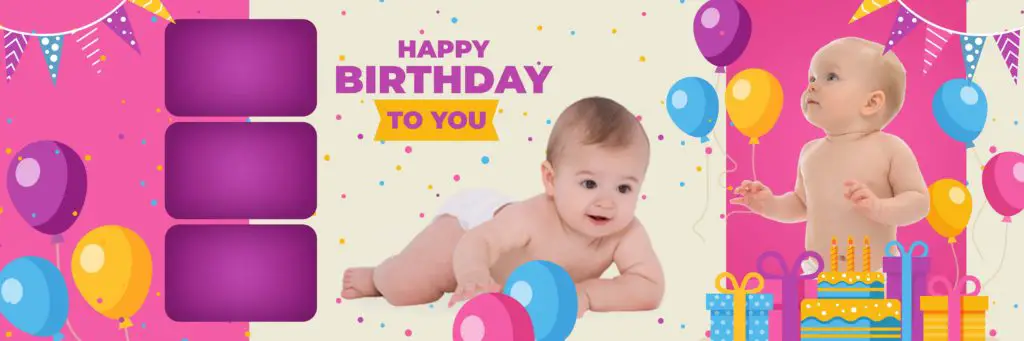
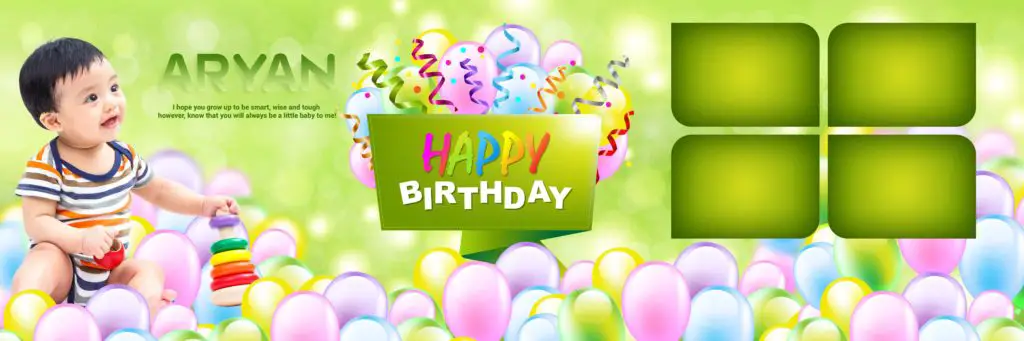
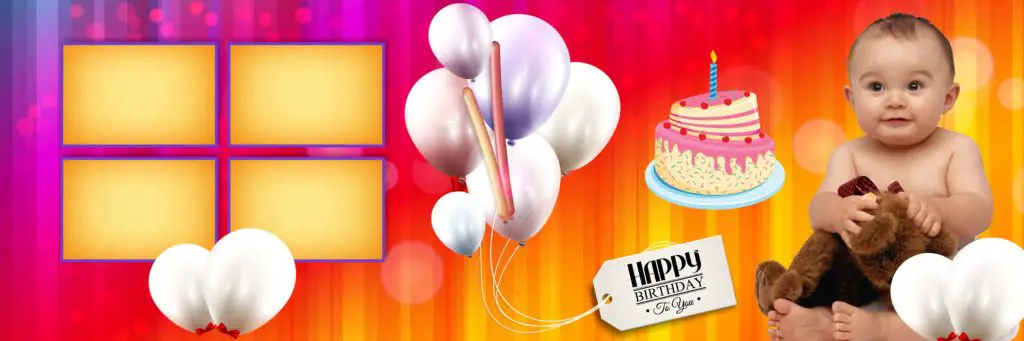
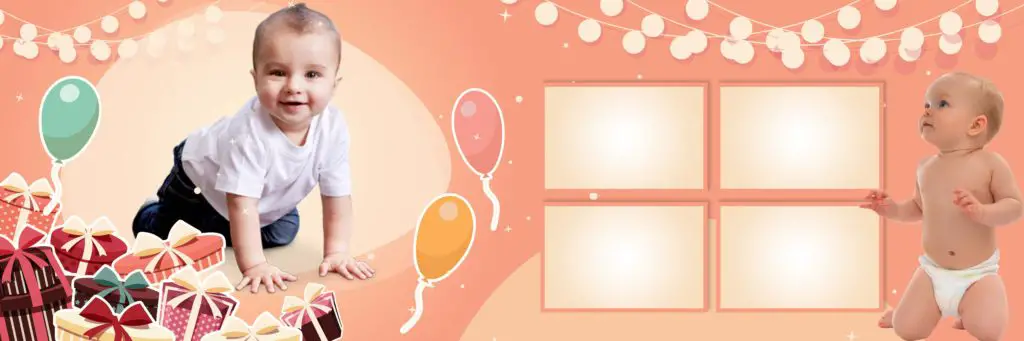
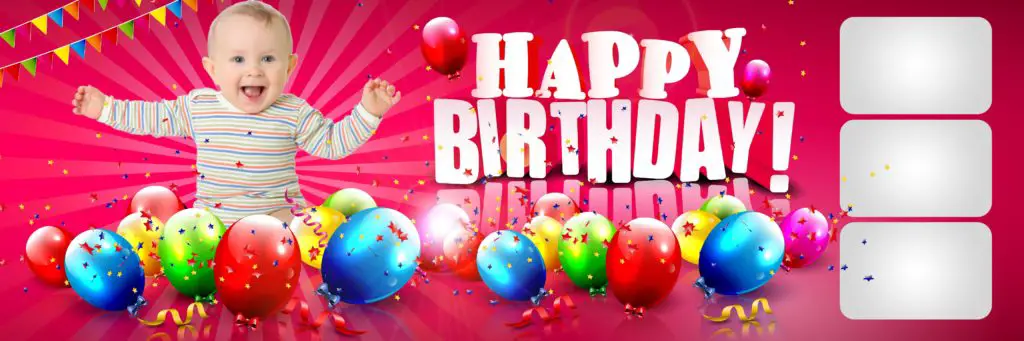
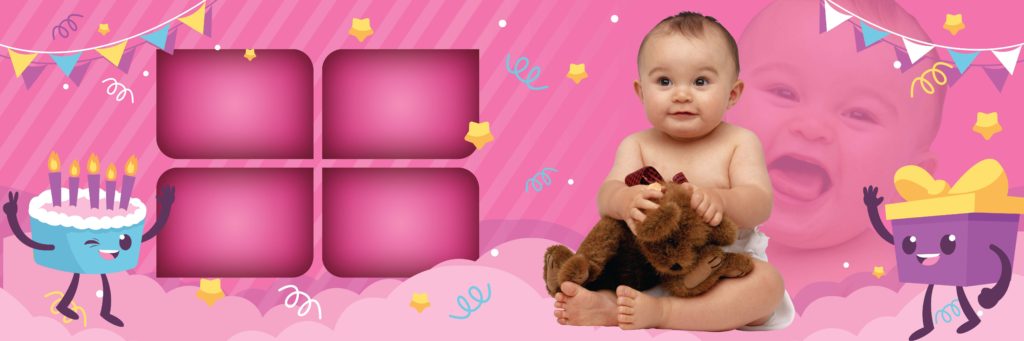
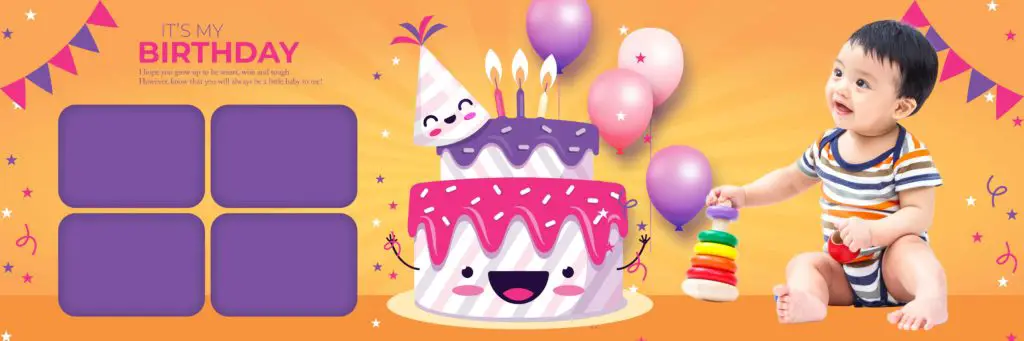
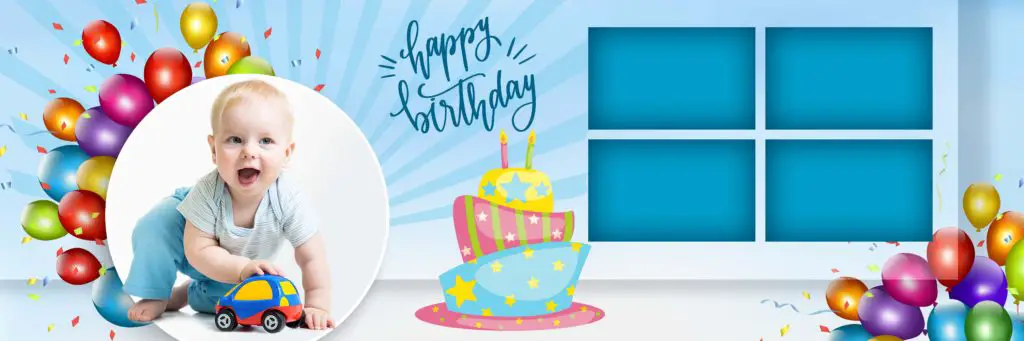
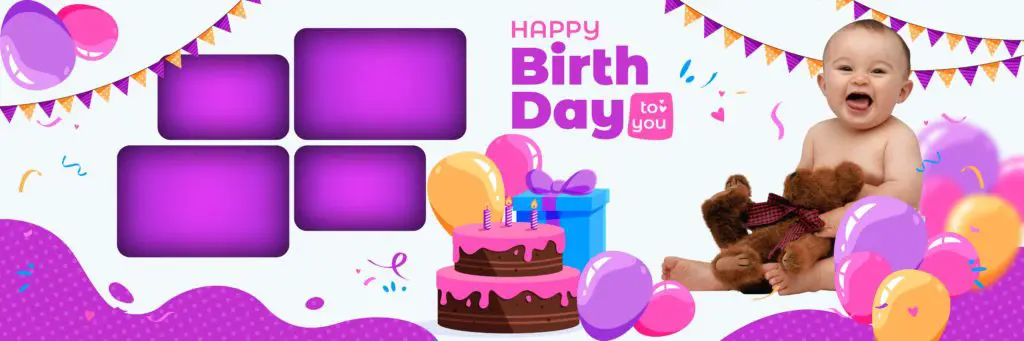
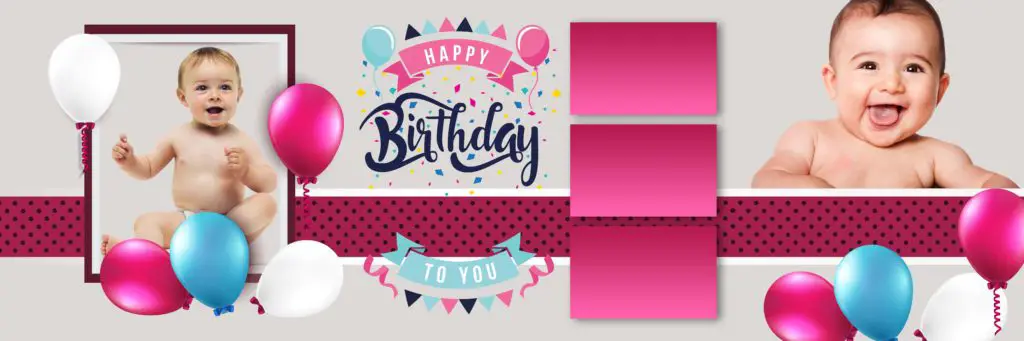
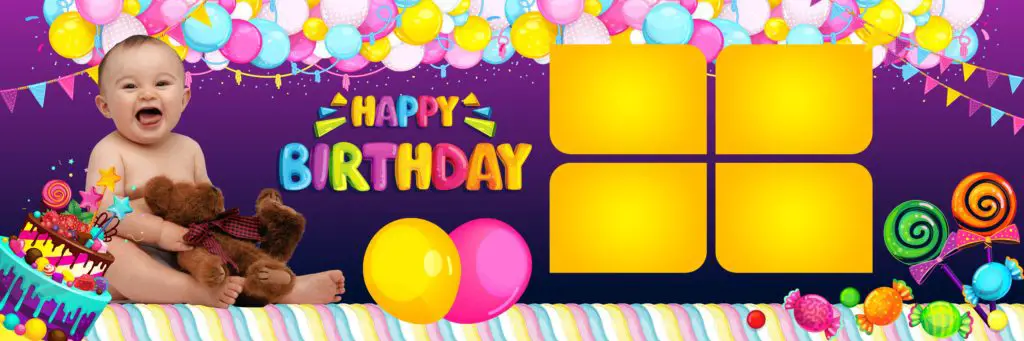
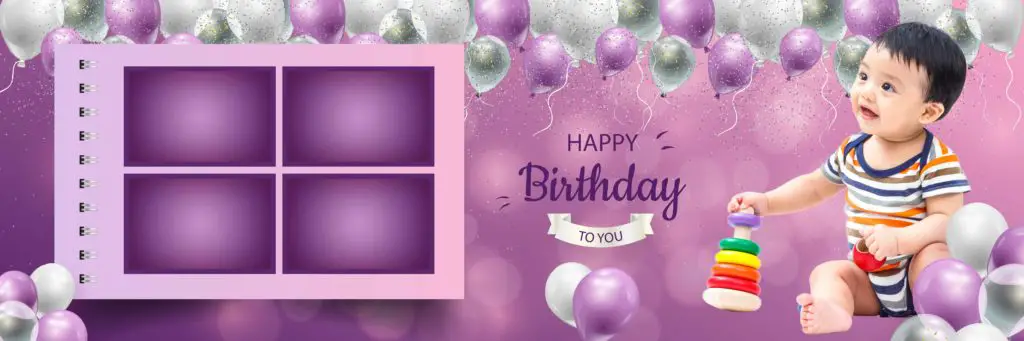
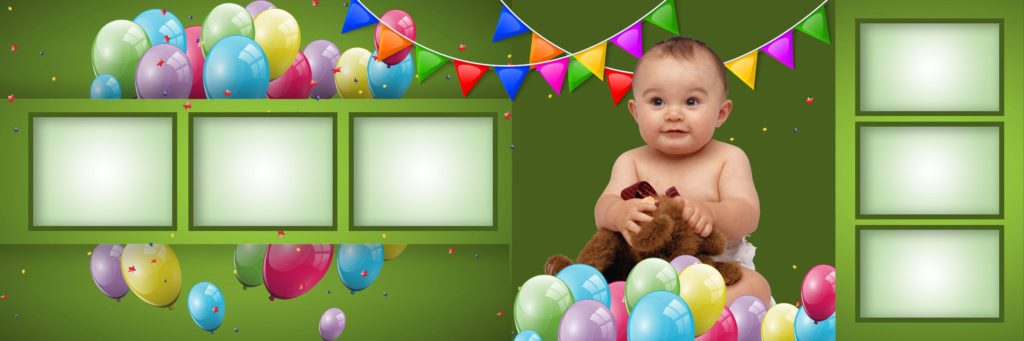
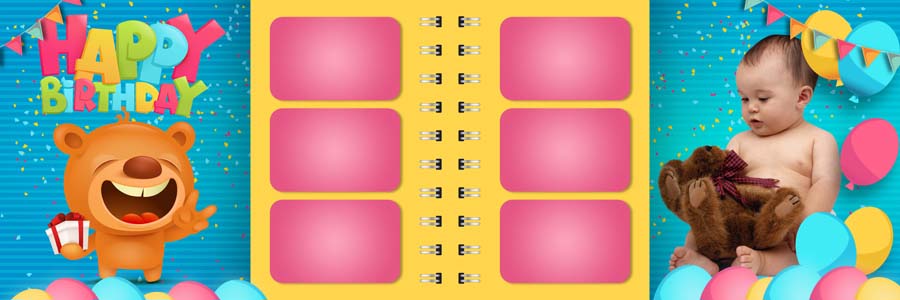
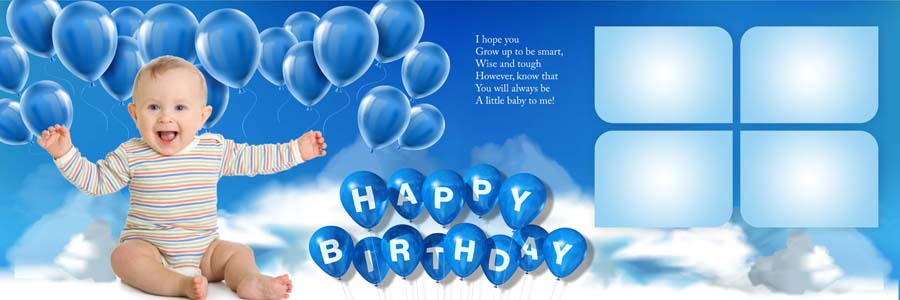
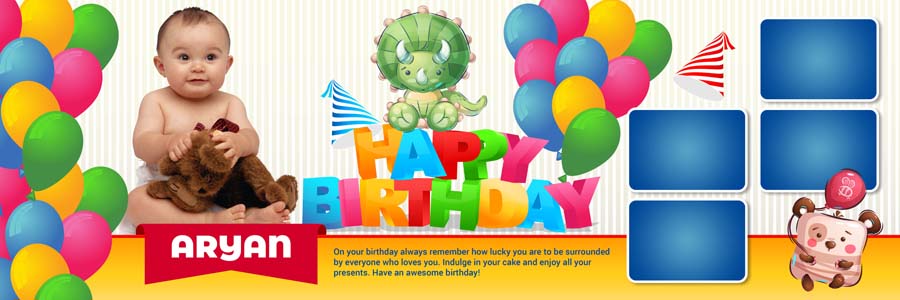
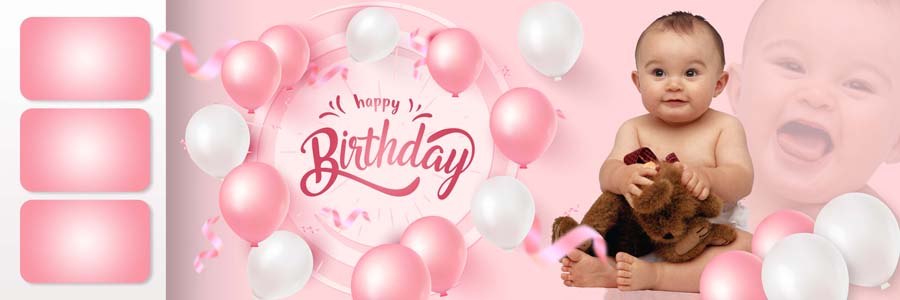
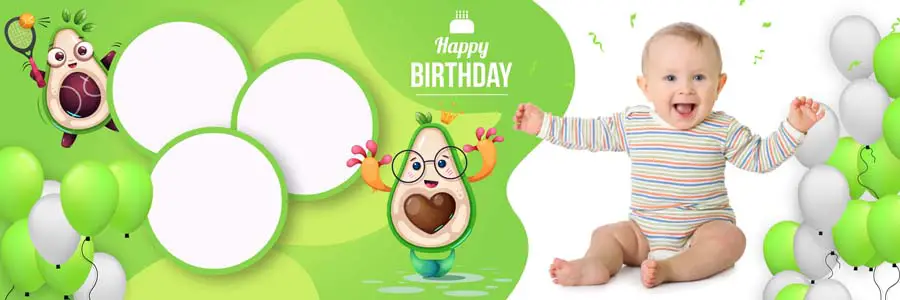
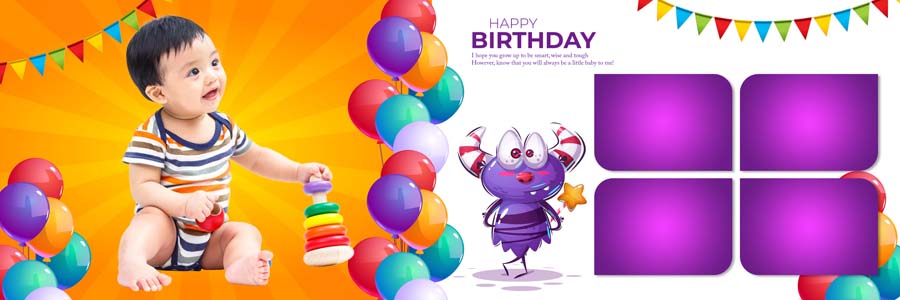
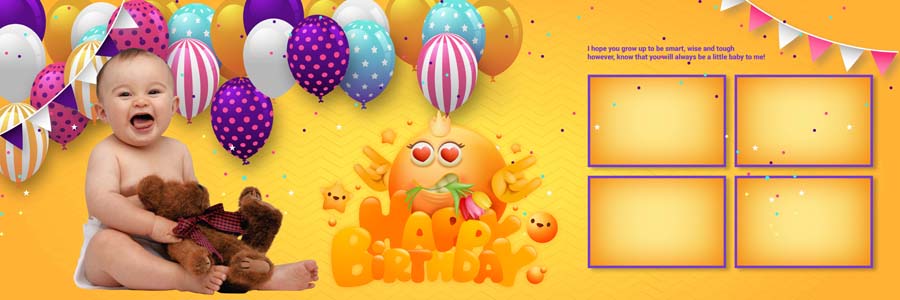
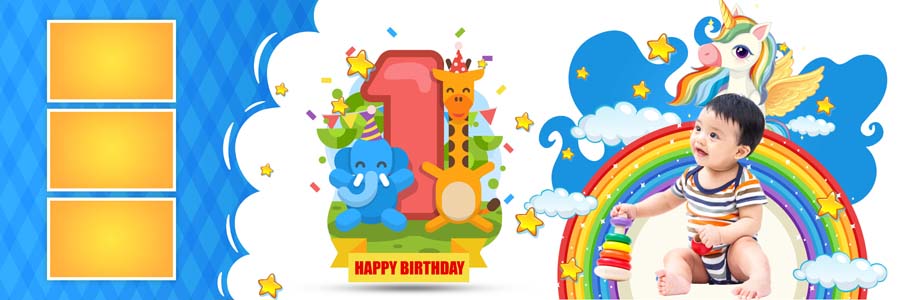
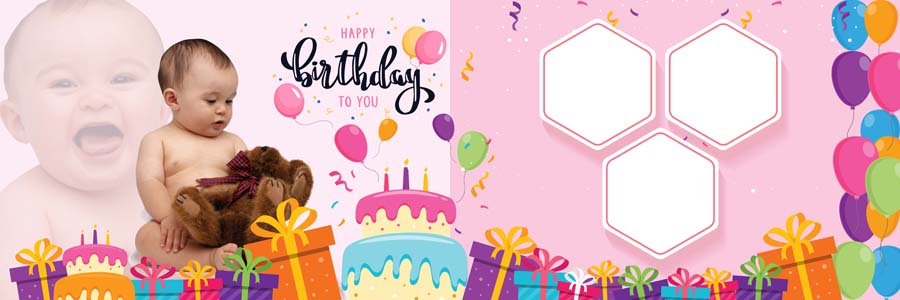
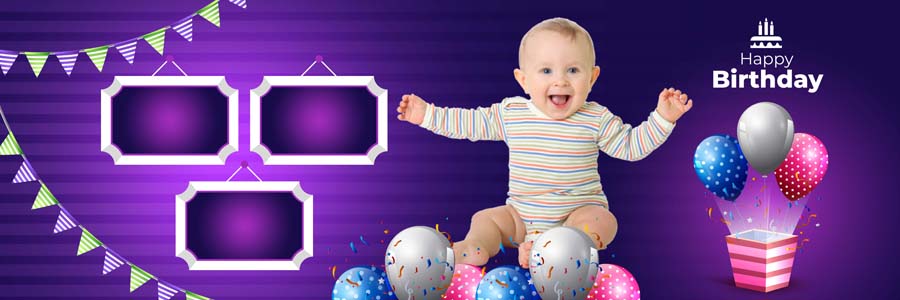
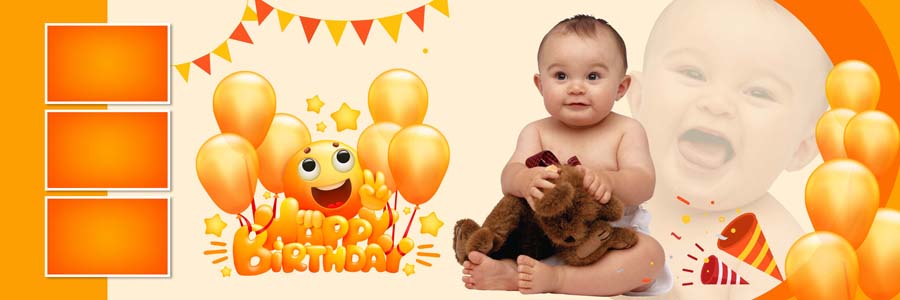
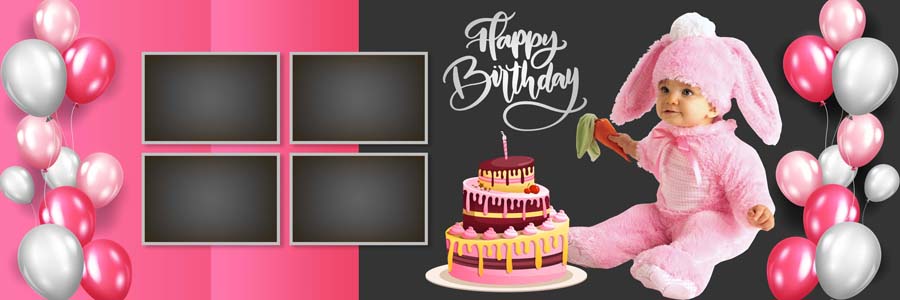
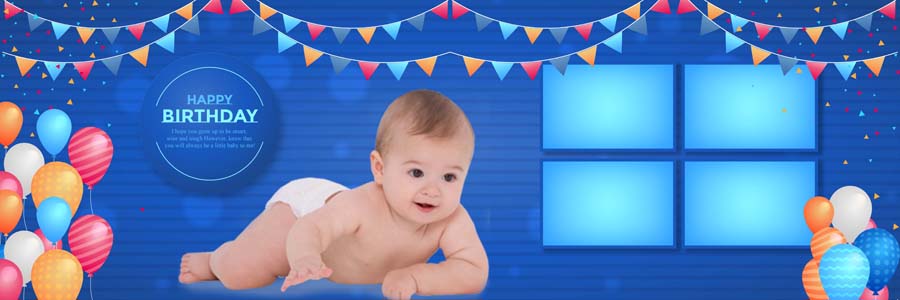
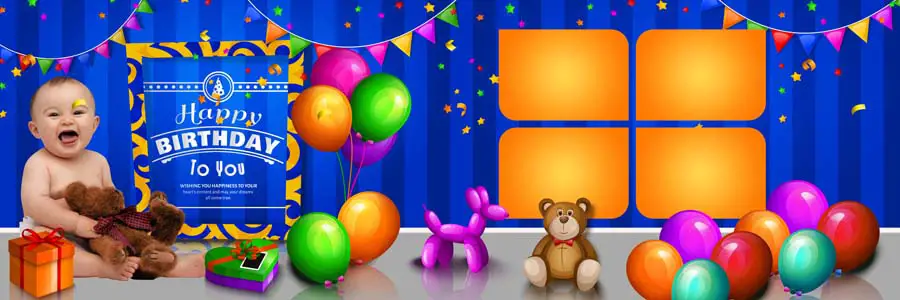
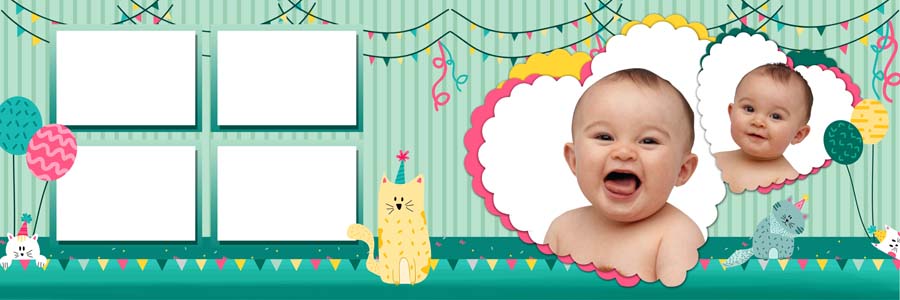
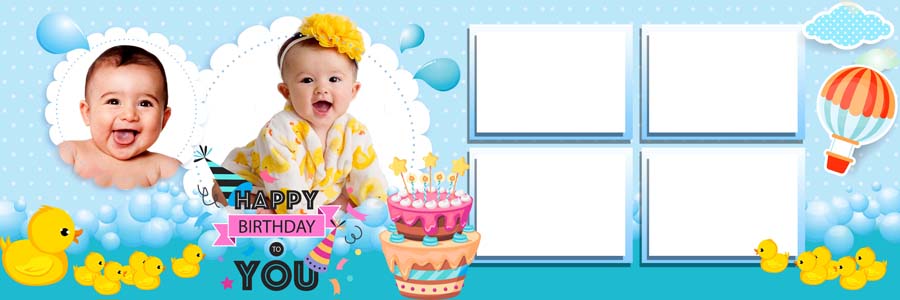
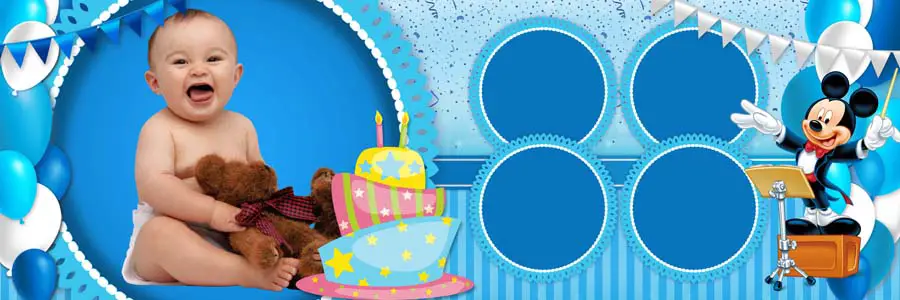
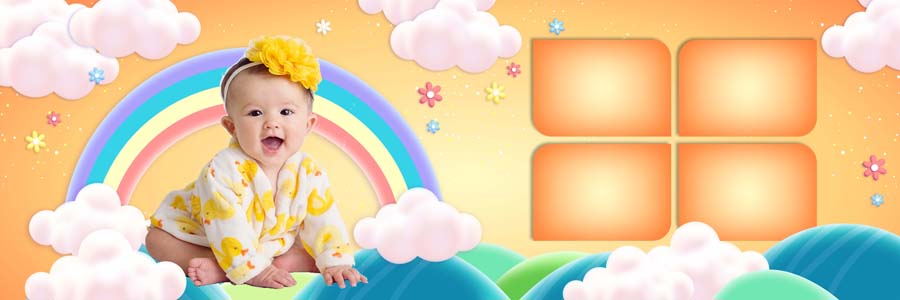
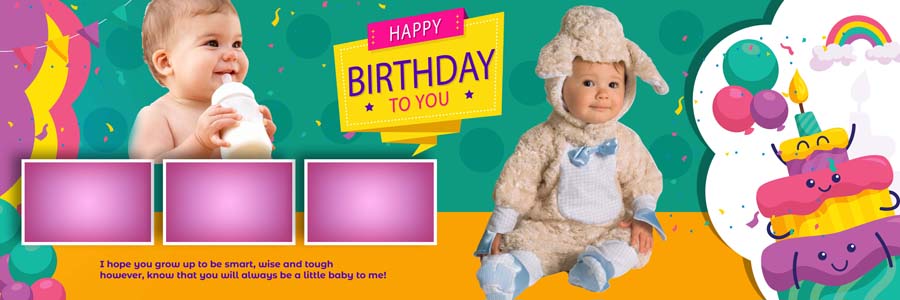
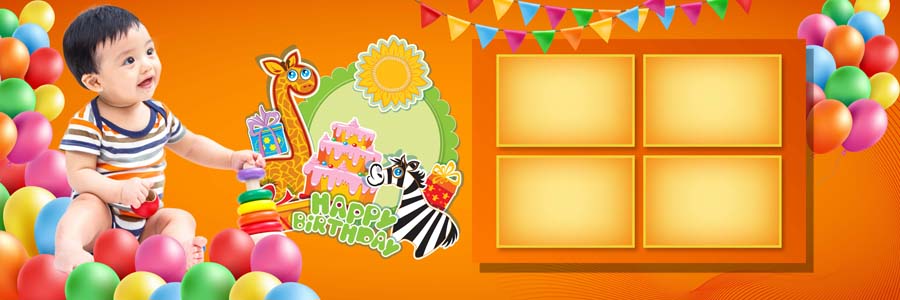
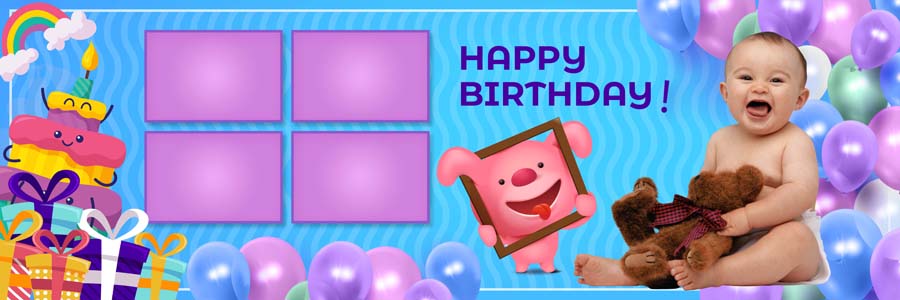
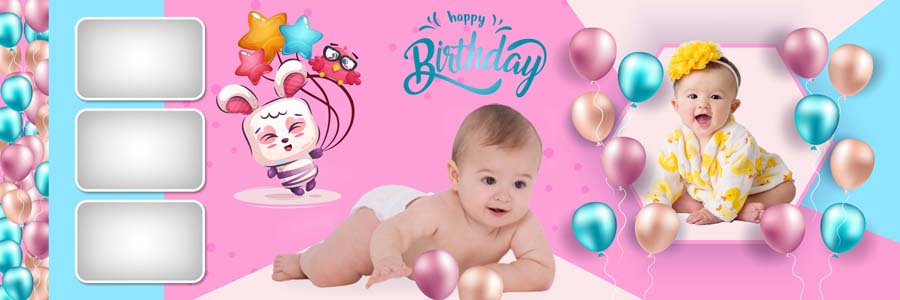
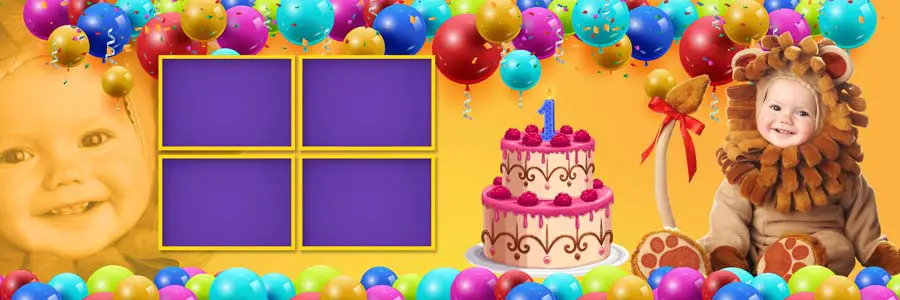
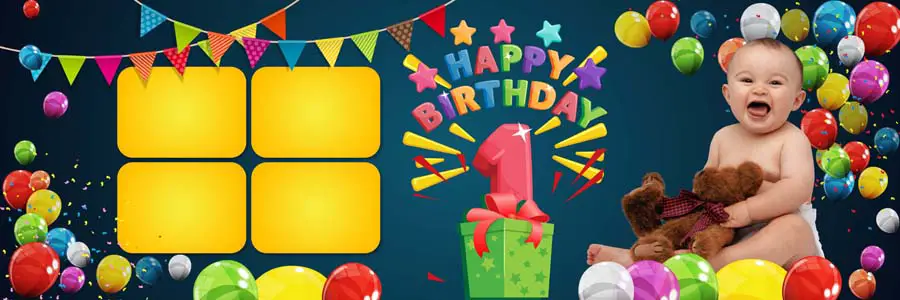
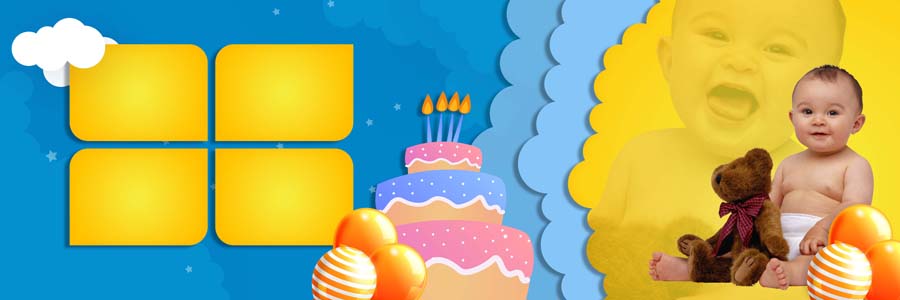
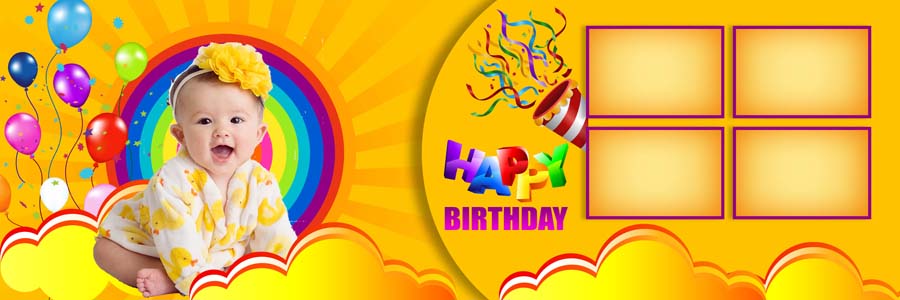
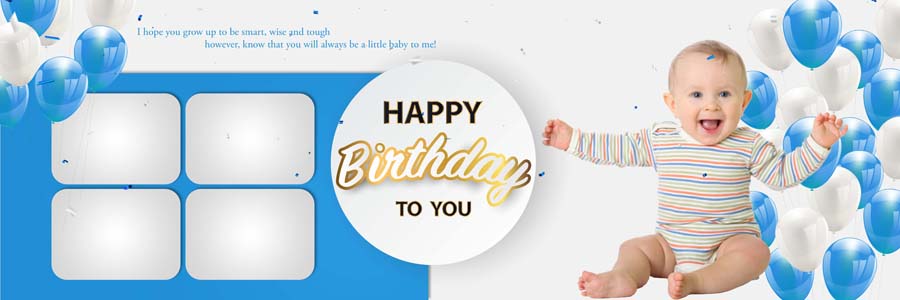
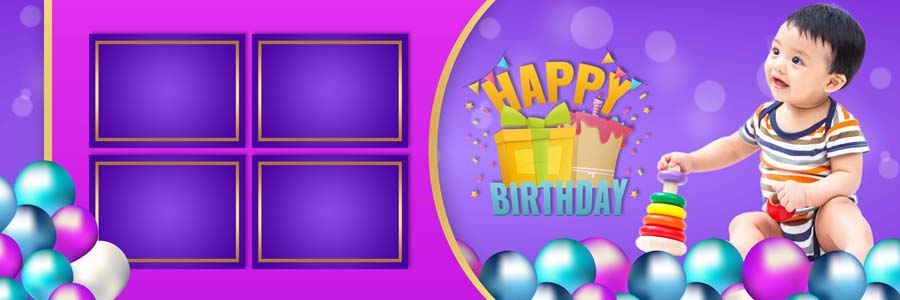
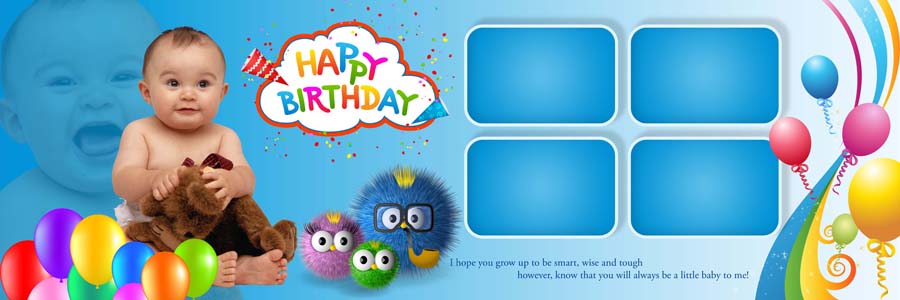
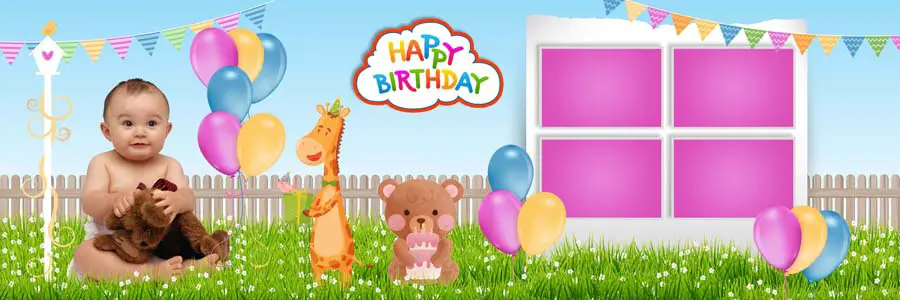
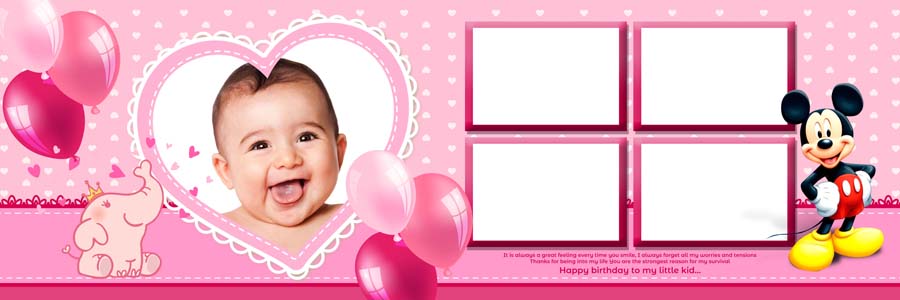
Looking for a complete collection of 100 Happy Birthday Photo Album Design 12×36 PSD Templates? This premium pack is specially designed for photographers, album designers, and Photoshop users who want to create beautiful birthday albums in less time. From baby birthday celebrations to family birthday events, these templates help transform ordinary photos into professionally designed albums. If you are searching for more ready-to-use layouts, you can also explore our Birthday Album Design PSD Templates collection.

Every template in this pack is created with modern design trends, colorful backgrounds, and creative photo placements that perfectly suit birthday photography. Whether you are designing albums for studio clients or personal memories, these PSD templates offer flexibility and professional-quality results. For baby-themed birthday projects, you may also like our Baby Birthday Album Design 12×36 PSD collection featuring creative layouts for kids and family celebrations.
Creative Birthday Album Design 12×36 PSD Templates
This exclusive collection includes 100 professionally designed birthday album PSD templates created to make album designing faster and more efficient. Each layout is carefully crafted with attractive color combinations, stylish photo arrangements, and modern design elements that help photographers create memorable birthday albums without starting from scratch. If you need more inspiration, check out our Birthday Photo Album Designs collection.
All templates are fully editable in Adobe Photoshop and come with organized layers for smooth customization. You can easily replace photos, modify text, adjust colors, and personalize every page according to your project requirements. Whether you are creating albums for baby birthdays, children’s parties, or family celebrations, these PSD files provide a professional foundation for your work. You can also browse our Birthday Photo Album PSD Templates for more creative design options.
Designed at high-resolution quality, these templates ensure excellent printing results and sharp image output. Their ready-to-use structure helps save valuable editing time while maintaining a polished and professional appearance for every album project.















Why Choose These Birthday Album PSD Templates?
One of the biggest advantages of this collection is its premium-quality design approach. Every PSD template is created at 300 DPI resolution and follows modern album design trends, making it suitable for both digital previews and professional printing. If you regularly design birthday albums, you can also explore our 1st Happy Birthday Album Design PSD collection for additional creative ideas.
These templates feature kids-friendly themes, colorful decorations, playful elements, and creative layouts that perfectly match birthday celebrations. Smart Objects and editable layers make customization simple, allowing photographers to complete projects faster while maintaining high-quality results. For more child-focused layouts, don’t miss our Baby Birthday Photo Album Design PSD Templates collection.
What’s Included in This Birthday Album PSD Pack?
- 100+ High-Quality Birthday Album PSD Templates
- 12×36 Professional Album Size
- 300 DPI Print-Ready Resolution
- Fully Editable Photoshop PSD Files
- Organized and Well-Layered Designs
- Creative Birthday-Themed Layouts
- Easy Photo Replacement Using Smart Objects
- Modern Design Elements and Decorations
- Suitable for Photographers and Studio Projects
- High-Quality Printing Output
How to Customize Birthday Album PSD Templates in Photoshop
These PSD templates are designed for easy editing, even if you have basic Photoshop knowledge. Simply follow these steps to create a professional birthday album.
- Download and extract the PSD template files.
- Open the PSD file in Adobe Photoshop.
- Locate the Smart Object layers.
- Replace sample photos with your own images.
- Edit names, dates, and custom text.
- Adjust colors and decorative elements if needed.
- Add your logo or studio branding.
- Review the final layout and alignment.
- Save the project in PSD format.
- Export high-resolution JPEG or TIFF files for printing.
Conclusion
The 100 Happy Birthday Photo Album Design 12×36 PSD Templates collection is an excellent choice for photographers, studio owners, and Photoshop users looking for ready-made birthday album layouts. With fully editable layers, premium-quality designs, modern birthday themes, and professional printing resolution, these templates make album creation faster, easier, and more creative. Simply customize the layouts with your photos and create memorable birthday albums that clients and families will cherish for years to come.
Note:
If you’re facing issues with downloading the file such as "it may take up to 24 hours to be able to view or download the file" So please ensure you are logged into your Google account before attempting to download. This usually resolves the issue and allows you to download the file without any waiting time.
















