
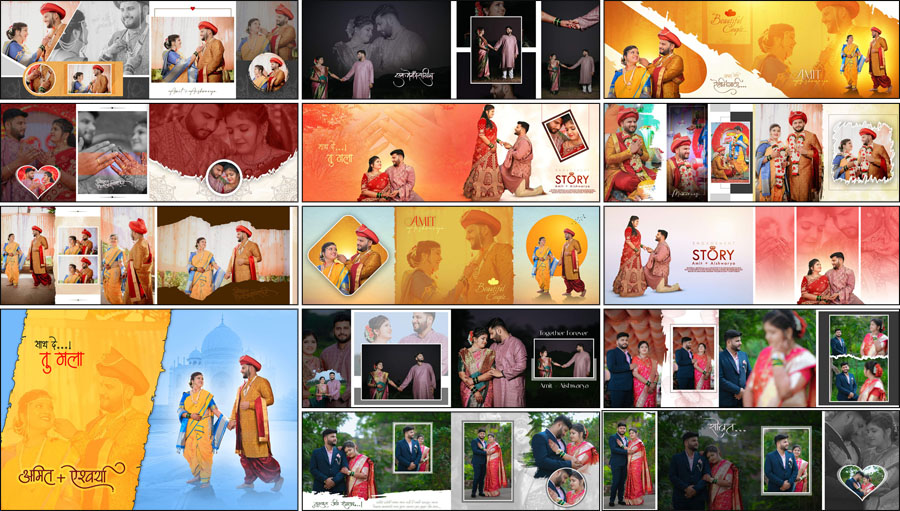
If you are looking to buy a premium Marathi album PSD pack, this new collection includes 20 professionally designed Marathi wedding album PSD files — 18 templates in 12×36 and 2 templates in 12×18. These layouts are created at 300 DPI for sharp print quality and come fully layered for easy customization. For wide panoramic spreads, check the dedicated 12×36 Album PSD layouts, and to explore more layout styles that pair well with this pack, you can view our Album Design PSD collection.
These files are paid templates and are intended for professional use. Each PSD can be edited in Photoshop and adapted to the client’s needs. If your studio produces albums for different cultural events, having a tested set of Marathi layouts speeds up delivery and improves consistency. The PSD pack includes frames, ornamental borders, and page guides so you can maintain safe margins for print. To work with these files, you can use popular versions such as Wedding Album Design PSD assets and edit them quickly in Adobe Photoshop.
What’s Included in the Pack
This premium pack is structured for practical studio workflows. Inside you will find:
- 18 ready-to-use 12×36 PSD spreads for wide, cinematic pages.
- 2 compact 12×18 PSD pages ideal for smaller guest albums or gift books.
- Organized layers with smart objects for fast photo replacement.
- Editable text layers for captions and headings with Unicode support.
- Decorative elements, frames, and alternate background options.
- Print-ready guides and bleed marks to match lab specifications.
Why This Pack Helps Your Studio
With years of studio experience, I can tell you that a consistent template set can transform your production. Templates reduce rework, improve turnaround, and let you offer higher-value options like premium photo album printing. These PSDs are especially helpful when combined with the best album design software to accelerate layout tweaks, and when paired with curated wedding album background textures, they deliver a polished final product.
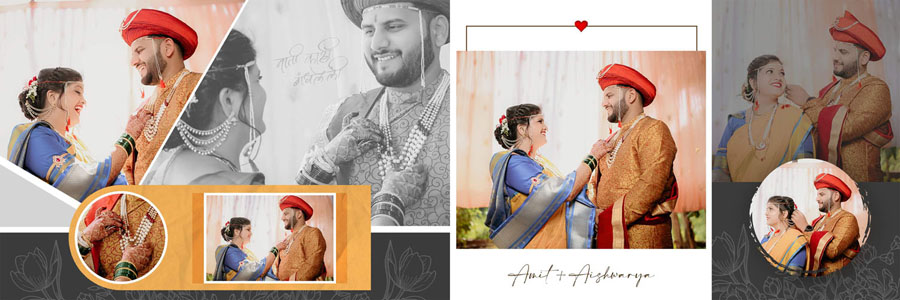
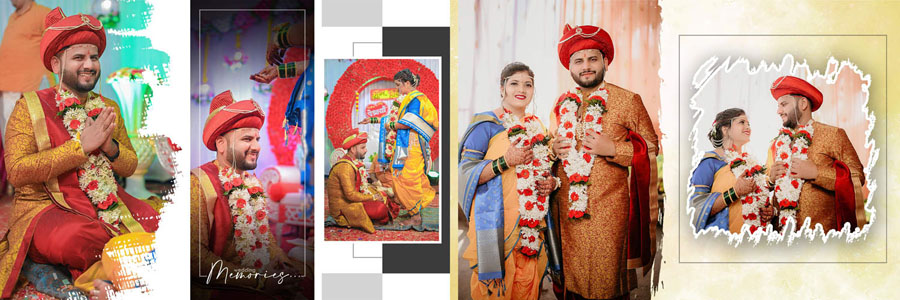
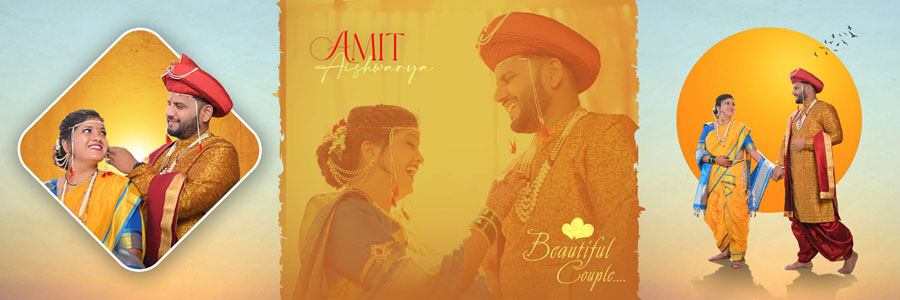
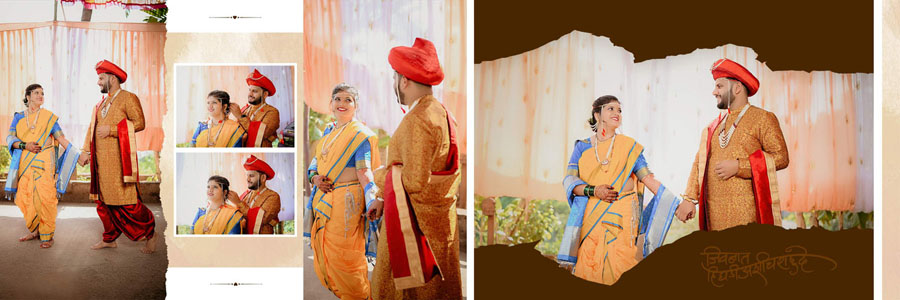
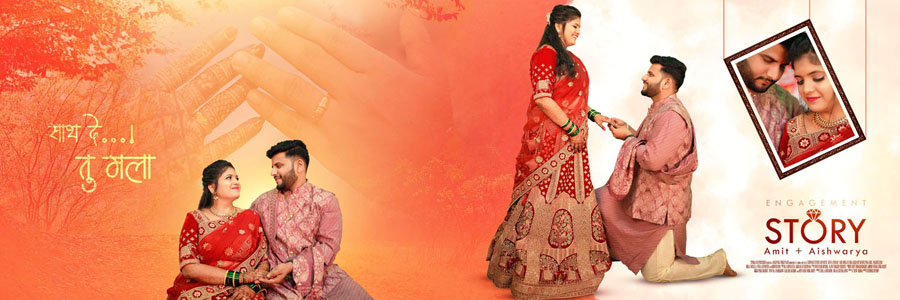
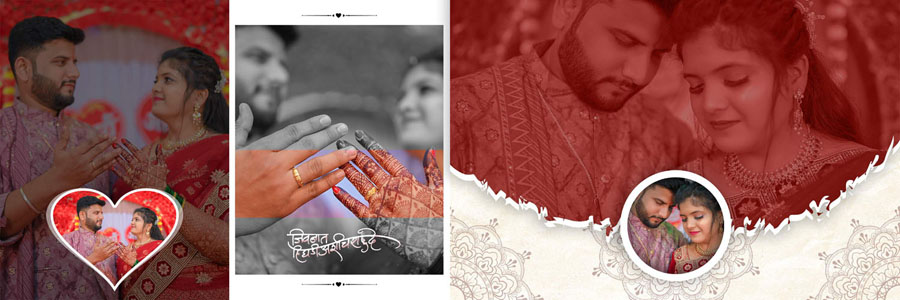
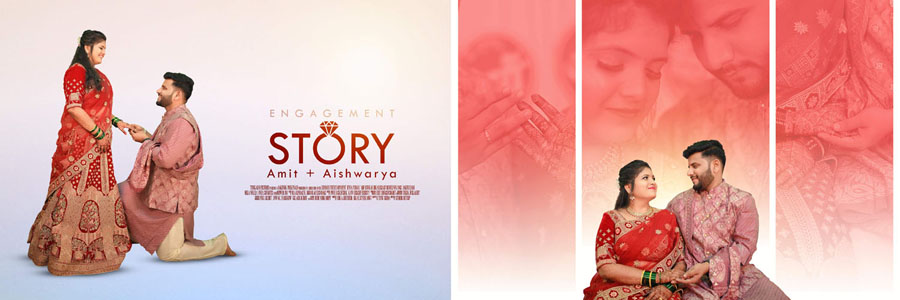
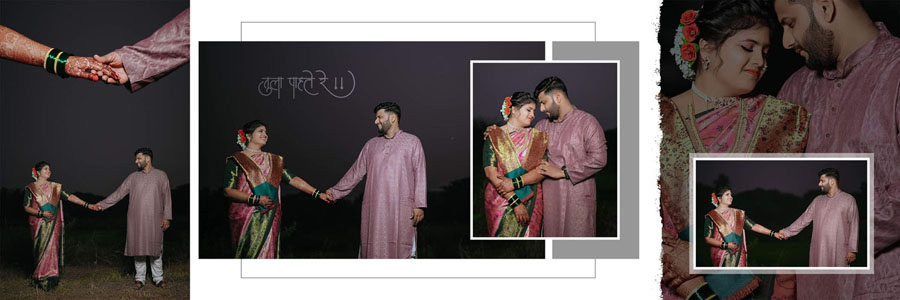
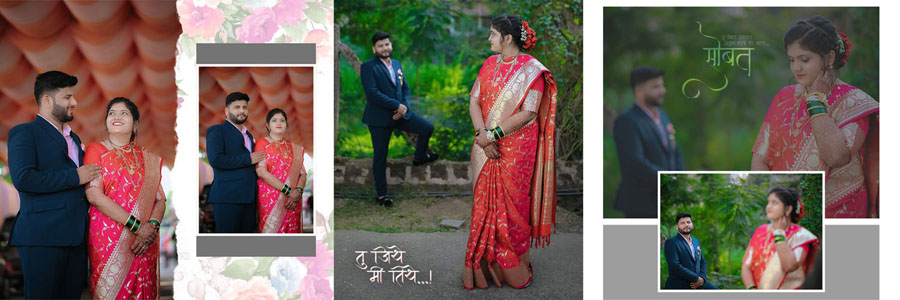
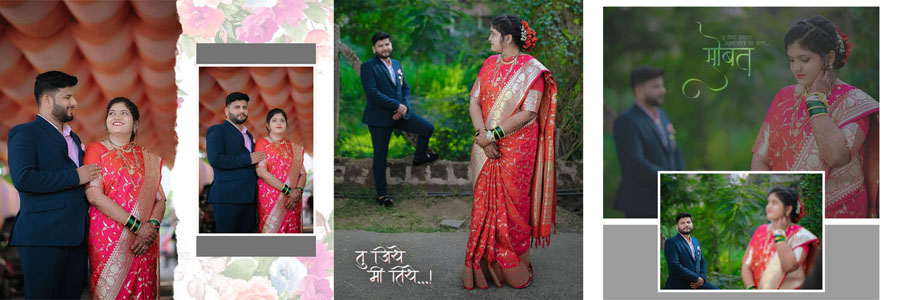
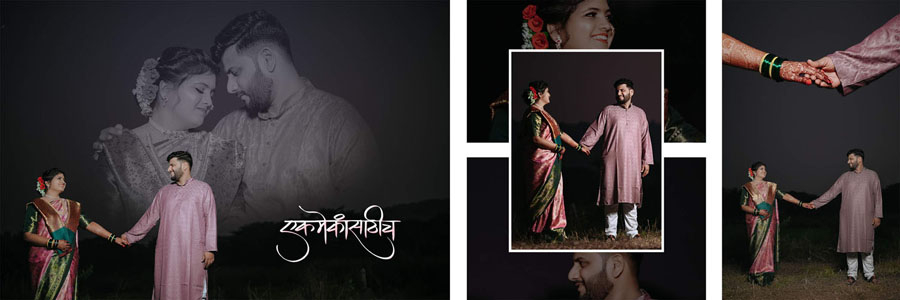
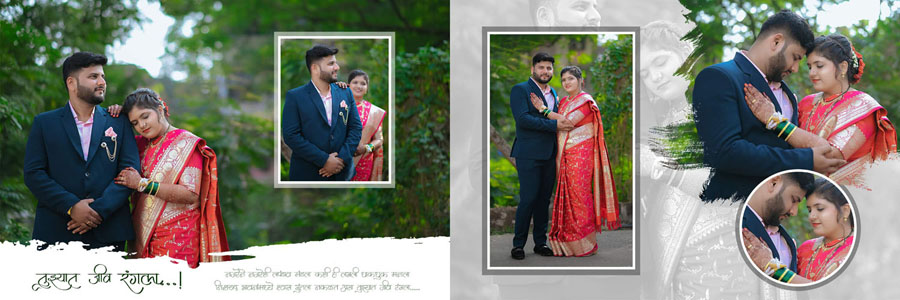
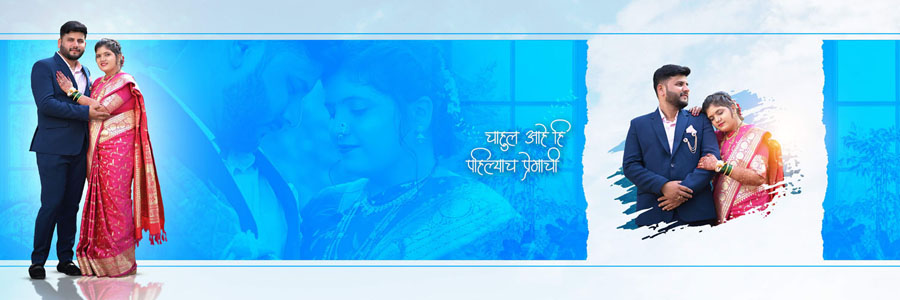
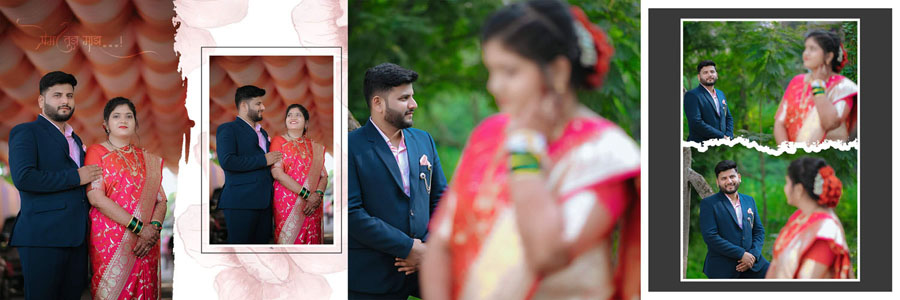
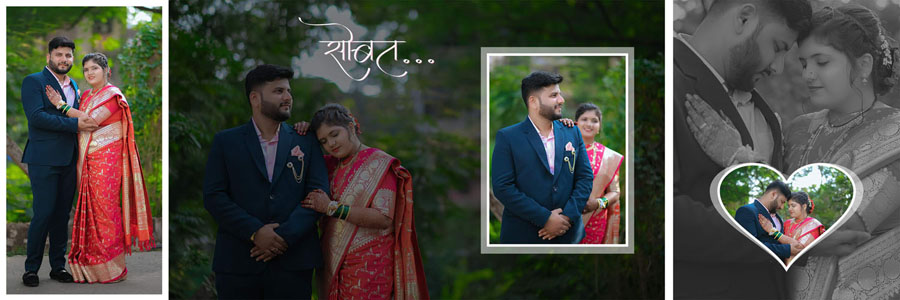
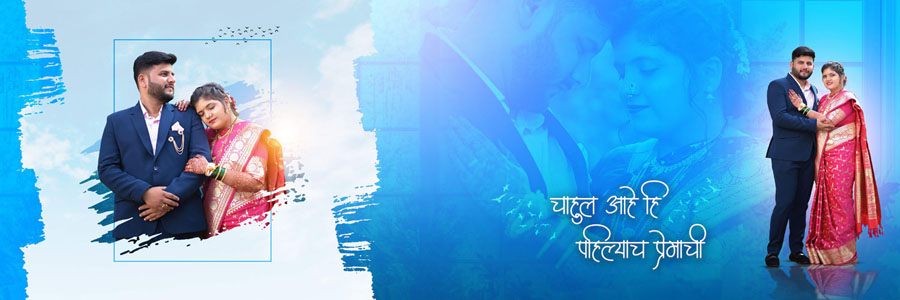
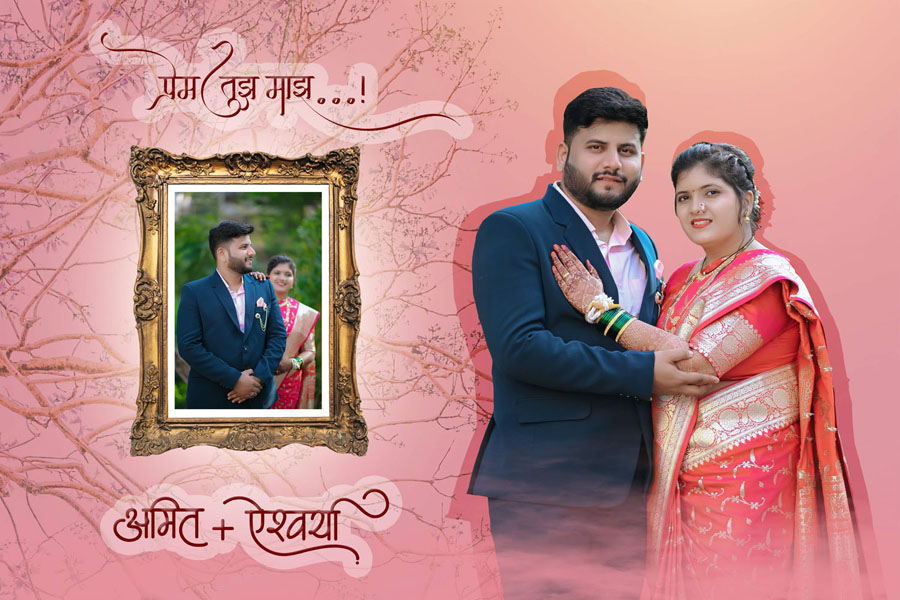
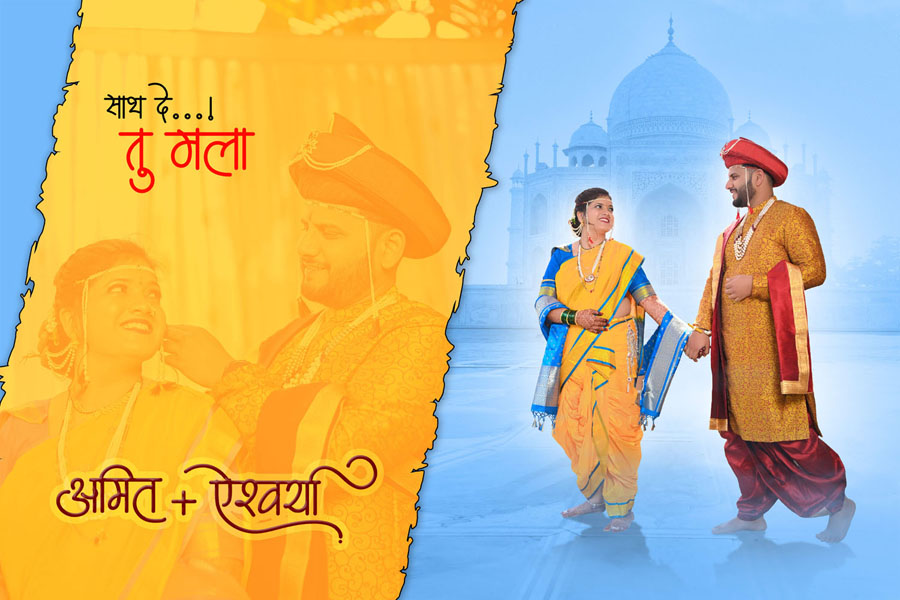
20 Demo Previews of New Marathi Wedding Album Design PSD 12×36, 12×18
The design style blends Marathi cultural motifs and modern editorial layouts. You will find pages tailored for ceremony highlights, family group shots, ritual close-ups, and decorative spreads. The color palettes favor warm, auspicious tones commonly found in Maharashtrian celebrations, but every color, overlay, and frame is editable, allowing you to match a couple’s theme precisely.


How to Edit These PSD Templates — Step by Step
Editing is straightforward and designed to be non-destructive so you can rework designs later if needed. Follow these steps for the best results:
- Open the PSD in Photoshop: These files work with Photoshop CS3 through CC 2025. Use the Layers panel to locate smart object photo frames and text layers.
- Replace images with Smart Objects: Double-click the smart object, paste or place your high-resolution photo, scale it, then save the smart object to update the spread.
- Use adjustment layers: Apply Curves, Levels, or Color Balance above photo groups to maintain consistent skin tones and overall mood across spreads.
- Adjust typography: Replace placeholder text with Marathi Unicode if needed. Keep heading hierarchy clear and captions readable at print size.
- Try alternate backgrounds: Swap in decorative textures or subtle gradients included in the pack to match wedding themes.
- Check safe areas and bleed: Confirm faces and important details are inside the safe zone before exporting for print.
- Export for print and web: Save a layered PSD as master, export high-quality PDFs for printing and smaller JPEGs for client proofs.
Business Benefits — How Templates Increase Revenue
Templates free up creative time so you can focus on retouching, upsells, and client communication. Offering premium album options like hardcover coffee-table books, velvet covers, and foil stamping becomes easier when you can produce consistent layouts quickly. That also opens doors for premium photo album printing partnerships and increases the perceived value of your wedding packages.
Technical Details & Compatibility
The PSD files are built at 300 DPI and include print guides. They are compatible with Adobe Photoshop CS3 and newer, up to CC 2025, so studios using older or newer versions can both work with them. Files are supplied as layered PSDs with clearly named folders for photos, text, and decorative elements. If you use external photo retouching software or plugins, the smart layers will preserve your edits.
Personal Experience — Quick Case Study
Recently, I used a similar PSD pack for a Marathi wedding where the client wanted a fast turnaround. By using smart layers and pre-made backgrounds, I completed a 40-page album in under three days, delivered print-ready files, and the client ordered an additional mini album for family. These templates made the difference between a rushed job and a premium product.
How to Purchase & Licensing
If you are interested in purchasing the Marathi Album Design 12×36 PSD Template Pack, simply click on the button below and send me a message on WhatsApp to ask for the available payment options. Once the payment is completed, you will be asked to provide your email address. The pack will then be shared directly with you through email, and you can easily download all files in one go. This is a paid pack, and after purchase, you will receive 20 high-quality PSD templates in a single package. These designs are perfect for professional studios and freelance editors who want consistent, print-ready Marathi album layouts for client projects and studio deliveries.
Final Note
If you run a studio or offer wedding photography services, this Marathi PSD pack is a practical investment. It saves time, improves consistency, and helps you offer higher-value album products to clients. If you want, I can help upload previews, add optimized image alt tags, or prepare the product page copy and structured data for better search visibility.
Note:
If you’re facing issues with downloading the file such as "it may take up to 24 hours to be able to view or download the file" So please ensure you are logged into your Google account before attempting to download. This usually resolves the issue and allows you to download the file without any waiting time.
















