Give your photos and videos a cinematic tropical look with this 20 Tropical LUTs Pack Free Download. These LUTs instantly add warm tones, balanced highlights, and a professional color grade that works perfectly for travel, beach, and outdoor scenes. You can also explore more LUT collections in our LUTs Category for different creative color styles.
This Cinematic LUTs Collection for Videographers includes more film-grade looks, but the Tropical LUTs stand out for their bright, lively, and colorful tones. Whether you are editing a travel vlog, tropical photoshoot, or outdoor wedding video, these LUTs will help you create a warm cinematic film tone in just a few clicks.
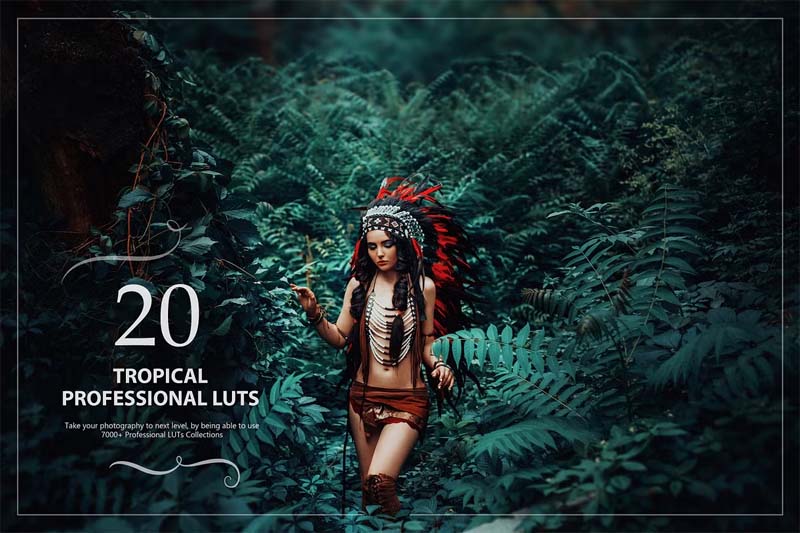
Preview of 20 Tropical LUTs Pack
Here’s a quick preview showing how these LUTs enhance your videos and photos with natural tropical warmth and cinematic contrast. You can instantly see the transformation as your colors become rich, bright, and perfectly balanced with realistic tones. For more professional options, you can also check out our Professional Cinematic LUTs Pack.
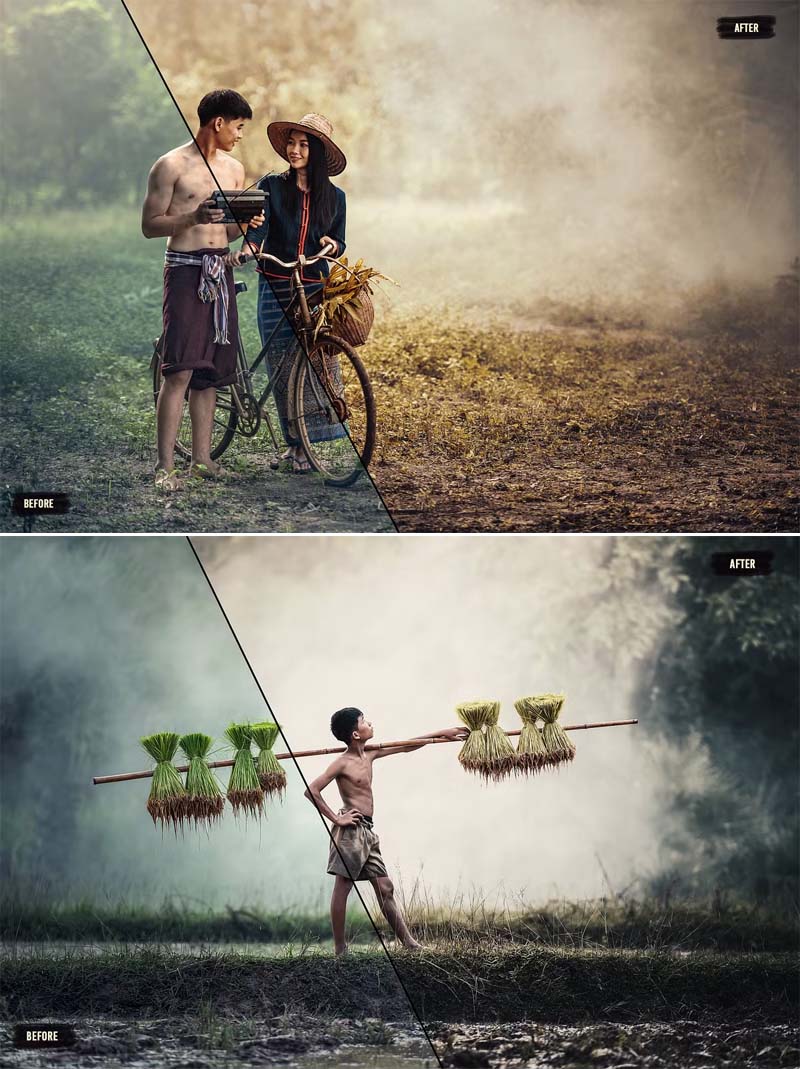
Features of 20 Tropical LUTs Pack
- 20 high-quality cinematic LUTs designed for tropical and outdoor scenes.
- Quickly adds warm, vibrant tones and balanced highlights in just one click.
- Perfect for photos and videos — ideal for filmmakers, vloggers, and photographers.
- Adjust intensity, contrast, and exposure easily for a personalized look.
- Works on both Mac and Windows systems.
Why Choose These Tropical LUTs
- Professional color grading made simple and fast.
- Delivers instant results with natural film-style tones.
- Suitable for travel, cinematic, lifestyle, and wedding projects.
- Extended commercial license — use again and again for personal or client projects.
- Each LUT is crafted to blend beautifully with a wide range of footage.
Compatibility
- Compatible with Adobe Photoshop, Lightroom, Affinity Photo, Luminar, On1, After Effects, Premiere Pro, Final Cut Pro, and more.
- Supports both photo and video color grading workflows.
- Works seamlessly on both Mac and Windows platforms.
How to Use 20 Tropical LUTs Pack
- Download and unzip the LUTs pack from below.
- Open your preferred editing software (Photoshop, Premiere Pro, Final Cut Pro, etc.).
- Import and apply the LUT file to your photo or video clip.
- Adjust intensity, brightness, or contrast to match your creative style.
- Save and export your final project with a cinematic tropical finish.
The 20 Tropical LUTs Pack Free Download is the perfect choice for creators who want professional, film-grade color correction with minimal effort. Within seconds, you can transform any ordinary footage into a tropical masterpiece full of warm tones and cinematic contrast. Try it today and give your visuals that professional, movie-style color finish!
Zip File Password: www.Luckystudio4u.com
Note:
If you’re facing issues with downloading the file such as "it may take up to 24 hours to be able to view or download the file" So please ensure you are logged into your Google account before attempting to download. This usually resolves the issue and allows you to download the file without any waiting time.