Here in this post, you can Free Download Graphicriver – Aura Watercolor Sketch Photoshop Action 24723400 compress files through the below link. On our website Luckystudio4u.com, you will find a lot of premium graphic assets free such as Free Courses, Photoshop Mockups, Lightroom Presets, Photoshop Actions, Brushes & Gradient, Photoshop Overlays, Videohive After Effect Templates & Projects, Fonts, Luts, Plugins, and much more. Luckystudio4u.com is a free graphics content provider website that helps beginner graphic designers as well as freelancers who can’t afford high-cost courses and other things. You Can Also Download Watercolor Sketch Photoshop Action.
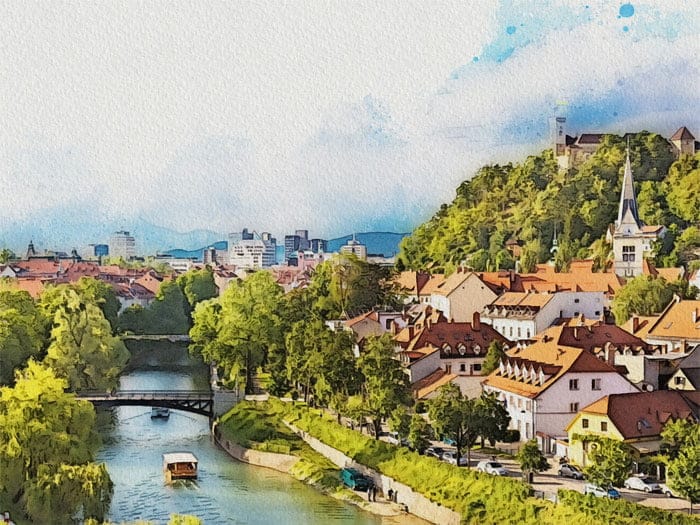
The AURA Photoshop Action will help you to turn your images into beautiful watercolor sketches in just a few clicks. You can combine a water-based drawing with a pencil sketching. The resulting effect is very realistic and easily customisable. You will get a set of layers which will give you a lot of options to reach your own unique effect. Action works with Photoshop CS3 and above on Windows and Mac. You Can Also Download Dilute Watercolor Photoshop Action.
Screenshot Images of Aura Watercolor Sketch Photoshop Action:
Below I have shared with you screenshot images of Aura Watercolor Sketch Photoshop Action to get a better idea before downloading.
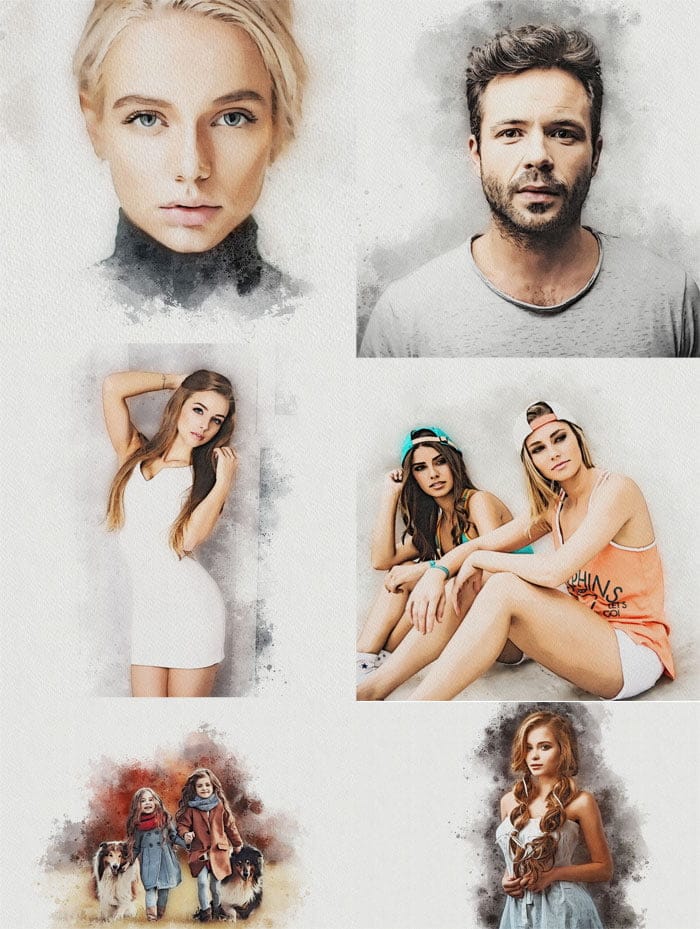
- Good for portraits, landscapes, interiors, architecture and design photos
- Tested with Photoshop CS3 – CC 2021 (only English version) on Mac and PC
- Well organised layer structure
- Realistic effect of a water-based painting combined with a pencil sketch
- Easy to use in a few clicks, minimal Photoshop skill is required
Non-destructive transformation - Extensive customization of the resulting effect
- Help PDF file included
- Best image sizes 2000-4000 px
- File size 67,6 MB
HOW TO PREPARE YOUR PHOTOSHOP TO USE THIS ACTION
- Make sure that you are using English version of Photoshop. If not,
- you always can change the language of your version of Photoshop
- to English (and switch back again) using this method Use only RGB mode at 8 bits/channel
- Make sure that the option “Add ‘copy’ to Copied Layers and Groups” is turned on (Layers Tab – Panel Options)
- Set Brush opacity and flow to 100%
- Load to your Photoshop compulsory brushes, patterns and tool preset
- Load action to your Photoshop. To do this go to menu Window – Actions – Load actions and select AURA1_4.atn
- Open your image, create new layer (with name ‘area’) and just
- paint your focus-area, or use Quick Selection Tool and make layer
- via copy with name ‘area’
- Run the action
Zip File Password: www.Luckystudio4u.com
Note:
If you’re facing issues with downloading the file such as "it may take up to 24 hours to be able to view or download the file" So please ensure you are logged into your Google account before attempting to download. This usually resolves the issue and allows you to download the file without any waiting time.