Clean Tones Actions And Presets Free Download is the fastest way to give your photos a clean, minimal, and professional finish. This pack brightens, deepens, and cleans color tones so your images really pop, making it ideal for wedding portraits, lifestyle shots, and a stylish Instagram feed. The presets work one-click out of the box and also allow fine-tuning when you want to customize the look. For more editing tools and similar packs, check our lightroom presets collection for easy downloads and guides.
If you want even more variety to build a consistent feed, don’t miss the 75 Best Free Lightroom Presets Pack 2025 — it pairs great with Clean Tones presets and gives you extra mood options for every shoot. These presets are beginner-friendly yet powerful enough for pros who need quick, beautiful results.
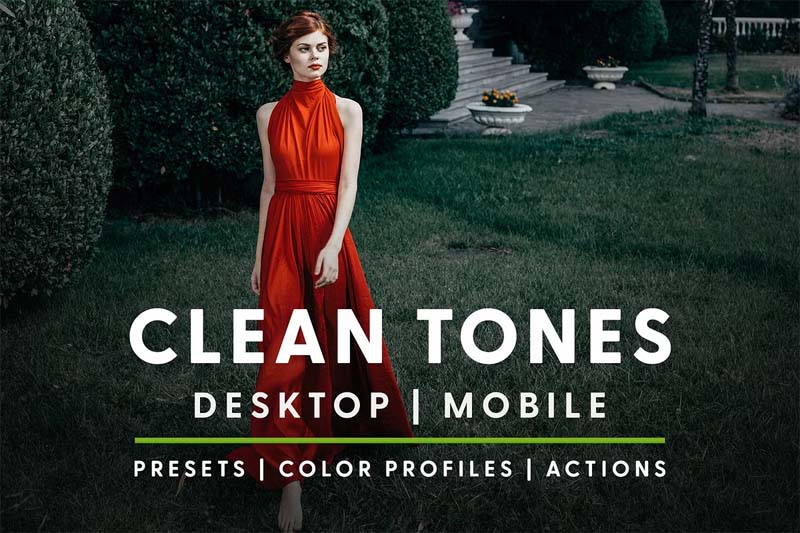
Clean Tones Actions And Presets — Bright, Minimal & Professional
Clean Tones gives your photos a light, airy, and modern look without heavy editing. It works on portraits, lifestyle shots, and client albums, and is perfect for creators who want a neat Instagram feed. For a related warm look that complements these tones, check the Wife Tones Preset Pack, which offers softer skin treatment and romantic warmth.
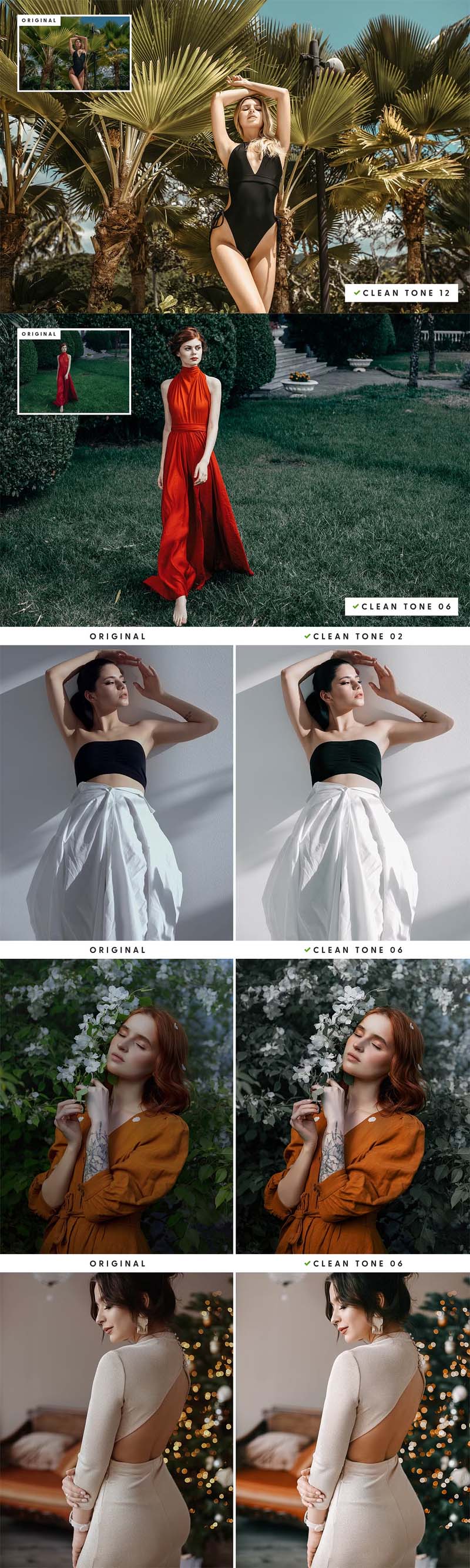
Preview Images of Clean Tones Presets Examples
Below are example previews showing how Clean Tones treats skin, light, and color. These before/after shots make it easy to see the bright, minimal, and warm result the presets produce.
What You’ll Get
- 15 Lightroom Desktop Presets (.lrtemplate) — batch-friendly, one-click color grading
- 15 Lightroom Mobile Presets (.dng) — for quick edits on Android & iOS
- 15 Photoshop Camera Raw Presets (.xmp) — use inside ACR or Photoshop
- 15 Color Profiles for Lightroom Classic & ACR — consistent color across apps
- 15 Photoshop Actions (.atn) — speed up repetitive Photoshop edits
- PDF installation guides — step-by-step for desktop and mobile
Compatibility & Best Uses
- Windows & Mac: Lightroom 4, 5, 6, Lightroom Classic CC, Adobe Photoshop CC, Adobe Camera Raw
- Android & iOS: Adobe Lightroom CC (mobile .dng presets)
- Works with and without an Adobe subscription — usable for both standalone and CC users
- Best for wedding portraits, lifestyle photography, travel feeds, product photos and social media
How to Use Clean Tones Presets (Quick Steps)
- Download the ZIP file and extract the folder on your computer or phone.
- Import .lrtemplate into Lightroom desktop or add .dng into Lightroom mobile.
- Install .xmp into Camera Raw or load .atn actions into Photoshop.
- Apply a preset with one click — many images will look great immediately.
- Fine-tune exposure, white balance, or skin tones when needed for the best result.
- Export optimized JPEGs for Instagram or high-res files for client delivery.
Tips & Best Practices
- Edit images shot in good natural light for the best clean tone results.
- For darker skin tones, slightly reduce highlights and warm the temperature a bit for accurate color.
- Use local adjustments (brush or radial) for skin retouching while keeping the global preset look intact.
- Keep the RAW workflow in Camera Raw for maximum detail and dynamic range when possible.
Winrar File Password: www.Luckystudio4u.com
Conclusion
Clean Tones Actions And Presets Free Download is a simple, high-value pack for anyone who wants clean, warm, and modern photos fast. One-click presets, mobile support, and Photoshop actions make it flexible for both beginners and pros. Download the pack, try a few presets on your best shots, and mix them with other packs to build a consistent, eye-catching feed or client portfolio.
Note:
If you’re facing issues with downloading the file such as "it may take up to 24 hours to be able to view or download the file" So please ensure you are logged into your Google account before attempting to download. This usually resolves the issue and allows you to download the file without any waiting time.